Episode Details
Back to Episodes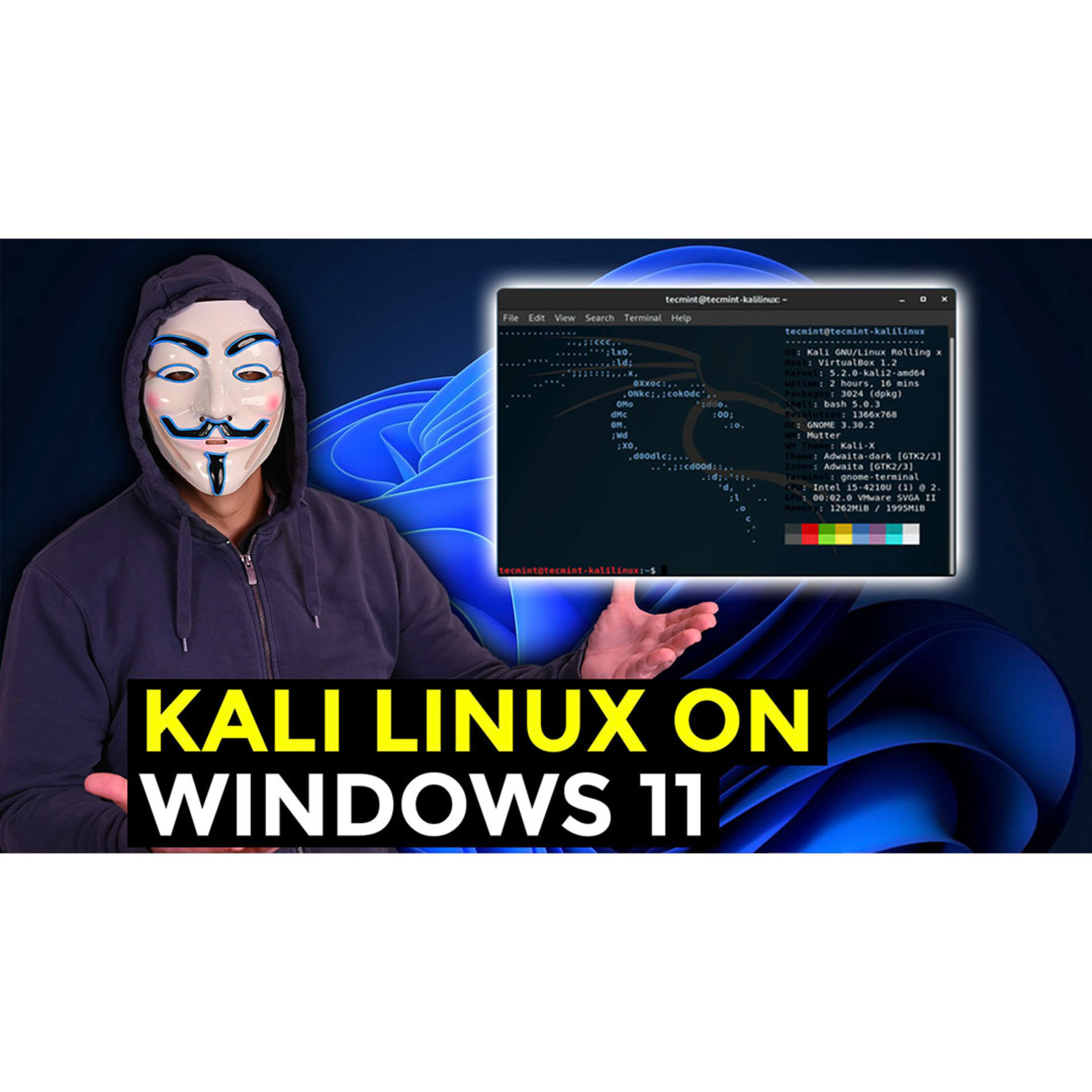
#357: David Bombal: Kali Linux Windows 11 App With GUI And Sound // Updated Simple Steps For 2022
Description
It's now easier than ever to install Kali Linux on Windows 11 using WSL2.
// MENU //
0:00 ▶️ Introduction
1:27 ▶️ WSL installation
3:42 ▶️ Ubuntu installation
4:17 ▶️ Install Kali Linux
5:35 ▶️ Install Kali Linux GUI using Win-Kex
7:15 ▶️ Start WSL2 Kali Linux GUI
// COMMANDS //
In Windows Powershell:
wsl --install
In Kali WSL:
sudo apt update
sudo apt install -y kali-win-kex
kex --win -s
// DOCUMENTATION //
Download link:https://www.microsoft.com/en-us/p/kal...
Kali WSL Documentation: https://www.kali.org/docs/wsl/
// SOCIAL //
Discord: https://discord.com/invite/usKSyzb
Twitter: https://www.twitter.com/davidbombal
Instagram: https://www.instagram.com/davidbombal
LinkedIn: https://www.linkedin.com/in/davidbombal
Facebook: https://www.facebook.com/davidbombal.co
TikTok: http://tiktok.com/@davidbombal
YouTube: https://www.youtube.com/davidbombal
// MY STUFF //
Monitor: https://amzn.to/3yyF74Y
More stuff: https://www.amazon.com/shop/davidbombal
// SPONSORS //
Interested in sponsoring my videos? Reach out to my team here: sponsors@davidbombal.com
Disclaimer: This video is for educational purposes only. I own all equipment used for this demonstration. No actual attack took place on any websites. Only use the tools demonstrated in this video on networks you have permission to attack.
Please note that links listed may be affiliate links and provide me with a small percentage/kickback should you use them to purchase any of the items listed or recommended. Thank you for supporting me and this channel!