Episode Details
Back to Episodes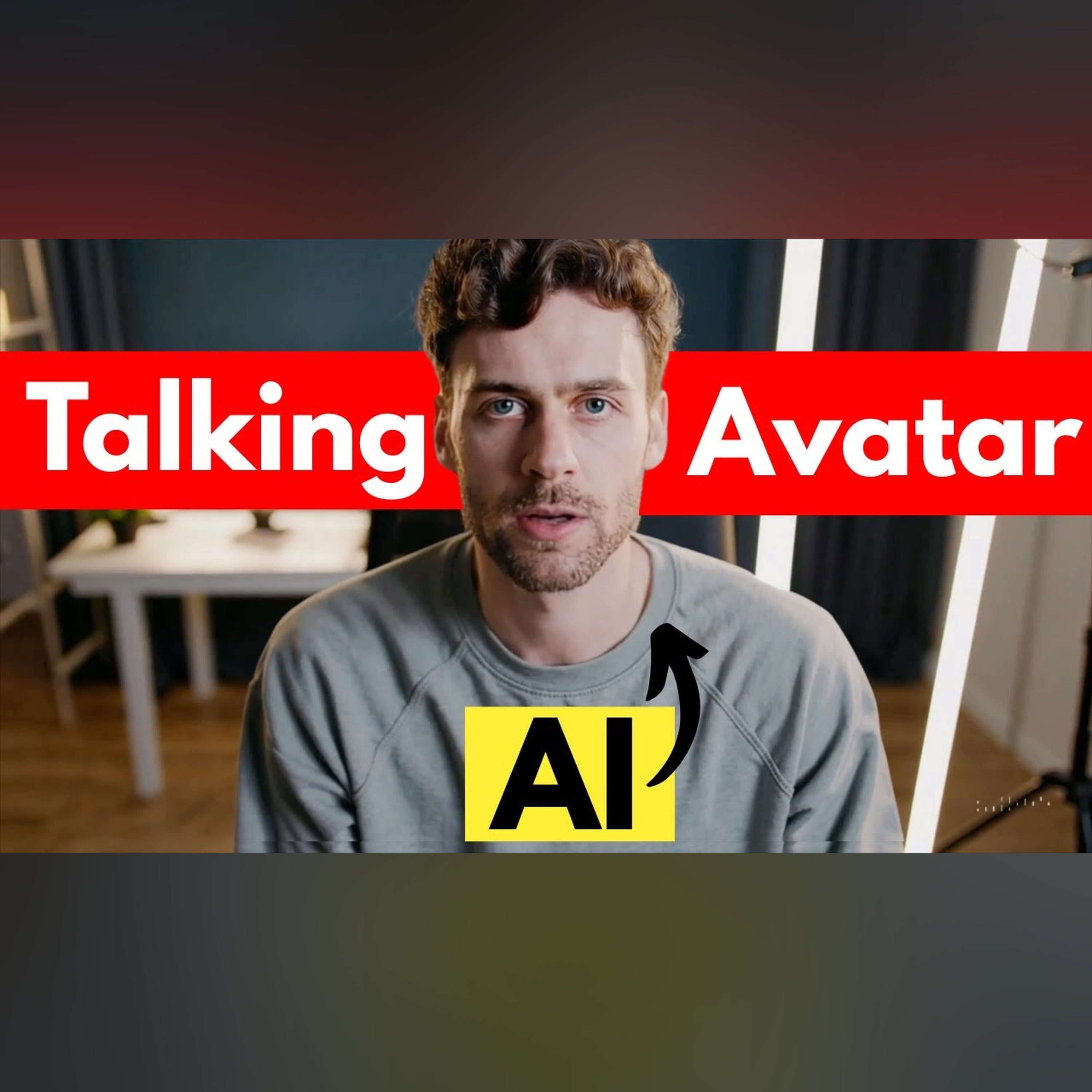
How to Create a Talking AI Avatar (Free Method)
Description
So this is actually an AI avatar. And you can make something just like this, completely for free and USE it to create a fully automated YouTube channel. And in this video I'mm show you exactly how to do that.
🎯 Links Mentioned:
https://leonardo.ai/
https://hailuoai.video/
https://dreamfaceapp.com/
🎯 DIY Prompt:
Help me write a text-to-image prompt for a realistic AI avatar that looks like the person in this image [give it one to three images]
🎯 Copy and Paste Prompt for Your AI Avatar (Just Edit the Details):
A realistic portrait of a [young/middle-aged/older] [man/woman/nonbinary person], age [enter age], with [skin tone] skin, [hair color] [hairstyle], wearing [clothing style, e.g. casual hoodie or professional blazer], with [eye color] eyes, looking confidently at the camera. The background shows a [type of room or setting, e.g. modern home office or clean minimalist workspace]. The lighting is soft and cinematic. The avatar should look friendly, professional, and expressive, suitable for talking video content.
Learn more about your ad choices. Visit megaphone.fm/adchoices