Episode Details
Back to Episodes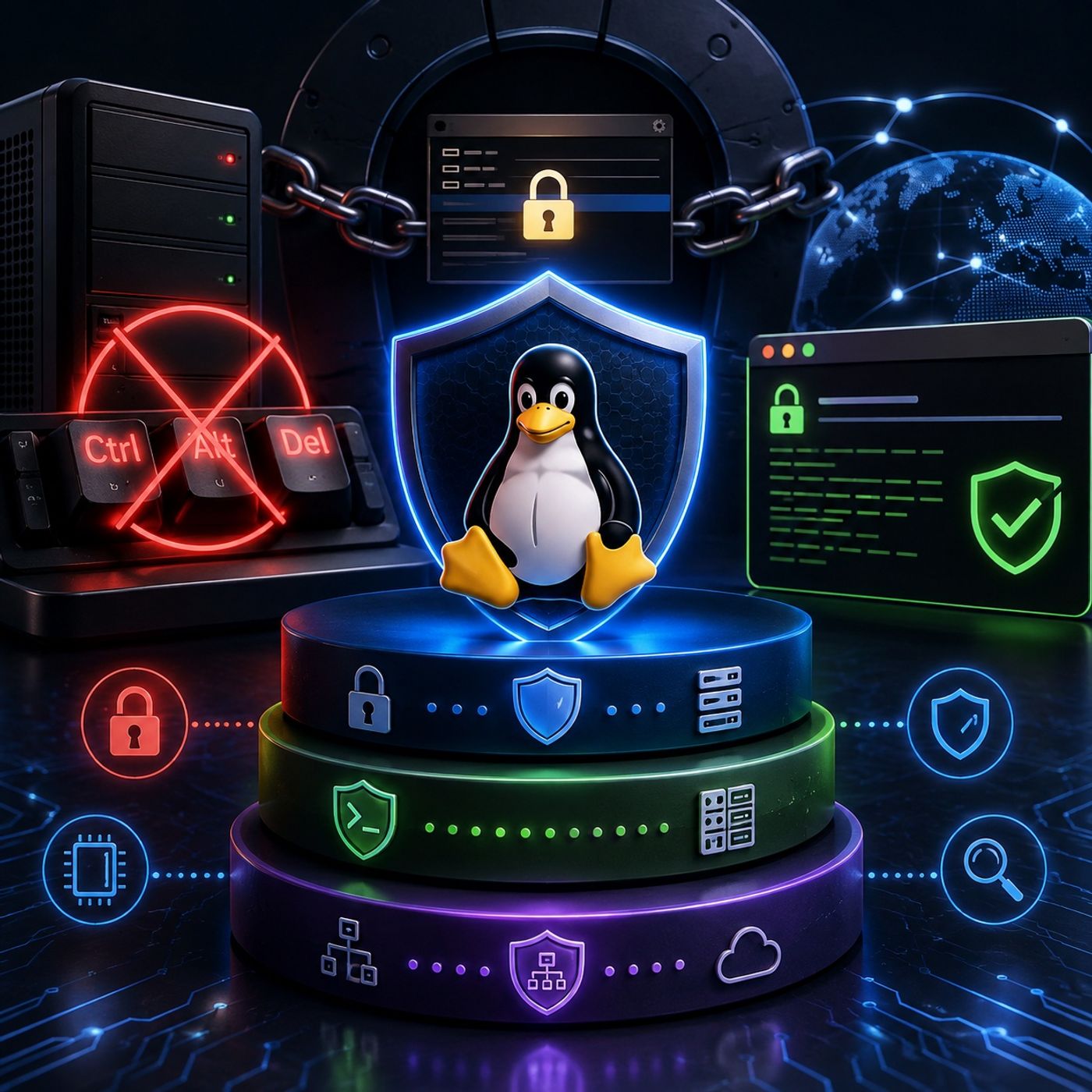
Course 44 - RH Security Specialist | Episode 8: Console Security and SSH Banners
Published 1 month ago
Description
This episode explores essential Linux system-hardening techniques designed to protect both physical console access and remote administration interfaces.The lesson focuses on three practical security controls: disabling the Ctrl+Alt+Del reboot mechanism, protecting the GRUB bootloader with authentication, and configuring pre-login SSH warning banners.Together, these measures demonstrate how Linux security extends beyond file permissions and network controls. A properly hardened system must also account for physical access, boot-time manipulation, administrative boundaries, and legal access notifications.1. Protecting the Console from Unauthorized RebootsPhysical access to a server can provide an attacker with opportunities that are unavailable through normal remote access.One simple example is the Ctrl+Alt+Del keyboard sequence, which can trigger a system reboot when configured to do so.The episode demonstrates how administrators can disable this behavior to prevent unauthorized users from rebooting a server directly from the console.2. Managing Ctrl+Alt+Del Across Linux VersionsThe configuration required to disable the reboot shortcut varies depending on the Linux release and initialization system.The episode examines several approaches used across Red Hat and CentOS environments, including:
- Legacy Upstart-based configurations
- Override configuration files
- Modern systemd behavior
- systemd masking
- Graphical desktop environments
- Normal system booting
- Editing or modifying bootloader configuration