Episode Details
Back to Episodes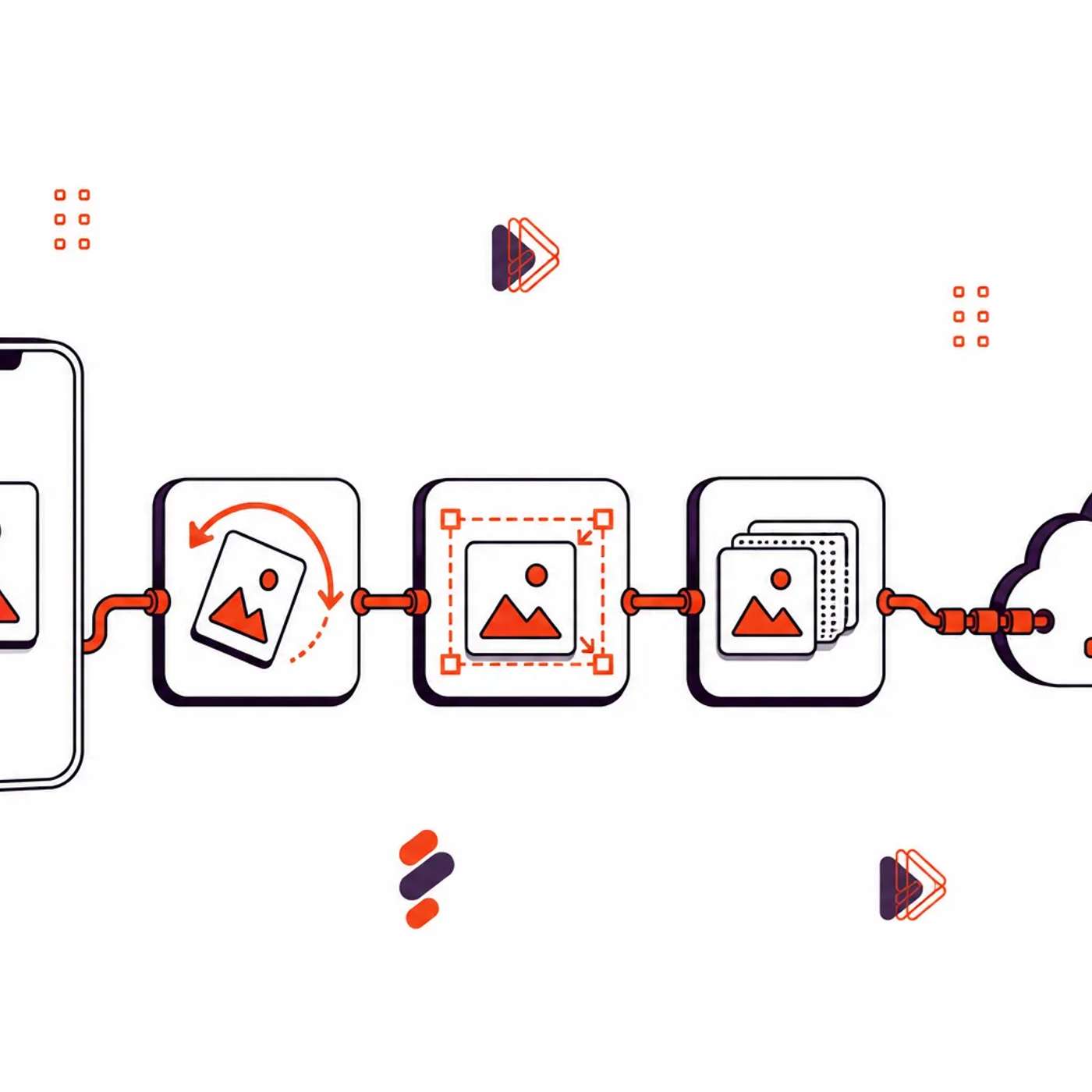
Uploading JPG Files on Mobile with Orientation, Size, and Format Traps: A Quick Guide
Description
This story was originally published on HackerNoon at: https://hackernoon.com/uploading-jpg-files-on-mobile-with-orientation-size-and-format-traps-a-quick-guide.
This article looks at each problem separately and then shows how to handle all of them in one step.
Check more stories related to undefined at: https://hackernoon.com/c/undefined.
You can also check exclusive content about #filestack, #file-upload, #jpg, #mobile, #image-processing, #image-editing, #jpg-upload, #good-company, and more.
This story was written by: @filestack. Learn more about this writer by checking @filestack's about page,
and for more stories, please visit hackernoon.com.
Mobile photo uploads can fail due to three common problems: sideways photos, oversized camera files, and HEIC files masquerading as JPGs. These issues can be fixed by handling EXIF orientation, resizing images to the display target, and checking the byte signature to ensure the file is actually a JPG.