Episode Details

Back to Episodes
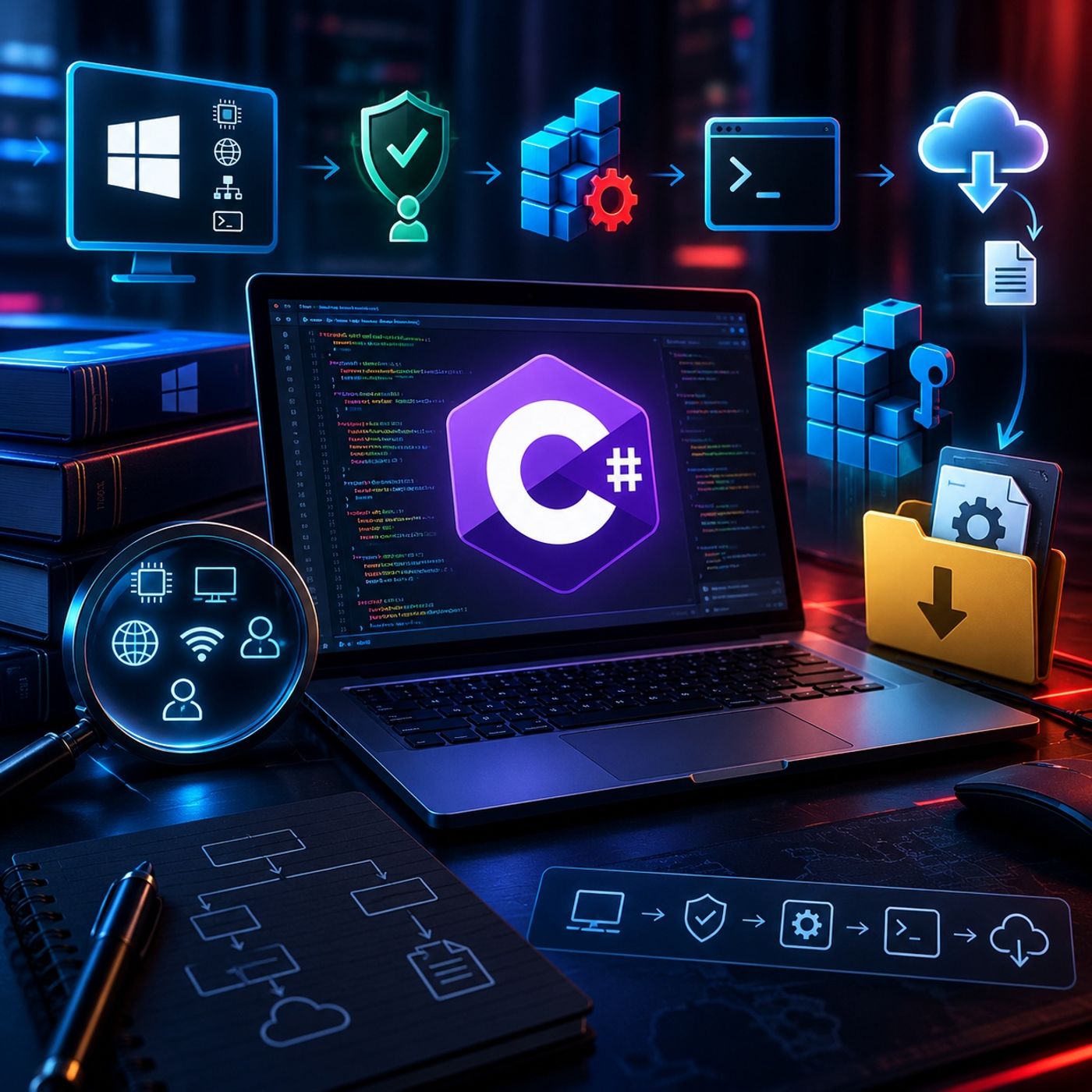
Course 43 - Practical Malware Development | Episode 3: Recon, Registry Persistence, and Web Downloading

Course 43 - Practical Malware Development | Episode 3: Recon, Registry Persistence, and Web Downloading

Published 1 month, 2 weeks ago
Description
This episode introduces the core concepts behind offensive C# development for authorized penetration testing and red-team environments. The walkthrough follows a simplified offensive-tool lifecycle, beginning with host reconnaissance and progressing through persistence mechanisms and dynamic retrieval of additional components.The focus is on understanding how C# can interact directly with the Windows operating system and its APIs.1. Host Reconnaissance and System InformationThe episode begins with local reconnaissance using built-in C# functionality.The application demonstrates how to collect information such as:
  • Operating system details
  • Computer and host name
  • Current working directory
  • Process identifier
  • Network configuration
  • IPv4 address
  • Current user's security context
The Environment and Process classes provide convenient interfaces for retrieving system and process information.The episode also introduces:
  • WindowsIdentity
  • WindowsPrincipal
These classes can be used to determine whether the current process is operating with administrator-level privileges, an important consideration when assessing what actions a security tool can perform.2. Understanding Windows PersistenceThe next section examines Windows persistence from a defensive and red-team perspective.The example demonstrates how an application can interact with Windows Registry locations associated with startup execution. The application creates or modifies a registry value that references its executable, allowing the program to launch automatically when the relevant user session starts.The workflow covers:
  • Opening registry locations with appropriate permissions
  • Creating or modifying registry values
  • Associating a value with an executable path
  • Properly releasing registry resources
  • Verifying startup entries through Windows administrative interfaces
This section illustrates why registry-based persistence is an important artifact for defenders to monitor during endpoint investigations.3. Command ParsingThe episode then introduces a basic command-processing mechanism.The application receives a command and separates the command keyword from its associated argument. For example, a conceptual command such as:download can be parsed into:
  • The requested operation
  • The supplied resource or argument
This provides a foundation for applications that need to interpret structured input and execute different functionality based on the received command.4. Dynamic File RetrievalThe final technical component demonstrates how a C# application can retrieve a remote file using the WebClient class.The workflow covers:
  • Receiving a resource location
  • Parsing the supplied URL
  • Determining the remote file name
  • Constructing a local destination
  • Saving the retrieved file in the user's temporary directory
The example uses the Windows temporary-data location under:AppData\Local\TempThe concept is particularly relevant to malware analysis because legitimate applications and malicious programs can both download secondary resources dynamically. Security analysts should therefore treat unexpected network downloads and newly created executable files as potentially important investigation artifacts.5. Offensive Tool LifecycleThe episode brings these concepts together into a simplified lifecycle:Host Reconnaissance → Privilege Assessment → Persistence → Command Processing → Resource RetrievalEach stage demonstrates a different aspect of Windows interaction through C#.From a defensive perspective, the same workflow can be used to identify useful detection opportunities, including:
Listen Now

Love PodBriefly?

If you like Podbriefly.com, please consider donating to support the ongoing development.

Support Us