Episode Details
Back to Episodes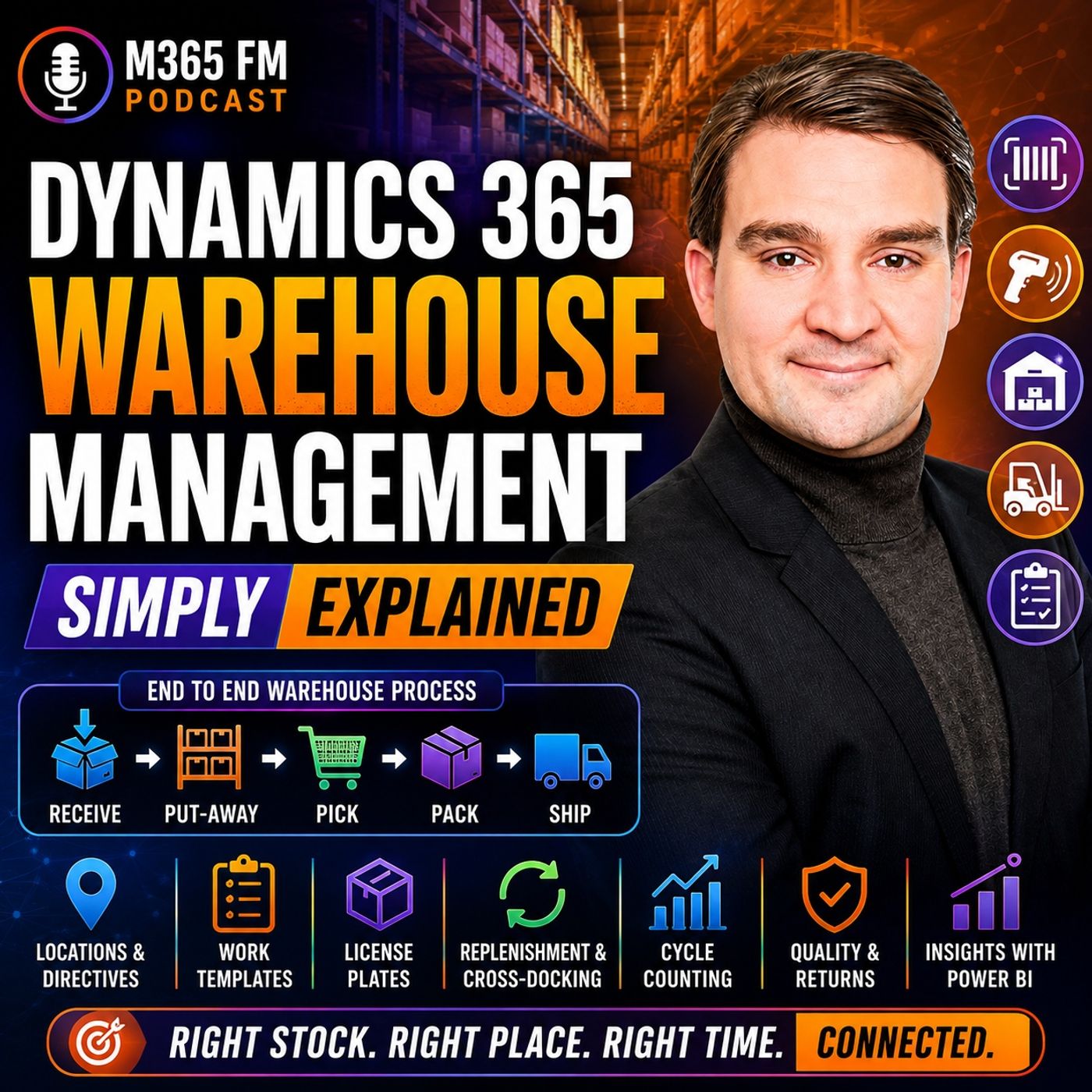
Dynamics 365 Warehouse Management - Simply Explained
Season 3
Published 2 months, 1 week ago
Description
Dynamics 365 Warehouse Management turns inventory records into guided physical work on the warehouse floor. Knowing that 200 units exist is only the beginning. Warehouse teams need to know exactly where those units are stored, whether they are available, which customer orders they belong to, and what workers should do with them next. In this episode of M365 FM, Mirko Peters explains how Dynamics 365 Warehouse Management connects receiving, put-away, storage, replenishment, picking, packing, shipping, cycle counting, returns, quality management, barcode scanning, and warehouse automation with the wider Dynamics 365 Supply Chain Management platform.
WHAT IS DYNAMICS 365 WAREHOUSE MANAGEMENT?
Dynamics 365 Warehouse Management focuses on the physical work taking place inside a warehouse. It guides employees through receiving deliveries, moving products into storage, replenishing picking locations, picking customer orders, packing shipments, and preparing goods for dispatch. Each completed warehouse action can update the same connected business system used by purchasing, sales, production, inventory, quality, transportation, and finance. Instead of relying on paper lists or recording movements later, warehouse employees can confirm activities while they happen using mobile devices and barcode scans.
INVENTORY MANAGEMENT VS WAREHOUSE MANAGEMENT
Inventory Management and Warehouse Management solve related but different problems. Inventory Management answers questions such as: How much inventory does the company have? What is it worth? Is it available? Warehouse Management focuses on questions such as: Where exactly is that inventory, and what should a warehouse worker do with it next? Knowing that 200 boxes exist in Warehouse A isn't enough for efficient warehouse operations. Employees need to know that 80 are in one rack, 60 are in bulk storage, 20 are near packing, and another quantity is already reserved. Inventory Management provides the stock record. Warehouse Management converts that information into physical work.
SITES, WAREHOUSES AND LOCATIONS
Dynamics 365 needs a digital representation of the physical warehouse environment. A site can represent a broader business location such as a factory campus or distribution center. A site can contain one or more warehouses. Inside those warehouses are individual locations representing receiving docks, racks, shelves, bins, packing stations, staging areas, and quarantine areas. This hierarchy gives inventory a precise digital location rather than simply recording that the product exists somewhere inside a building.
BATCH AND SERIAL NUMBER TRACKING
Warehouse Management can maintain additional information about individual products. Batch numbers identify groups of products from the same production run or delivery. This becomes particularly important for food, pharmaceuticals, chemicals, and other products requiring traceability. Serial numbers identify individual units. Machines, laptops, and high-value components can therefore maintain their individual identities as they move through the warehouse and eventually reach customers. This creates a traceable history that can become valuable for returns, quality problems, servicing, and recalls.
LICENSE PLATES EXPLAINED
A warehouse license plate isn't a vehicle registration. In Dynamics 365, a license plate provides a unique identifier for a pallet, carton, tote, or another container. Think of it like a luggage tag. Scanning the identifier tells Dynamics which container the worker is handling and what that container contains. Instead of scanning every individual box on a pallet repeatedly, employees can work with the license plate representing the complete pallet when the underlying inventory record is accurate.
RECEIVING INBOUND GOODS
Warehouse activity frequently begins with a purchase order. The purchase order tells the organization which products
WHAT IS DYNAMICS 365 WAREHOUSE MANAGEMENT?
Dynamics 365 Warehouse Management focuses on the physical work taking place inside a warehouse. It guides employees through receiving deliveries, moving products into storage, replenishing picking locations, picking customer orders, packing shipments, and preparing goods for dispatch. Each completed warehouse action can update the same connected business system used by purchasing, sales, production, inventory, quality, transportation, and finance. Instead of relying on paper lists or recording movements later, warehouse employees can confirm activities while they happen using mobile devices and barcode scans.
INVENTORY MANAGEMENT VS WAREHOUSE MANAGEMENT
Inventory Management and Warehouse Management solve related but different problems. Inventory Management answers questions such as: How much inventory does the company have? What is it worth? Is it available? Warehouse Management focuses on questions such as: Where exactly is that inventory, and what should a warehouse worker do with it next? Knowing that 200 boxes exist in Warehouse A isn't enough for efficient warehouse operations. Employees need to know that 80 are in one rack, 60 are in bulk storage, 20 are near packing, and another quantity is already reserved. Inventory Management provides the stock record. Warehouse Management converts that information into physical work.
SITES, WAREHOUSES AND LOCATIONS
Dynamics 365 needs a digital representation of the physical warehouse environment. A site can represent a broader business location such as a factory campus or distribution center. A site can contain one or more warehouses. Inside those warehouses are individual locations representing receiving docks, racks, shelves, bins, packing stations, staging areas, and quarantine areas. This hierarchy gives inventory a precise digital location rather than simply recording that the product exists somewhere inside a building.
BATCH AND SERIAL NUMBER TRACKING
Warehouse Management can maintain additional information about individual products. Batch numbers identify groups of products from the same production run or delivery. This becomes particularly important for food, pharmaceuticals, chemicals, and other products requiring traceability. Serial numbers identify individual units. Machines, laptops, and high-value components can therefore maintain their individual identities as they move through the warehouse and eventually reach customers. This creates a traceable history that can become valuable for returns, quality problems, servicing, and recalls.
LICENSE PLATES EXPLAINED
A warehouse license plate isn't a vehicle registration. In Dynamics 365, a license plate provides a unique identifier for a pallet, carton, tote, or another container. Think of it like a luggage tag. Scanning the identifier tells Dynamics which container the worker is handling and what that container contains. Instead of scanning every individual box on a pallet repeatedly, employees can work with the license plate representing the complete pallet when the underlying inventory record is accurate.
RECEIVING INBOUND GOODS
Warehouse activity frequently begins with a purchase order. The purchase order tells the organization which products