Episode Details
Back to Episodes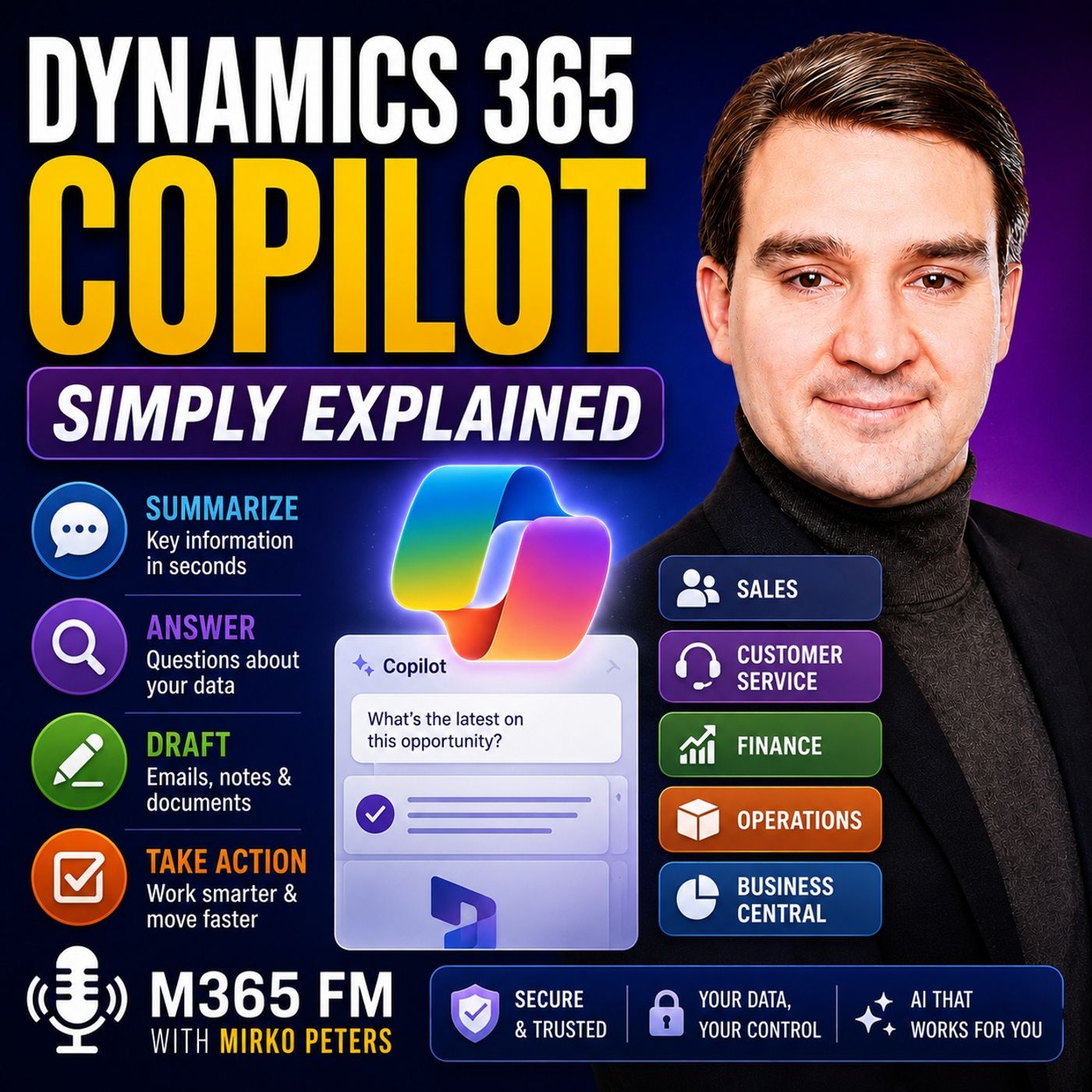
Dynamics 365 Copilot - Simply Explained
Season 3
Published 2 months, 1 week ago
Description
Dynamics 365 Copilot brings AI directly into the business processes and records people already use across Dynamics 365. Instead of spending time searching through customer histories, sales opportunities, support cases, invoices, orders, emails, and reports, Copilot can summarize information, answer questions, prepare drafts, and help users determine what to do next. In this episode of M365 FM, Mirko Peters explains how Dynamics 365 Copilot works across sales, customer service, finance, operations, and Business Central — and why human approval remains essential when AI becomes part of business processes.
ㅤ
WHAT IS DYNAMICS 365 COPILOT?
ㅤ
Dynamics 365 Copilot is a collection of AI capabilities integrated into Dynamics 365 applications. Rather than replacing Dynamics 365, Copilot works with the business information users already have permission to access.
Dynamics 365 remains the system containing business records such as customers, opportunities, cases, invoices, orders, inventory, and suppliers. Copilot helps users understand and work with that information faster.
ㅤ
HOW DYNAMICS 365 COPILOT WORKS
ㅤ
Much of Copilot's everyday assistance falls into three areas: summarizing information, answering questions about business data, and preparing drafts or proposed actions.
A Dynamics 365 record can contain months of activities, notes, emails, meetings, changes, and other information. Copilot can summarize that history into a more manageable overview. Users can also ask questions using natural language rather than navigating through multiple screens and reports to locate information.
ㅤ
DYNAMICS 365 COPILOT VS MICROSOFT 365 COPILOT
ㅤ
Dynamics 365 Copilot and Microsoft 365 Copilot serve related but different purposes. Dynamics 365 Copilot operates close to business processes and records inside Dynamics 365 applications.
Microsoft 365 Copilot operates primarily across productivity applications such as Outlook, Teams, Word, and Excel. The two can work together, bringing business context into everyday communication, meetings, and document workflows.
ㅤ
COPILOT VS AI AGENTS
ㅤ
Copilot generally helps users understand information, ask questions, prepare drafts, and make decisions. AI agents can go further by performing defined pieces of work according to rules established by the organization.
Agents can support repeatable processes such as researching leads, preparing records, processing incoming information, or handling routine workflow steps. However, these agents still require clear boundaries, permissions, and human oversight.
ㅤ
COPILOT IN DYNAMICS 365 SALES
ㅤ
Dynamics 365 Sales Copilot can help sellers prepare for customer conversations by summarizing leads, accounts, opportunities, recent activities, and other relevant information.
Before a meeting, sellers can quickly understand what changed with an opportunity, review previous interactions, and identify information requiring attention. Copilot can also summarize email conversations and prepare draft responses, reducing the time required to reconstruct customer context manually.
ㅤ
AI AGENTS FOR SALES
ㅤ
Dynamics 365 can extend sales assistance through task-focused agents covering areas such as lead qualification, opportunity research, and sales closing activities.
For example, a qualification agent can research an incoming lead, collect relevant information, and help determine whether the prospect fits the organization's sales criteria. These capabilities can reduce repetitive work while allowing sellers to concentrate on higher-value customer conversations.
ㅤ
COPILOT IN DYNAMICS 365 CUSTOMER SERVICE
ㅤ
Customer service teams frequently work with cases containing long histories of emails, conversations, activities, and previous actions. Copilot can summarize this information so an agent taking over a case can quickly unders
ㅤ
WHAT IS DYNAMICS 365 COPILOT?
ㅤ
Dynamics 365 Copilot is a collection of AI capabilities integrated into Dynamics 365 applications. Rather than replacing Dynamics 365, Copilot works with the business information users already have permission to access.
Dynamics 365 remains the system containing business records such as customers, opportunities, cases, invoices, orders, inventory, and suppliers. Copilot helps users understand and work with that information faster.
ㅤ
HOW DYNAMICS 365 COPILOT WORKS
ㅤ
Much of Copilot's everyday assistance falls into three areas: summarizing information, answering questions about business data, and preparing drafts or proposed actions.
A Dynamics 365 record can contain months of activities, notes, emails, meetings, changes, and other information. Copilot can summarize that history into a more manageable overview. Users can also ask questions using natural language rather than navigating through multiple screens and reports to locate information.
ㅤ
DYNAMICS 365 COPILOT VS MICROSOFT 365 COPILOT
ㅤ
Dynamics 365 Copilot and Microsoft 365 Copilot serve related but different purposes. Dynamics 365 Copilot operates close to business processes and records inside Dynamics 365 applications.
Microsoft 365 Copilot operates primarily across productivity applications such as Outlook, Teams, Word, and Excel. The two can work together, bringing business context into everyday communication, meetings, and document workflows.
ㅤ
COPILOT VS AI AGENTS
ㅤ
Copilot generally helps users understand information, ask questions, prepare drafts, and make decisions. AI agents can go further by performing defined pieces of work according to rules established by the organization.
Agents can support repeatable processes such as researching leads, preparing records, processing incoming information, or handling routine workflow steps. However, these agents still require clear boundaries, permissions, and human oversight.
ㅤ
COPILOT IN DYNAMICS 365 SALES
ㅤ
Dynamics 365 Sales Copilot can help sellers prepare for customer conversations by summarizing leads, accounts, opportunities, recent activities, and other relevant information.
Before a meeting, sellers can quickly understand what changed with an opportunity, review previous interactions, and identify information requiring attention. Copilot can also summarize email conversations and prepare draft responses, reducing the time required to reconstruct customer context manually.
ㅤ
AI AGENTS FOR SALES
ㅤ
Dynamics 365 can extend sales assistance through task-focused agents covering areas such as lead qualification, opportunity research, and sales closing activities.
For example, a qualification agent can research an incoming lead, collect relevant information, and help determine whether the prospect fits the organization's sales criteria. These capabilities can reduce repetitive work while allowing sellers to concentrate on higher-value customer conversations.
ㅤ
COPILOT IN DYNAMICS 365 CUSTOMER SERVICE
ㅤ
Customer service teams frequently work with cases containing long histories of emails, conversations, activities, and previous actions. Copilot can summarize this information so an agent taking over a case can quickly unders