Episode Details
Back to Episodes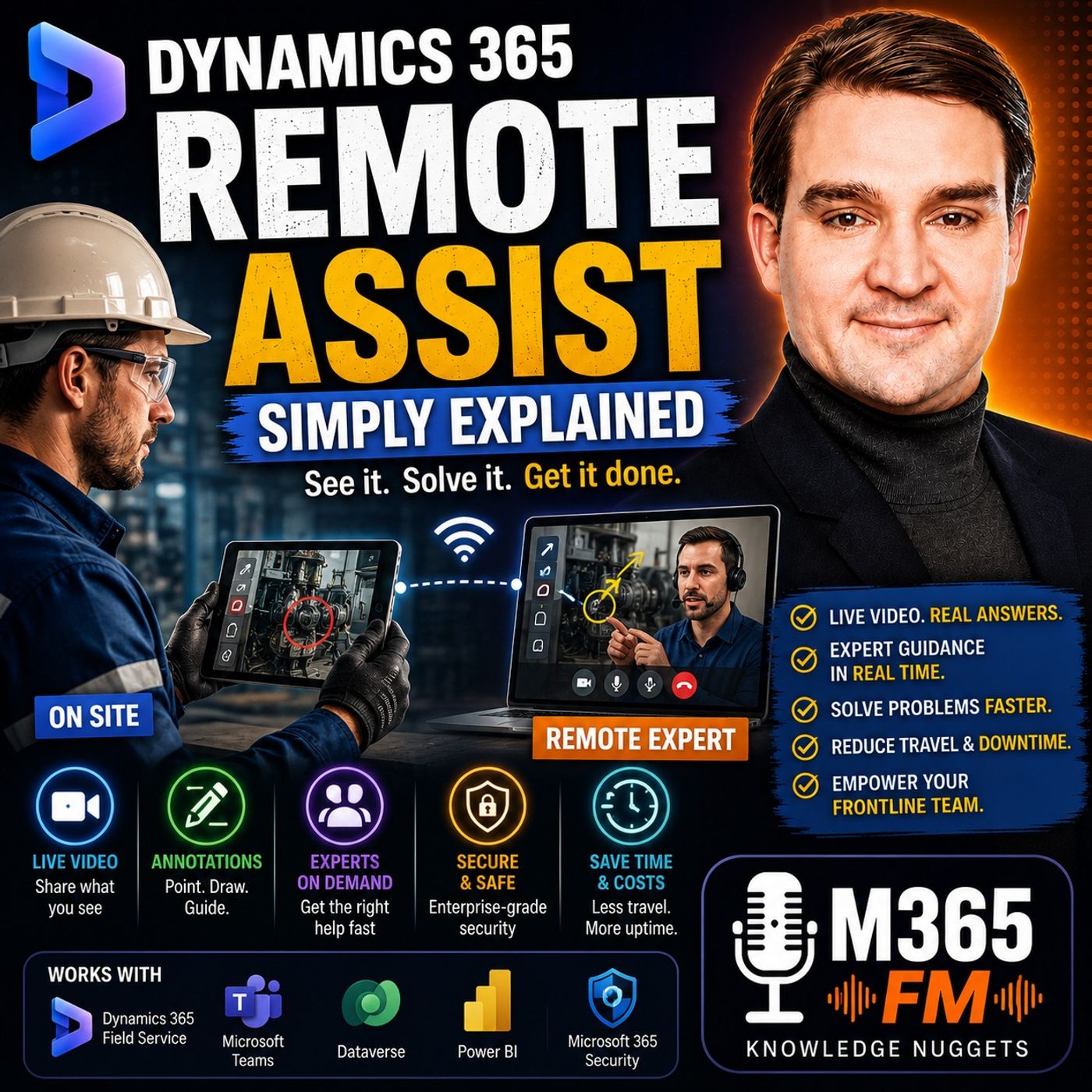
Dynamics 365 Remote Assist - Simply Explained
Season 3
Published 2 months, 2 weeks ago
Description
A machine stops in the middle of a shift. The technician standing beside it can see the problem, but the person with the deepest knowledge of that machine may be hundreds or thousands of kilometers away. Traditionally, solving that problem could involve telephone calls, photographs, emails, unclear descriptions, repeated questions, or eventually sending a specialist to the site. The challenge is not necessarily that expertise does not exist. The challenge is getting that expertise to the place where the work is happening. In this episode of Microsoft Knowledge Nuggets on M365 FM, Mirko Peters explains Microsoft Dynamics 365 Remote Assist in plain English and explores how frontline workers can connect with remote experts through live video, visual guidance, Microsoft Teams, mobile devices, mixed reality, and connected Dynamics 365 processes. We look at how Remote Assist supports field service, manufacturing, maintenance, inspections, troubleshooting, training, remote collaboration, Microsoft Teams, Dynamics 365 Field Service, Microsoft 365 identity and security, and mixed reality scenarios. The central idea is simple: instead of trying to describe a physical problem to someone who cannot see it, let the expert see what the frontline worker sees.
THE PROBLEM WITH REMOTE TECHNICAL SUPPORT
Many frontline jobs happen far away from a desk. Maintenance employees work beside production equipment. Field technicians visit customer locations. Inspectors examine physical components. Engineers install machinery. Service teams troubleshoot equipment in warehouses, factories, offices, hospitals, or other facilities. When something unexpected happens, the employee on site can see the problem directly. They might hear an unusual sound. They might notice a loose cable. A warning light might appear. A component may not fit correctly. The difficulty begins when the employee needs help from someone who is somewhere else. The remote expert cannot initially see any of those details. The technician has to translate a physical situation into words. That translation creates opportunities for misunderstanding.
WHY PHONE SUPPORT HAS LIMITATIONS
Imagine calling an expert and saying: "There's something wrong with the connector at the back." The sentence makes perfect sense to the technician standing beside the machine. But the remote expert immediately has several questions. Which connector? Which side of the machine? What is connected to it? What does the surrounding equipment look like? Is there visible damage? Is another component positioned incorrectly? The technician describes the situation. The expert tries to reconstruct the machine mentally. Both people may eventually understand each other, but valuable time can disappear simply establishing which physical object they are discussing. Dynamics 365 Remote Assist was designed to reduce that gap by creating a shared visual context.
PHOTOS ARE USEFUL BUT STATIC
Photographs improve remote support because the expert can finally see something. But a photograph represents one moment from one angle. The expert might reply: "Can you send another picture from the side?" The technician takes another photograph. Then the expert needs a close-up. Another photograph. Then they need to understand where that component sits relative to another part. Another photograph. Meanwhile, the technician may have moved, removed another panel, or discovered a different problem. Live video changes this interaction because the expert can ask the technician to move the camera immediately. Instead of exchanging snapshots of the problem, both people can explore the physical environment together.
WHAT IS DYNAMICS 365 REMOTE ASSIST?
Dynamics 365 Remote Assist is a Microsoft application designed to connect a frontline worker with a remote expert while keeping the conversation focused on the physical work being performed. The worker can share live video of the equipment, e
THE PROBLEM WITH REMOTE TECHNICAL SUPPORT
Many frontline jobs happen far away from a desk. Maintenance employees work beside production equipment. Field technicians visit customer locations. Inspectors examine physical components. Engineers install machinery. Service teams troubleshoot equipment in warehouses, factories, offices, hospitals, or other facilities. When something unexpected happens, the employee on site can see the problem directly. They might hear an unusual sound. They might notice a loose cable. A warning light might appear. A component may not fit correctly. The difficulty begins when the employee needs help from someone who is somewhere else. The remote expert cannot initially see any of those details. The technician has to translate a physical situation into words. That translation creates opportunities for misunderstanding.
WHY PHONE SUPPORT HAS LIMITATIONS
Imagine calling an expert and saying: "There's something wrong with the connector at the back." The sentence makes perfect sense to the technician standing beside the machine. But the remote expert immediately has several questions. Which connector? Which side of the machine? What is connected to it? What does the surrounding equipment look like? Is there visible damage? Is another component positioned incorrectly? The technician describes the situation. The expert tries to reconstruct the machine mentally. Both people may eventually understand each other, but valuable time can disappear simply establishing which physical object they are discussing. Dynamics 365 Remote Assist was designed to reduce that gap by creating a shared visual context.
PHOTOS ARE USEFUL BUT STATIC
Photographs improve remote support because the expert can finally see something. But a photograph represents one moment from one angle. The expert might reply: "Can you send another picture from the side?" The technician takes another photograph. Then the expert needs a close-up. Another photograph. Then they need to understand where that component sits relative to another part. Another photograph. Meanwhile, the technician may have moved, removed another panel, or discovered a different problem. Live video changes this interaction because the expert can ask the technician to move the camera immediately. Instead of exchanging snapshots of the problem, both people can explore the physical environment together.
WHAT IS DYNAMICS 365 REMOTE ASSIST?
Dynamics 365 Remote Assist is a Microsoft application designed to connect a frontline worker with a remote expert while keeping the conversation focused on the physical work being performed. The worker can share live video of the equipment, e