Episode Details
Back to Episodes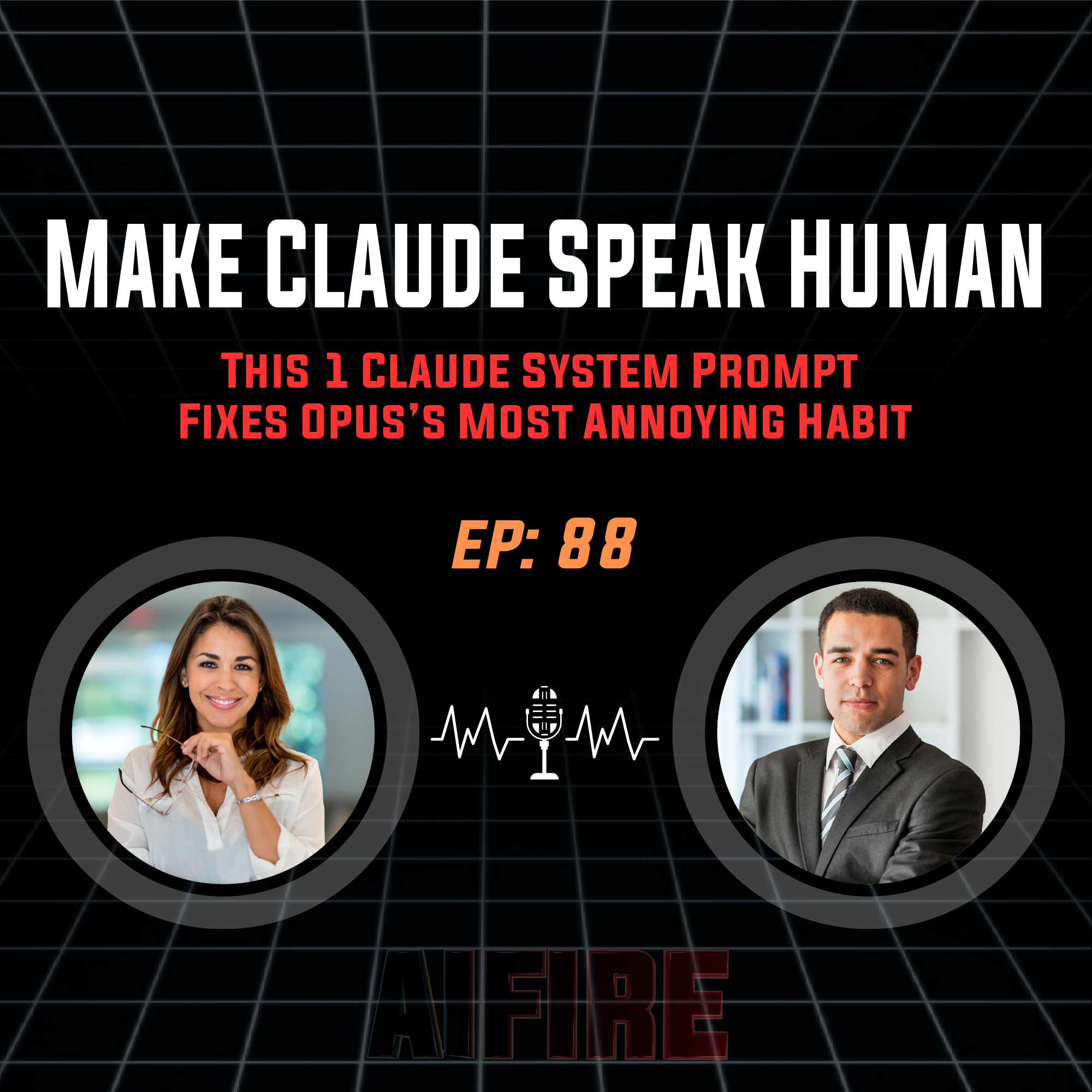
#88 Robin: Make Claude Speak Human - The ELI5 Output Style
Description
Ever ask your AI a simple business question and get back a wall of text that requires a PhD to decode? The default voice of frontier models like Opus 5 is densely technical, prioritizing jargon over clarity. But what if you could change its baseline personality before it even generates a single word?
In this episode, we tackle the "Jargon vs. Length" problem inside Claude Code. We’ll show you how to implement a custom ELI5 (Explain Like I'm 5) output style using Simplified Technical English (ASD-STE100) to force plain-language answers. Then, we’ll dive into why you shouldn't hardcode "be concise" into your system prompt—and how to use on-demand skills instead.
We’ll talk about:
- The Jargon vs. Wall-of-Text Split: Why these are two different problems requiring two different solutions.
- The ELI5 System Prompt: How to alter Claude's output style so it leads with the "so what?" instead of the technical specs.
- The /bro Command: A one-word skill that forces the AI to translate its last dense answer into conversational English.
- The "Wait, What?" Reset: How to pull Claude back when it goes down a coding rabbit hole without losing your project context.
- The /quick [N] Compressor: How to keep the value of deep, long-form AI reasoning while extracting exactly 3 (or 5, or 1) bullet points on command.
Keywords: Claude Code, AI Prompting, ELI5, Output Styles, System Prompts, ASD-STE100, AI Jargon, Claude Skills, AI Workflows, LLM Optimization, Tech Translation, Opus 5.
Links:
- Newsletter: Sign up for our FREE daily newsletter.
- Our Community: Get 3-level AI tutorials across industries.
- Join AI Fire Academy: 500+ advanced AI workflows ($14,500+ Value)
Our Socials:
- Facebook Group: Join 297K+ AI builders
- X (Twitter): Follow us for daily AI drops
- YouTube: Watch AI walkthroughs & tutorials