Episode Details
Back to Episodes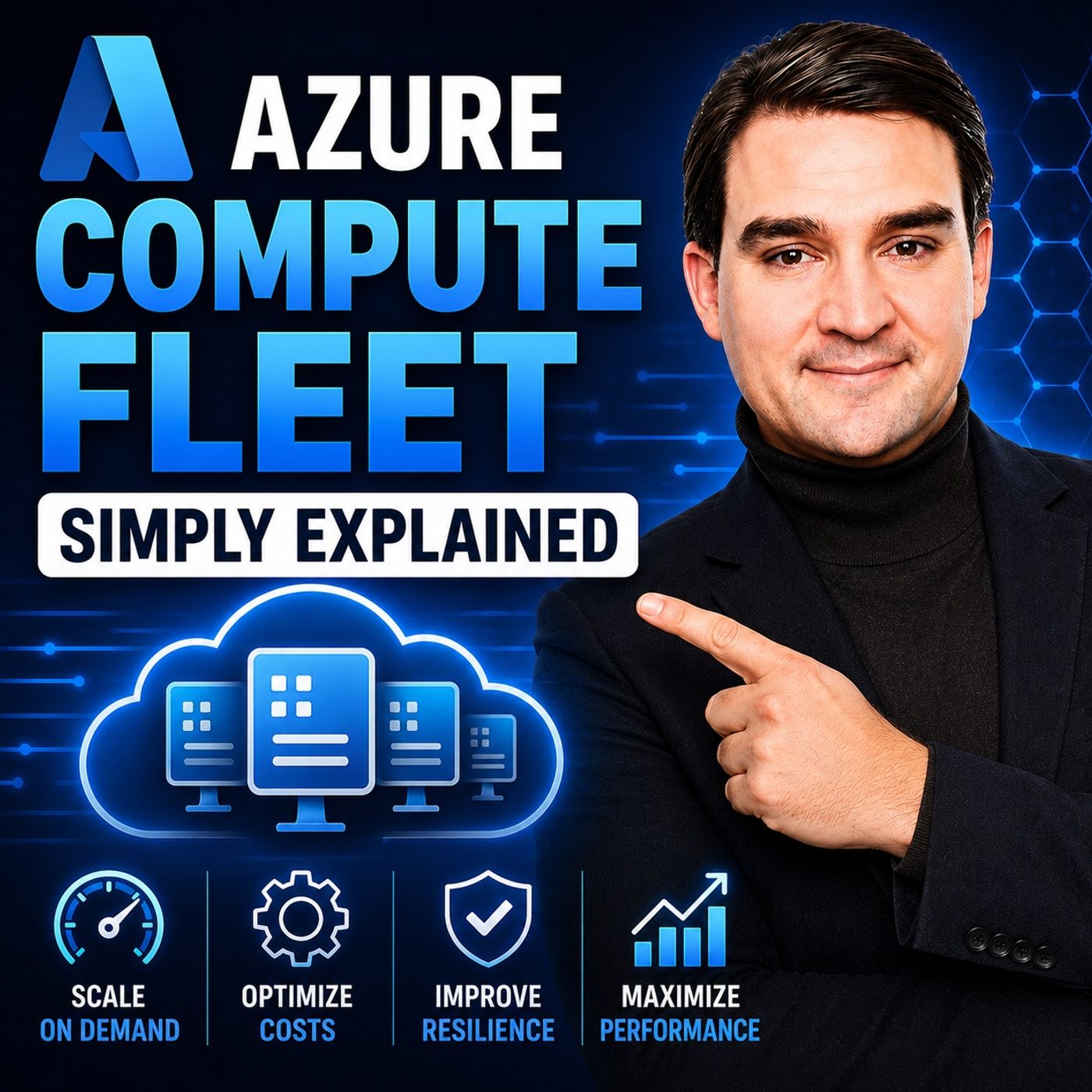
Azure Compute Fleet – Simply Explained
Season 3
Published 2 months, 3 weeks ago
Description
Azure Compute Fleet is designed for a very different scale of compute problem. Creating one virtual machine is straightforward. But when a workload suddenly needs hundreds or thousands of workers, choosing one exact VM size can become a major limitation. The VM size you selected might not have enough capacity in your preferred region. Another size could work, but pricing may be different. Spot VMs can dramatically reduce costs, but Azure can reclaim them. Managing all of those options manually quickly becomes complicated. Azure Compute Fleet changes the question from "How do I get 1,000 identical VMs?" to "How do I get the compute capacity my workload needs using several acceptable options?"
ㅤ
WHAT IS AZURE COMPUTE FLEET?
Azure Compute Fleet is a managed service designed to provide large pools of virtual machine compute capacity. Instead of requesting one specific VM type, you describe the capacity your workload can use, how much you need, where it can run, and whether Azure can use standard on-demand VMs, lower-cost Spot VMs, or a combination of both. Azure then searches across those acceptable options to find available capacity.
ㅤ
WHY FLEXIBILITY MATTERS
A VM SKU represents a particular size and type of virtual machine, including characteristics such as CPU, memory, storage, and processor family. If you request only one SKU, Azure can search only for capacity matching that exact VM type. If that capacity isn't available, the deployment can wait or fail. Compute Fleet allows you to specify multiple acceptable VM sizes. Azure can then distribute workers across different sizes as long as your workload can successfully operate on all of them. At large scale, this flexibility can significantly increase your chances of acquiring the capacity you need.
ㅤ
UP TO 10,000 VMS IN ONE FLEET
Compute Fleet can support up to 10,000 virtual machines in a single deployment. Instead of creating thousands of machines individually or maintaining custom scripts for multiple VM sizes, you create a fleet request. Azure evaluates the capacity choices you've allowed, identifies an appropriate combination, and creates the VM groups that make up the fleet.
ㅤ
WHAT COMPUTE FLEET DOES NOT DO
Compute Fleet solves the capacity problem, not the entire application architecture. You still need to provide the VM image, network configuration, and software that each worker should run. Fleet doesn't know whether your workers are rendering videos, processing financial calculations, running automated tests, or analyzing scientific data. It also doesn't replace load balancers, job queues, durable storage, application logic, or recovery mechanisms. Its role is focused: acquiring and managing large amounts of compute capacity when multiple acceptable options exist.
ㅤ
CHOOSING ACCEPTABLE VM SIZES
The first major design decision is determining which VM sizes your workload can actually use. At fleet scale, the important question isn't necessarily which processor or SKU name you prefer. The better question is what CPU, memory, storage, accelerator, and other resources your workload genuinely requires. If several VM families satisfy those requirements, allowing multiple options gives Azure more capacity to search. However, every option must actually work with your application. Don't include a VM family simply because it's cheaper if your software requires a different processor architecture, driver, storage configuration, or hardware capability.
ㅤ
CAPACITY VS PRICE
The second decision is what Azure should prioritize when selecting compute. Some workloads need to start immediately. An overnight financial calculation, for example, might have to finish before markets open. In that situation, available capacity may matter more than obtaining the absolute lowest price. Other workloads are more flexible. Testing, simulations, backlo
ㅤ
WHAT IS AZURE COMPUTE FLEET?
Azure Compute Fleet is a managed service designed to provide large pools of virtual machine compute capacity. Instead of requesting one specific VM type, you describe the capacity your workload can use, how much you need, where it can run, and whether Azure can use standard on-demand VMs, lower-cost Spot VMs, or a combination of both. Azure then searches across those acceptable options to find available capacity.
ㅤ
WHY FLEXIBILITY MATTERS
A VM SKU represents a particular size and type of virtual machine, including characteristics such as CPU, memory, storage, and processor family. If you request only one SKU, Azure can search only for capacity matching that exact VM type. If that capacity isn't available, the deployment can wait or fail. Compute Fleet allows you to specify multiple acceptable VM sizes. Azure can then distribute workers across different sizes as long as your workload can successfully operate on all of them. At large scale, this flexibility can significantly increase your chances of acquiring the capacity you need.
ㅤ
UP TO 10,000 VMS IN ONE FLEET
Compute Fleet can support up to 10,000 virtual machines in a single deployment. Instead of creating thousands of machines individually or maintaining custom scripts for multiple VM sizes, you create a fleet request. Azure evaluates the capacity choices you've allowed, identifies an appropriate combination, and creates the VM groups that make up the fleet.
ㅤ
WHAT COMPUTE FLEET DOES NOT DO
Compute Fleet solves the capacity problem, not the entire application architecture. You still need to provide the VM image, network configuration, and software that each worker should run. Fleet doesn't know whether your workers are rendering videos, processing financial calculations, running automated tests, or analyzing scientific data. It also doesn't replace load balancers, job queues, durable storage, application logic, or recovery mechanisms. Its role is focused: acquiring and managing large amounts of compute capacity when multiple acceptable options exist.
ㅤ
CHOOSING ACCEPTABLE VM SIZES
The first major design decision is determining which VM sizes your workload can actually use. At fleet scale, the important question isn't necessarily which processor or SKU name you prefer. The better question is what CPU, memory, storage, accelerator, and other resources your workload genuinely requires. If several VM families satisfy those requirements, allowing multiple options gives Azure more capacity to search. However, every option must actually work with your application. Don't include a VM family simply because it's cheaper if your software requires a different processor architecture, driver, storage configuration, or hardware capability.
ㅤ
CAPACITY VS PRICE
The second decision is what Azure should prioritize when selecting compute. Some workloads need to start immediately. An overnight financial calculation, for example, might have to finish before markets open. In that situation, available capacity may matter more than obtaining the absolute lowest price. Other workloads are more flexible. Testing, simulations, backlo