Episode Details
Back to Episodes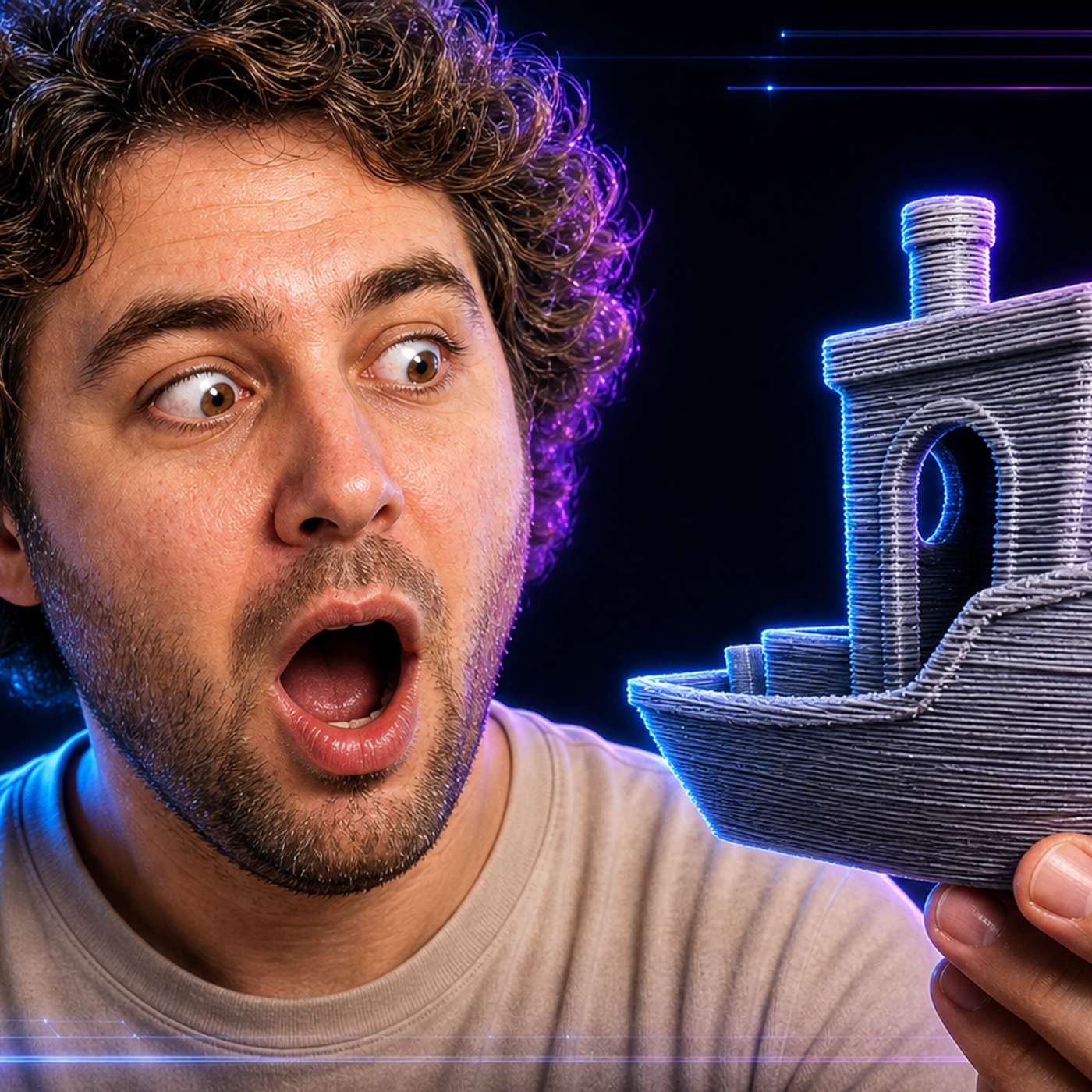
How Mesh Texture Changes the Way We See Layer Lines in 3D Prints
Description
This story was originally published on HackerNoon at: https://hackernoon.com/how-mesh-texture-changes-the-way-we-see-layer-lines-in-3d-prints.
Layer lines look bad because they sit on a blank surface. The fix is not sanding, it is adding surface texture so the lines stop standing out.
Check more stories related to tech-stories at: https://hackernoon.com/c/tech-stories.
You can also check exclusive content about #3d-printing, #layer-lines, #hide-3d-print-layer-lines, #3d-printing-surface-texture, #texture-stl-before-printing, #textured-3d-models, #blender-displacement-modifier, #stl-surface-detailing, and more.
This story was written by: @joshgreen-dev. Learn more about this writer by checking @joshgreen-dev's about page,
and for more stories, please visit hackernoon.com.
A 3D print looks printed because layer lines are a regular pattern on an empty surface. Add texture instead of sanding and the lines stop standing out.