Episode Details
Back to Episodes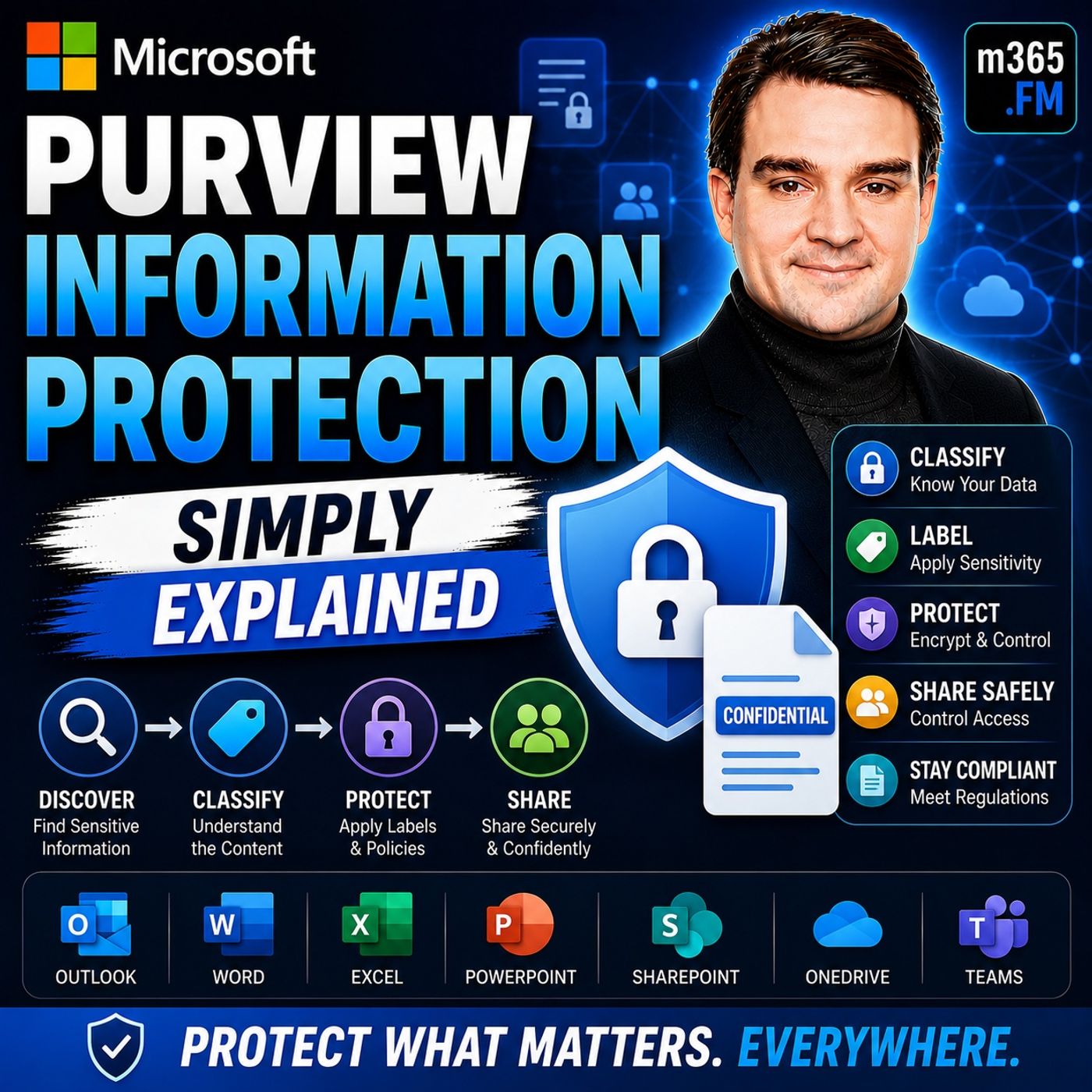
Microsoft Purview Information Protection - Simply Explained
Season 3
Published 2 weeks, 1 day ago
Description
Welcome to another episode of Knowledge Nuggets with Mirko Peters. Today we're exploring Microsoft Purview Information Protection, the foundation of Microsoft's data classification and protection strategy across Microsoft 365. Every day, organizations create thousands of documents, spreadsheets, emails, presentations, and Teams conversations. Some of that information is completely public, while other files contain financial records, customer information, legal contracts, intellectual property, or confidential business plans. The challenge isn't simply storing this data—it's ensuring every piece of information is handled appropriately wherever it travels. Microsoft Purview Information Protection solves this challenge by allowing organizations to classify sensitive information, apply persistent sensitivity labels, and automatically enforce protection policies across Microsoft 365. Instead of waiting until data is about to leave the organization, protection begins the moment the content is created. In this episode, we'll explore how Microsoft Purview Information Protection works, how sensitivity labels travel with your data, how automatic classification operates behind the scenes, and how it integrates with Data Loss Prevention, Microsoft Teams, and Microsoft 365 Copilot.
WHY INFORMATION PROTECTION MATTERS
Many organizations assume their information is secure simply because it resides in Microsoft 365. However, protecting data from hackers is only one part of the challenge. The larger risk often comes from accidental sharing, misclassification, or users unknowingly exposing confidential information. Traditional security approaches attempted to inspect files only when they were leaving the organization. Every outgoing email or shared document had to be scanned before determining whether it contained sensitive information. While effective, this approach introduces delays and only reacts after data has already begun moving. Microsoft Purview Information Protection changes the model entirely. Instead of waiting until information leaves the organization, content is classified and labeled immediately. Once protected, every Microsoft 365 service instantly understands how that information should be handled without repeatedly scanning the content. Protection becomes proactive rather than reactive.
WHAT IS MICROSOFT PURVIEW INFORMATION PROTECTION?
Microsoft Purview Information Protection provides a centralized framework for classifying, labeling, and protecting sensitive information. The core concept is remarkably simple. Every document or email receives a sensitivity label that communicates its security requirements. Common examples include:
CLASSIFICATION: FINDING SENSITIVE INFORMATION
Before information can be protected, Microsoft Purview must first identify sensitive content. Microsoft uses two primary detection methods. The first is Sensitive Information Types (SITs). These recognize structured information such as:
WHY INFORMATION PROTECTION MATTERS
Many organizations assume their information is secure simply because it resides in Microsoft 365. However, protecting data from hackers is only one part of the challenge. The larger risk often comes from accidental sharing, misclassification, or users unknowingly exposing confidential information. Traditional security approaches attempted to inspect files only when they were leaving the organization. Every outgoing email or shared document had to be scanned before determining whether it contained sensitive information. While effective, this approach introduces delays and only reacts after data has already begun moving. Microsoft Purview Information Protection changes the model entirely. Instead of waiting until information leaves the organization, content is classified and labeled immediately. Once protected, every Microsoft 365 service instantly understands how that information should be handled without repeatedly scanning the content. Protection becomes proactive rather than reactive.
WHAT IS MICROSOFT PURVIEW INFORMATION PROTECTION?
Microsoft Purview Information Protection provides a centralized framework for classifying, labeling, and protecting sensitive information. The core concept is remarkably simple. Every document or email receives a sensitivity label that communicates its security requirements. Common examples include:
- Public
- Internal
- Confidential
- Highly Confidential
- Encryption
- Access restrictions
- Watermarks
- Headers and footers
- Printing restrictions
- Sharing controls
- Copy protection
CLASSIFICATION: FINDING SENSITIVE INFORMATION
Before information can be protected, Microsoft Purview must first identify sensitive content. Microsoft uses two primary detection methods. The first is Sensitive Information Types (SITs). These recognize structured information such as:
- Credit card numbers
- Passport numbers
- National identification numbers
- Healthcare identifiers
- Banking information
Listen Now
Love PodBriefly?
If you like Podbriefly.com, please consider donating to support the ongoing development.
Support Us