Episode Details
Back to Episodes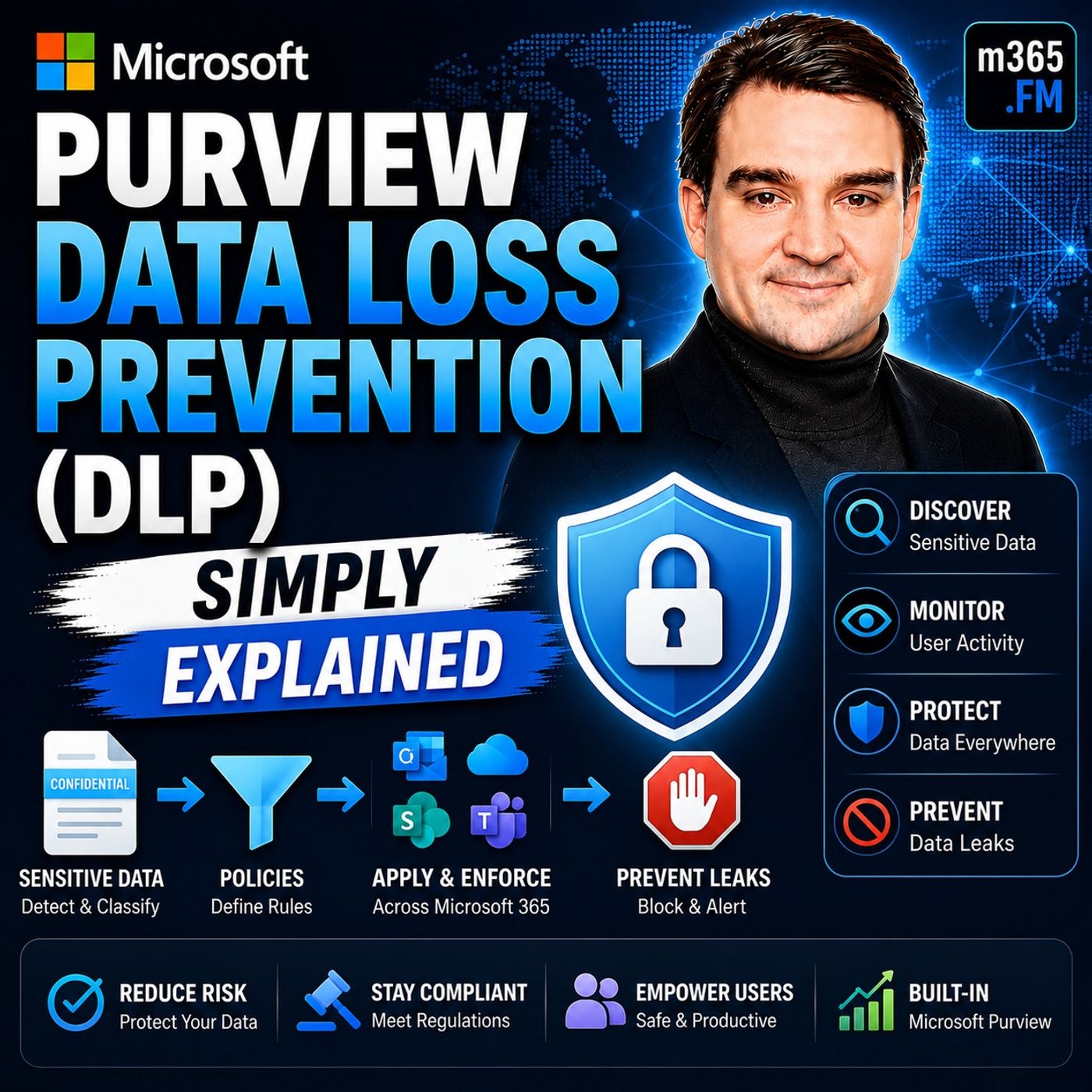
Microsoft Purview Data Loss Prevention (DLP) - Simply Explained
Season 3
Published 2 weeks, 1 day ago
Description
Welcome to another episode of Knowledge Nuggets with Mirko Peters. Today we're exploring Microsoft Purview Data Loss Prevention (DLP), one of the most important security capabilities in Microsoft 365 for preventing accidental data leaks. When most people think about cybersecurity, they imagine hackers breaking through firewalls or ransomware attacks encrypting company data. But the reality is often much simpler. Many of the largest data breaches happen because someone accidentally sends confidential information to the wrong recipient, shares a sensitive document externally, or copies company data to an unauthorized location. Microsoft Purview Data Loss Prevention isn't designed to stop hackers—it is designed to stop well-intentioned employees from making costly mistakes. By automatically identifying sensitive information, monitoring how it's being used, and enforcing security policies across Microsoft 365, DLP quietly protects your organization's most valuable information without preventing employees from getting their work done. In this episode, we'll explore how Microsoft Purview DLP works across email, SharePoint, OneDrive, Teams, endpoints, and Microsoft 365 Copilot, and why it has become a cornerstone of modern Microsoft security.
WHY DATA LOSS PREVENTION MATTERS
Many organizations focus heavily on defending against external cyberattacks while overlooking the largest source of data loss: accidental human error. Employees regularly send emails to the wrong recipients, upload confidential documents to inappropriate locations, or unintentionally expose sensitive information through everyday collaboration. Traditional approaches attempted to solve this by locking everything down—blocking USB drives, restricting file sharing, and preventing external communication altogether. Unfortunately, overly restrictive environments reduce productivity and often encourage employees to find unofficial workarounds. Microsoft Purview DLP takes a different approach. Instead of blocking everything, it evaluates three critical questions:
UNDERSTANDING DLP THROUGH A SIMPLE ANALOGY
Imagine your organization as a large office building. Microsoft Entra ID acts as the reception desk, verifying everyone's identity before allowing entry. But verifying identity alone doesn't prevent sensitive documents from leaving the building. Microsoft Purview DLP acts like a team of intelligent security guards positioned throughout the organization. Some guards monitor outgoing mail. Others watch file storage rooms. Others supervise meeting rooms and conversations. Additional guards protect employee laptops, while newer guards even monitor interactions with AI assistants such as Microsoft 365 Copilot. Rather than simply checking who enters the building, these security guards continuously monitor what information people are carrying and where that information is going. If confidential information is about to leave inappropriately, the guards intervene before any damage occurs. This mental model makes it much easier to understand how Microsoft Purview DLP protects data throughout Microsoft 365.
EXCHANGE ONLINE DLP
Email remains one of the most common ways sensitive information leaves an organization. Microsoft Purview DLP integrates directly with Exchange Online to inspect outgoing emails before they are delivered. Every email body and attachment can be analyzed using advanced detection techniques, including:
WHY DATA LOSS PREVENTION MATTERS
Many organizations focus heavily on defending against external cyberattacks while overlooking the largest source of data loss: accidental human error. Employees regularly send emails to the wrong recipients, upload confidential documents to inappropriate locations, or unintentionally expose sensitive information through everyday collaboration. Traditional approaches attempted to solve this by locking everything down—blocking USB drives, restricting file sharing, and preventing external communication altogether. Unfortunately, overly restrictive environments reduce productivity and often encourage employees to find unofficial workarounds. Microsoft Purview DLP takes a different approach. Instead of blocking everything, it evaluates three critical questions:
- What type of data is being handled?
- Who is handling it?
- Where is the data going?
UNDERSTANDING DLP THROUGH A SIMPLE ANALOGY
Imagine your organization as a large office building. Microsoft Entra ID acts as the reception desk, verifying everyone's identity before allowing entry. But verifying identity alone doesn't prevent sensitive documents from leaving the building. Microsoft Purview DLP acts like a team of intelligent security guards positioned throughout the organization. Some guards monitor outgoing mail. Others watch file storage rooms. Others supervise meeting rooms and conversations. Additional guards protect employee laptops, while newer guards even monitor interactions with AI assistants such as Microsoft 365 Copilot. Rather than simply checking who enters the building, these security guards continuously monitor what information people are carrying and where that information is going. If confidential information is about to leave inappropriately, the guards intervene before any damage occurs. This mental model makes it much easier to understand how Microsoft Purview DLP protects data throughout Microsoft 365.
EXCHANGE ONLINE DLP
Email remains one of the most common ways sensitive information leaves an organization. Microsoft Purview DLP integrates directly with Exchange Online to inspect outgoing emails before they are delivered. Every email body and attachment can be analyzed using advanced detection techniques, including:
- Credit card detection
- National identification numbers
- Healthcare information
- Financial records
- Machine learning classifiers
Listen Now
Love PodBriefly?
If you like Podbriefly.com, please consider donating to support the ongoing development.
Support Us