Episode Details
Back to Episodes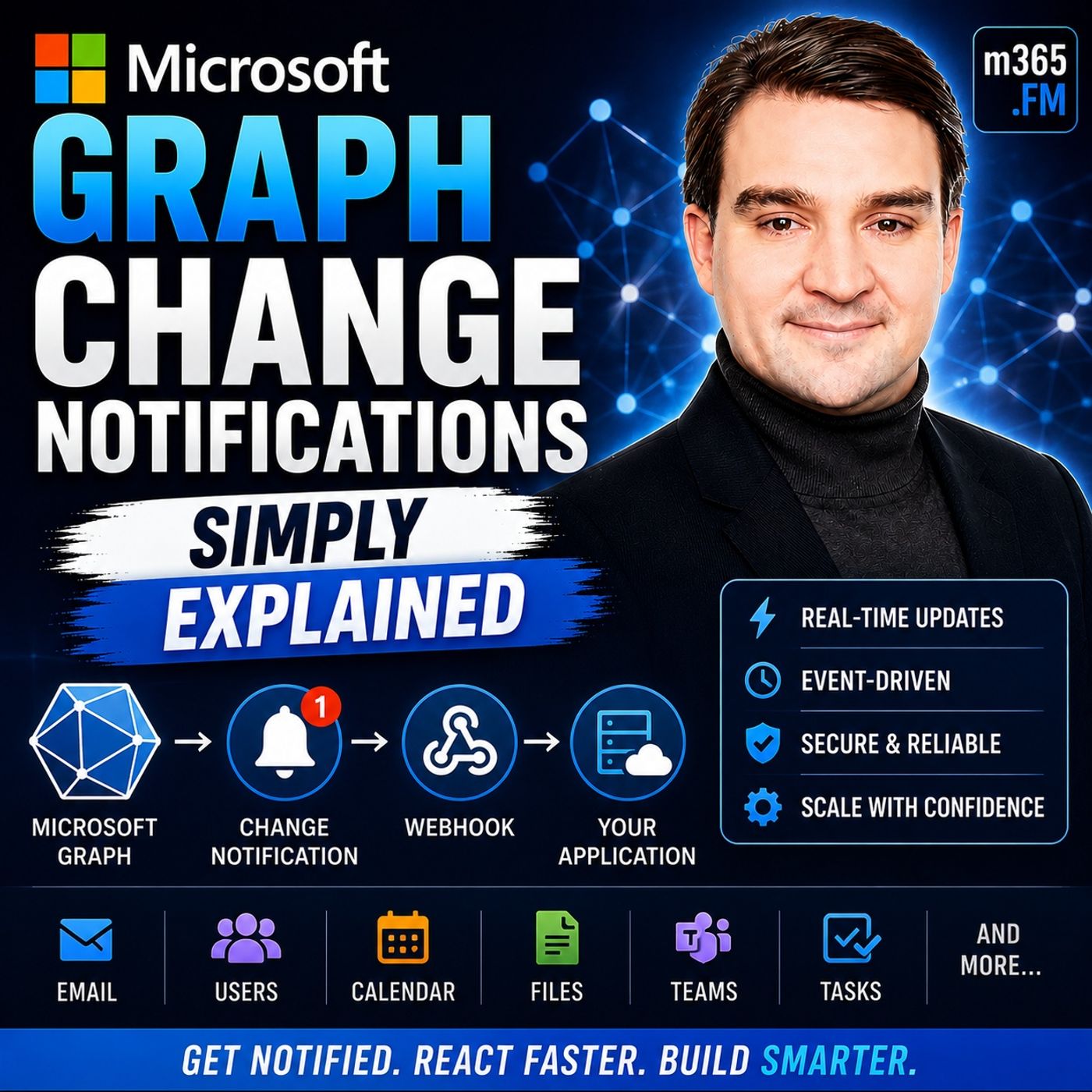
Microsoft Graph Change Notifications - Simply Explained
Season 3
Published 2 weeks, 1 day ago
Description
Welcome to another episode of Knowledge Nuggets with Mirko Peters. Today we're exploring Microsoft Graph Change Notifications, one of the most important capabilities for building modern, event-driven Microsoft 365 applications. Imagine your application needs to know whenever a new email arrives, a SharePoint document is updated, a Teams message is posted, or a user account changes inside Microsoft Entra ID. The traditional approach is simple—but inefficient. Your application repeatedly asks Microsoft Graph whether anything has changed. Most of the time the answer is "no," wasting API calls, increasing latency, and potentially triggering Microsoft Graph throttling. Microsoft Graph Change Notifications solve this problem by turning Microsoft 365 into an event-driven platform. Instead of continuously asking for updates, your application simply subscribes to the resources it cares about, and Microsoft Graph automatically notifies your application whenever something changes. In this episode, we'll explain how Change Notifications work, how subscriptions and webhooks fit together, why subscription renewal matters, and how organizations use this capability to build real-time Microsoft 365 solutions.
THE PROBLEM WITH POLLING
Before understanding Change Notifications, it's important to understand the problem they were designed to solve. Traditionally, applications relied on polling. Every few minutes an application would call Microsoft Graph asking whether anything had changed since the previous request. This approach creates several problems. If nothing has changed, every request wastes processing power, bandwidth, and API quota. If something changes immediately after the last request, users may wait several minutes before the application notices. Developers are forced to choose between frequent polling that wastes resources or slower polling that introduces delays. Microsoft Graph also protects its services through throttling. Applications making excessive requests may temporarily receive rate limits, forcing developers to slow down even further. Instead of repeatedly asking Microsoft Graph for updates, Microsoft introduced Change Notifications so that Microsoft Graph can notify applications only when something actually happens. This shift from polling to event-driven communication dramatically reduces unnecessary API traffic while providing much faster response times.
WHAT ARE MICROSOFT GRAPH CHANGE NOTIFICATIONS?
Microsoft Graph Change Notifications provide a push-based event system for Microsoft 365. Rather than checking repeatedly for updates, an application tells Microsoft Graph which resources it wants to monitor. Microsoft Graph then watches those resources continuously. Whenever a matching event occurs, Microsoft Graph immediately sends an HTTP POST request to the application's endpoint. A useful analogy is a mailbox with a motion sensor. Without Change Notifications, you repeatedly walk outside to see whether new mail has arrived. With Change Notifications, the motion sensor alerts you the instant the mail is delivered. The same concept applies to Microsoft 365. Whether monitoring Outlook emails, SharePoint files, Microsoft Teams messages, users, groups, calendars, contacts, or security alerts, Microsoft Graph automatically informs your application whenever relevant activity occurs. Instead of constantly asking, your application simply reacts.
SUBSCRIPTIONS: TELLING GRAPH WHAT TO WATCH
Everything begins with a subscription. A subscription tells Microsoft Graph exactly which resource should be monitored and what kinds of changes should trigger notifications. When creating a subscription, several pieces of information must be provided. The application specifies the resource path, such as users, Outlook mail folders, calendars, or SharePoint libraries. It also selects which changes should trigger notifications, including newly created items, updates, deletion
THE PROBLEM WITH POLLING
Before understanding Change Notifications, it's important to understand the problem they were designed to solve. Traditionally, applications relied on polling. Every few minutes an application would call Microsoft Graph asking whether anything had changed since the previous request. This approach creates several problems. If nothing has changed, every request wastes processing power, bandwidth, and API quota. If something changes immediately after the last request, users may wait several minutes before the application notices. Developers are forced to choose between frequent polling that wastes resources or slower polling that introduces delays. Microsoft Graph also protects its services through throttling. Applications making excessive requests may temporarily receive rate limits, forcing developers to slow down even further. Instead of repeatedly asking Microsoft Graph for updates, Microsoft introduced Change Notifications so that Microsoft Graph can notify applications only when something actually happens. This shift from polling to event-driven communication dramatically reduces unnecessary API traffic while providing much faster response times.
WHAT ARE MICROSOFT GRAPH CHANGE NOTIFICATIONS?
Microsoft Graph Change Notifications provide a push-based event system for Microsoft 365. Rather than checking repeatedly for updates, an application tells Microsoft Graph which resources it wants to monitor. Microsoft Graph then watches those resources continuously. Whenever a matching event occurs, Microsoft Graph immediately sends an HTTP POST request to the application's endpoint. A useful analogy is a mailbox with a motion sensor. Without Change Notifications, you repeatedly walk outside to see whether new mail has arrived. With Change Notifications, the motion sensor alerts you the instant the mail is delivered. The same concept applies to Microsoft 365. Whether monitoring Outlook emails, SharePoint files, Microsoft Teams messages, users, groups, calendars, contacts, or security alerts, Microsoft Graph automatically informs your application whenever relevant activity occurs. Instead of constantly asking, your application simply reacts.
SUBSCRIPTIONS: TELLING GRAPH WHAT TO WATCH
Everything begins with a subscription. A subscription tells Microsoft Graph exactly which resource should be monitored and what kinds of changes should trigger notifications. When creating a subscription, several pieces of information must be provided. The application specifies the resource path, such as users, Outlook mail folders, calendars, or SharePoint libraries. It also selects which changes should trigger notifications, including newly created items, updates, deletion