Episode Details
Back to Episodes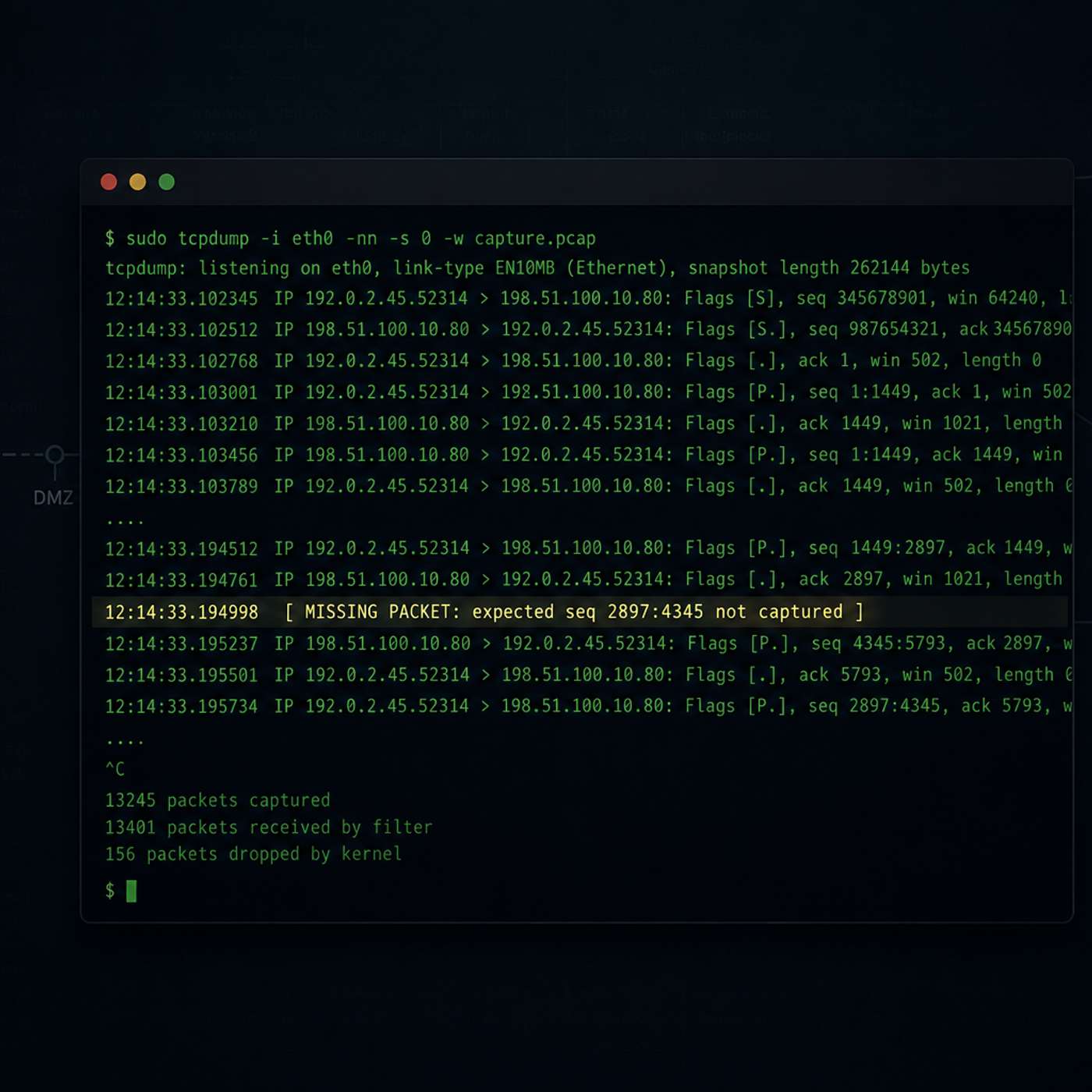
When PowerShell Said "Failed," tcpdump Said Why
Description
This story was originally published on HackerNoon at: https://hackernoon.com/when-powershell-said-failed-tcpdump-said-why.
A failed PowerShell download, a missing packet, and the tcpdump commands that proved where the connection really died — host firewall, not the attacker.
Check more stories related to cybersecurity at: https://hackernoon.com/c/cybersecurity.
You can also check exclusive content about #cybersecurity, #tcpdump, #network-forensics, #threat-hunting, #incident-response, #packet-analysis, #infosec, #blue-team, and more.
This story was written by: @RoshanRajbanshi_frqj97tc. Learn more about this writer by checking @RoshanRajbanshi_frqj97tc's about page,
and for more stories, please visit hackernoon.com.
A malicious PowerShell script on a compromised app server tried to download a second-stage payload and failed — but the error message couldn't say whether the attacker's server refused it, a firewall blocked it, or it never left the host. Four tcpdump commands settled it: the request never reached the network at all. This piece walks through the core tcpdump syntax (reading captures, payload inspection, host/port filtering, TCP flag matching) using a clean sample file, then applies it to a real incident-response case to show why packet-level visibility catches things host logs structurally can't.