Episode Details
Back to Episodes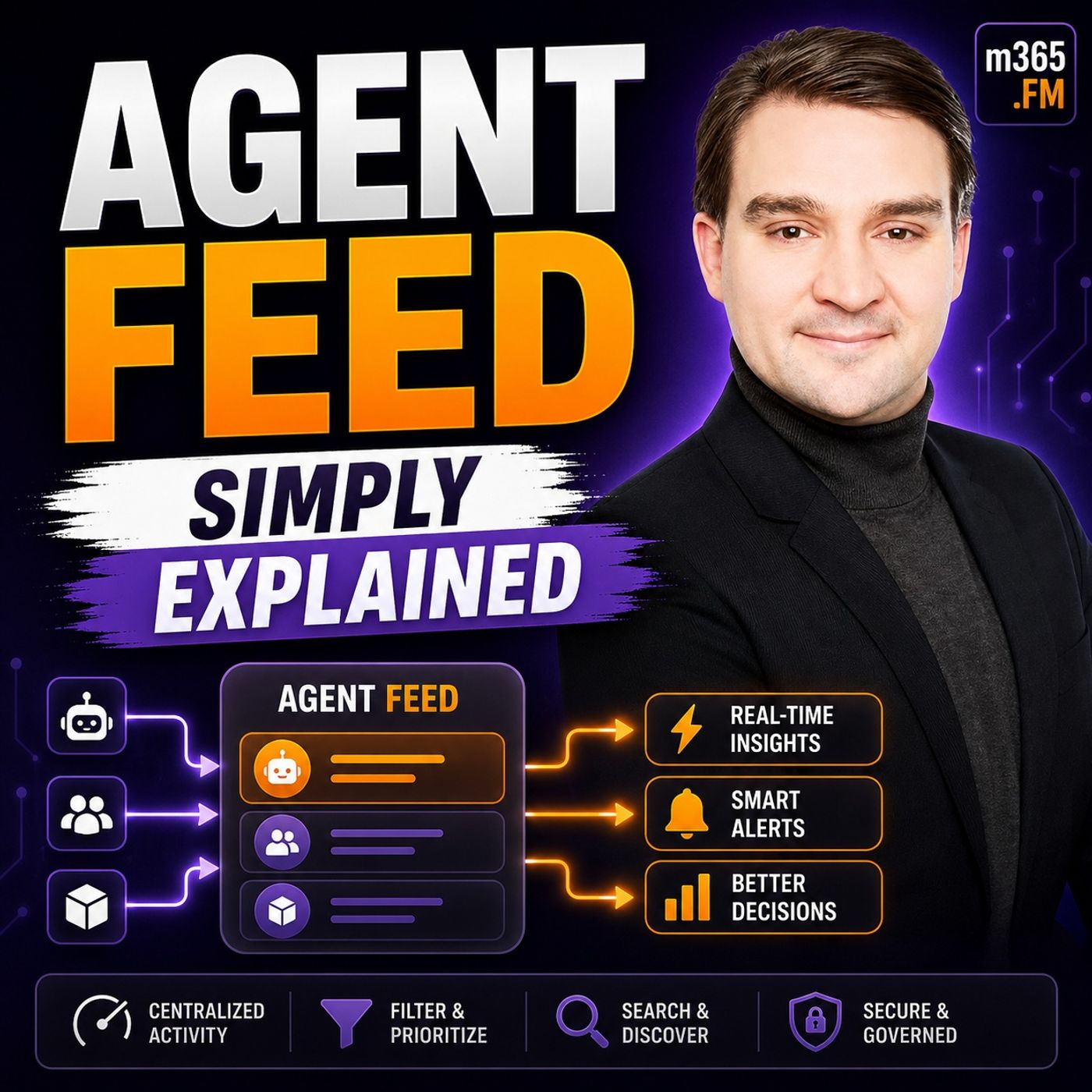
Agent Feed - Simply Explained
Season 3
Published 2 weeks, 3 days ago
Description
Welcome to another episode of Knowledge Nuggets with Mirko Peters. Today we're exploring Agent Feed, Microsoft's new supervision experience for AI agents inside Power Apps. As AI agents become capable of processing emails, reviewing documents, creating records, and automating entire business processes, a new challenge emerges. How do you actually supervise them? If an AI agent processes hundreds of insurance claims, procurement requests, or customer service cases every day, how do you know it made the right decisions? More importantly, what happens when the agent encounters something it doesn't understand? Blind automation may increase speed, but without oversight it also increases risk. Microsoft created Agent Feed to solve exactly this problem. Instead of hiding AI agents behind the scenes, Agent Feed brings their work directly into the business applications people already use every day. It allows business users—not just IT administrators—to monitor agents, review their actions, and step in whenever human judgment is required. In this episode, we'll explain how Agent Feed works, how it connects to Power Apps and Copilot Studio, and why human supervision remains one of the most important parts of enterprise AI.
WHY AI AGENTS NEED SUPERVISION
An AI agent is very different from a chatbot. A chatbot waits for instructions, answers questions, and ends the conversation. An AI agent receives a goal and begins working independently. It can read emails, create records, update databases, process documents, and complete entire business workflows without requiring constant user interaction. That autonomy is incredibly powerful. However, real business processes are rarely perfect. Documents arrive with missing information. Policies contain exceptions. Customers provide incomplete details. Regulations sometimes conflict with business rules. An agent cannot simply guess. Without supervision, it may create incorrect records, approve requests that should be rejected, or become stuck without anyone realizing there's a problem. Traditionally, IT departments were expected to monitor these systems, but IT teams rarely possess the business expertise necessary to make policy decisions or resolve complex exceptions. Microsoft's solution is straightforward: allow business users—the people who understand the process best—to supervise AI agents directly inside the applications where they already work.
WHAT IS AGENT FEED?
Agent Feed is Microsoft's supervision hub for AI agents running inside model-driven Power Apps. Instead of opening a separate administration portal or AI dashboard, business users see agent activity directly alongside the applications they already use throughout the day. The interface typically contains three important areas. One section displays the AI agents currently working within the application. Another presents tasks generated by those agents, while an insights panel provides visibility into completed work, pending reviews, and overall agent activity. The most important concept is that users don't need to search for agents. The agents bring work directly to them. Whenever an AI agent completes a task, encounters an exception, or requires a business decision, the activity automatically appears inside Agent Feed. This transforms Power Apps into much more than a business application. It becomes the central command center where humans and AI agents collaborate throughout the workday.
THE THREE SUPERVISION TOOLS
Agent Feed provides three primary supervision patterns that balance automation with human oversight. The first is Log for Review. This is the most passive supervision model. The agent completes its work independently and simply records what happened for later inspection. Users can review the activity whenever convenient without interrupting the automated workflow. The second is Request Assistance. Here the agent recognizes that it has encountered a sit
WHY AI AGENTS NEED SUPERVISION
An AI agent is very different from a chatbot. A chatbot waits for instructions, answers questions, and ends the conversation. An AI agent receives a goal and begins working independently. It can read emails, create records, update databases, process documents, and complete entire business workflows without requiring constant user interaction. That autonomy is incredibly powerful. However, real business processes are rarely perfect. Documents arrive with missing information. Policies contain exceptions. Customers provide incomplete details. Regulations sometimes conflict with business rules. An agent cannot simply guess. Without supervision, it may create incorrect records, approve requests that should be rejected, or become stuck without anyone realizing there's a problem. Traditionally, IT departments were expected to monitor these systems, but IT teams rarely possess the business expertise necessary to make policy decisions or resolve complex exceptions. Microsoft's solution is straightforward: allow business users—the people who understand the process best—to supervise AI agents directly inside the applications where they already work.
WHAT IS AGENT FEED?
Agent Feed is Microsoft's supervision hub for AI agents running inside model-driven Power Apps. Instead of opening a separate administration portal or AI dashboard, business users see agent activity directly alongside the applications they already use throughout the day. The interface typically contains three important areas. One section displays the AI agents currently working within the application. Another presents tasks generated by those agents, while an insights panel provides visibility into completed work, pending reviews, and overall agent activity. The most important concept is that users don't need to search for agents. The agents bring work directly to them. Whenever an AI agent completes a task, encounters an exception, or requires a business decision, the activity automatically appears inside Agent Feed. This transforms Power Apps into much more than a business application. It becomes the central command center where humans and AI agents collaborate throughout the workday.
THE THREE SUPERVISION TOOLS
Agent Feed provides three primary supervision patterns that balance automation with human oversight. The first is Log for Review. This is the most passive supervision model. The agent completes its work independently and simply records what happened for later inspection. Users can review the activity whenever convenient without interrupting the automated workflow. The second is Request Assistance. Here the agent recognizes that it has encountered a sit