Episode Details
Back to Episodes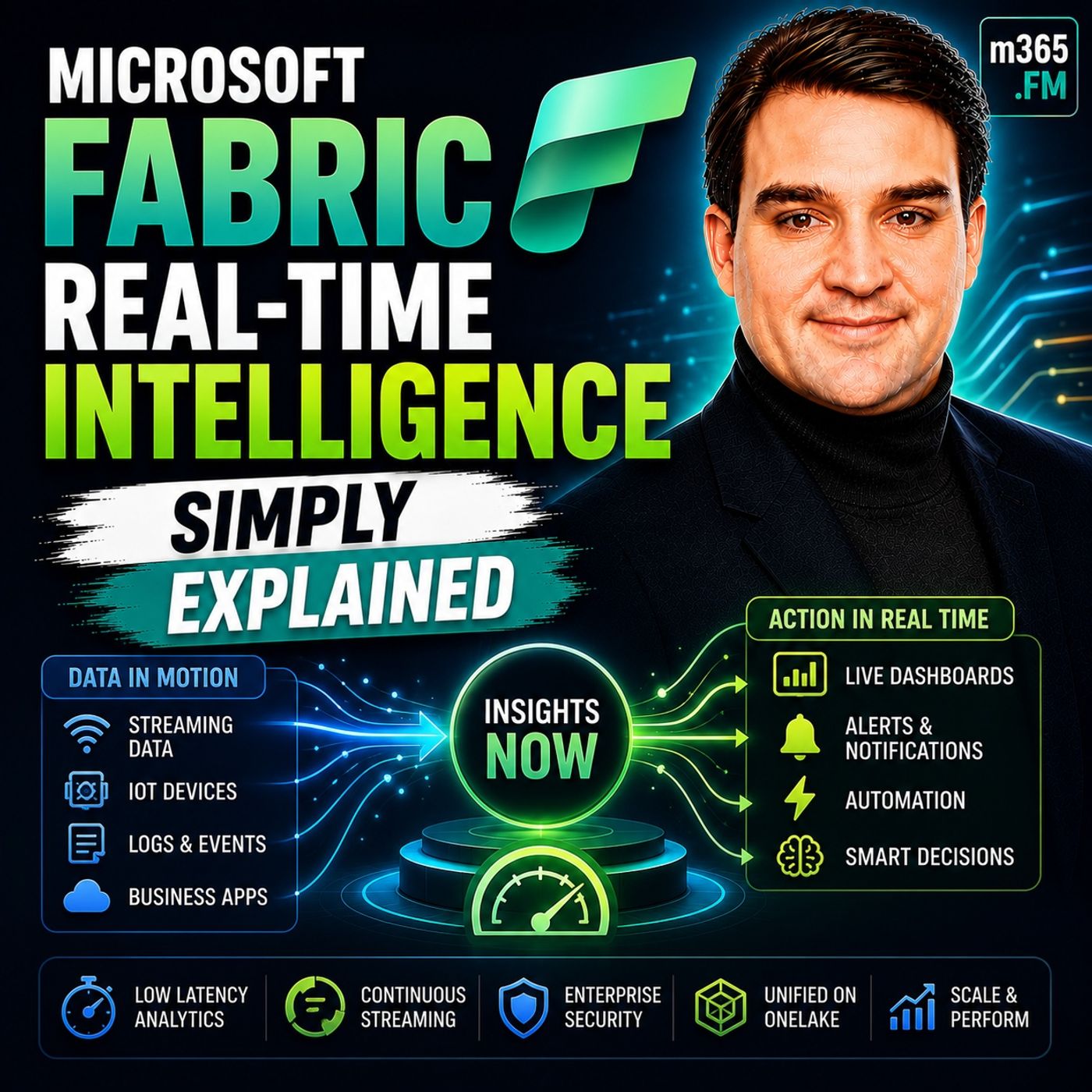
Microsoft Fabric Real-Time Intelligence - Simply Explained
Season 3
Published 2 weeks, 2 days ago
Description
Welcome to another episode of Knowledge Nuggets with Mirko Peters. Today we're exploring Microsoft Fabric Real-Time Intelligence, one of the most exciting workloads inside Microsoft Fabric that enables organizations to analyze, visualize, and act on streaming data the moment it arrives. When most people hear the term real-time analytics, they immediately think of faster Power BI dashboards or reports that refresh every few minutes. While that's certainly part of the story, it misses the real purpose of Real-Time Intelligence. This workload isn't about making traditional reporting faster—it's about shortening the time between an event occurring and the business taking action. Whether it's detecting equipment failures, preventing fraud, monitoring live inventory, or responding to IoT sensor data, Real-Time Intelligence allows organizations to react within seconds instead of hours. In this episode, we'll explain what Real-Time Intelligence actually is, explore its four major building blocks, understand how it differs from traditional batch analytics, and discover when real-time processing truly delivers business value. FROM BATCH PROCESSING TO REAL-TIME DECISIONS Traditional business analytics has always relied on batch processing. Data is collected throughout the day, stored inside databases, transformed overnight, and finally appears in reports the next morning. For many business scenarios—monthly sales reporting, financial analysis, marketing performance, or executive dashboards—this approach works perfectly well because the data remains valuable even hours or days after it was created. However, some information loses value almost immediately. Imagine a production machine beginning to overheat. Waiting until tomorrow's report means the equipment may already have failed. A stolen credit card used for a fraudulent purchase must be detected immediately—not during tomorrow's financial reconciliation. A refrigerated delivery truck carrying food needs instant monitoring because waiting even thirty minutes may result in spoiled products and significant financial loss. The key difference isn't simply speed. Batch analytics answers questions about what happened, while Real-Time Intelligence enables organizations to react to what is happening right now. Instead of waiting for someone to review a dashboard, the platform continuously monitors incoming events and immediately triggers actions whenever predefined conditions occur. That shift from reporting to action is what defines Real-Time Intelligence. WHAT IS MICROSOFT FABRIC REAL-TIME INTELLIGENCE? Microsoft Fabric Real-Time Intelligence is a collection of services designed to ingest, process, analyze, visualize, and respond to streaming data continuously. Rather than existing as a separate Azure solution requiring multiple independent services, Microsoft combines proven technologies such as Azure Event Hubs, Azure Stream Analytics, and Azure Data Explorer into a unified experience directly inside Microsoft Fabric. A useful analogy is to imagine a traditional database as a library where information waits patiently on shelves until someone comes looking for it. Real-Time Intelligence is completely different. Instead of a library, imagine an airport control tower constantly monitoring incoming flights. Information never stops arriving. The system watches every event, analyzes each situation, and immediately responds whenever action becomes necessary. Streaming data flows continuously through the platform rather than waiting inside storage until someone decides to query it later. Because Real-Time Intelligence is fully integrated with OneLake, Power BI, Spark, notebooks, and every other Fabric workload, organizations no longer need to stitch together multiple Azure services manually to build enterprise streaming solutions. BUILDING BLOCK ONE: EVENTSTREAMS Everything begins with Eventstreams. An Eventstream serves as the entry point for streaming data entering Microsoft Fabric. Whether info