Episode Details
Back to Episodes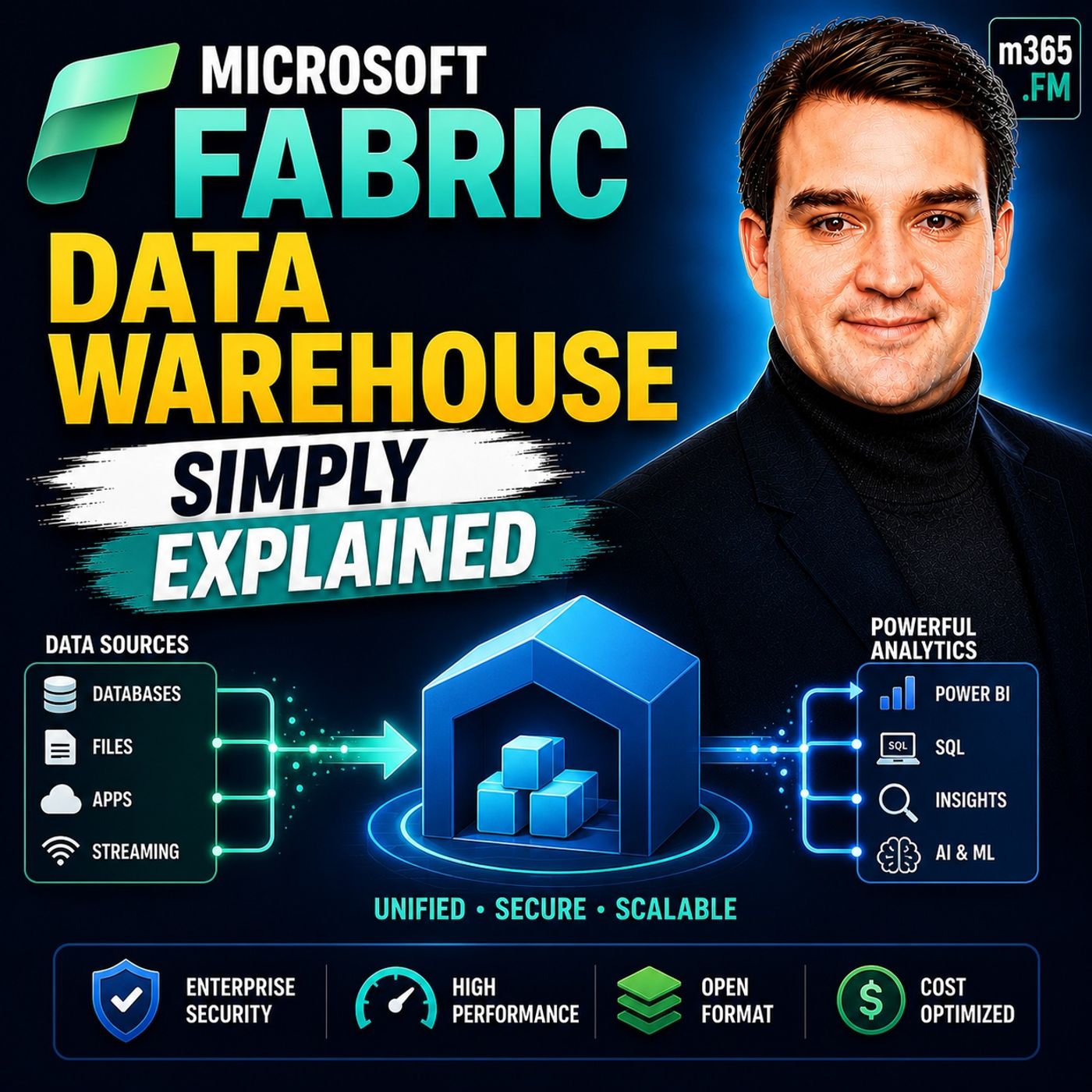
Microsoft Fabric Data Warehouse - Simply Explained
Season 3
Published 2 weeks, 3 days ago
Description
Welcome to another episode of Knowledge Nuggets with Mirko Peters. Today we're exploring Microsoft Fabric Data Warehouse, Microsoft's modern cloud-native data warehouse built as part of the unified Microsoft Fabric analytics platform. Most people hear the term data warehouse and immediately think of a traditional SQL database. They imagine tables, SQL queries, reports, and business intelligence. While Microsoft Fabric Data Warehouse certainly supports all of those familiar concepts, what happens behind the scenes is fundamentally different. Instead of storing data in proprietary database files tied to a specific server, Fabric stores everything in the open Delta Parquet format on OneLake, allowing the same data to be shared seamlessly across analytics, data engineering, machine learning, and Power BI. In this episode, we'll explain what a Fabric Data Warehouse really is, how it differs from traditional data warehouses, how data is stored and queried, and why Microsoft has reimagined the modern warehouse for the era of cloud analytics and artificial intelligence. WHAT IS A DATA WAREHOUSE? Before understanding Microsoft Fabric, it's important to understand what a data warehouse is. A data warehouse is a centralized repository designed to store clean, structured, and optimized business data for reporting and analytics. Rather than processing thousands of small transactions like an operational database, a warehouse is built to answer large business questions such as total sales, customer trends, financial performance, or operational KPIs across millions—or even billions—of records. Traditionally, organizations purchased dedicated servers, installed database software such as SQL Server or Oracle, and managed storage, backups, indexing, and hardware themselves. As business requirements grew, organizations expanded infrastructure by purchasing larger servers, additional disks, and more processing power. While this approach worked well for many years, it also created significant challenges. Data became isolated inside proprietary systems, storage and compute resources were tightly coupled, and organizations frequently copied the same information into multiple platforms to support reporting, analytics, and machine learning. Microsoft Fabric was designed to eliminate these traditional data silos by moving warehouse storage into a shared cloud architecture built on OneLake. HOW FABRIC DATA WAREHOUSE WORKS At first glance, Fabric Data Warehouse looks remarkably familiar. Users create schemas, tables, views, and write standard T-SQL queries exactly as they would inside SQL Server. However, beneath that familiar interface lies a completely different storage architecture. Instead of storing data inside proprietary database files, Fabric saves every table as Delta Parquet files inside OneLake. This means data is no longer locked inside a single database engine. The exact same files can be accessed simultaneously by Spark notebooks, Power BI, SQL queries, data pipelines, and machine learning workloads without creating duplicate copies. OneLake serves as the shared storage foundation for every Microsoft Fabric experience. Rather than maintaining separate copies of data for different workloads, organizations maintain one authoritative dataset that every Fabric service can access directly. This shared architecture dramatically reduces storage duplication, simplifies governance, and enables far greater collaboration across analytics teams. THE BUILDING BLOCKS OF A FABRIC WAREHOUSE Developers familiar with SQL Server will immediately recognize the core objects inside a Fabric Warehouse. Schemas organize related database objects into logical groups, making large environments easier to manage. Tables store structured business data using familiar rows and columns, while views simplify complex queries by presenting reusable virtual datasets. Stored procedures and functions provide reusable business logic that automates common processing tasks using sta