Episode Details
Back to Episodes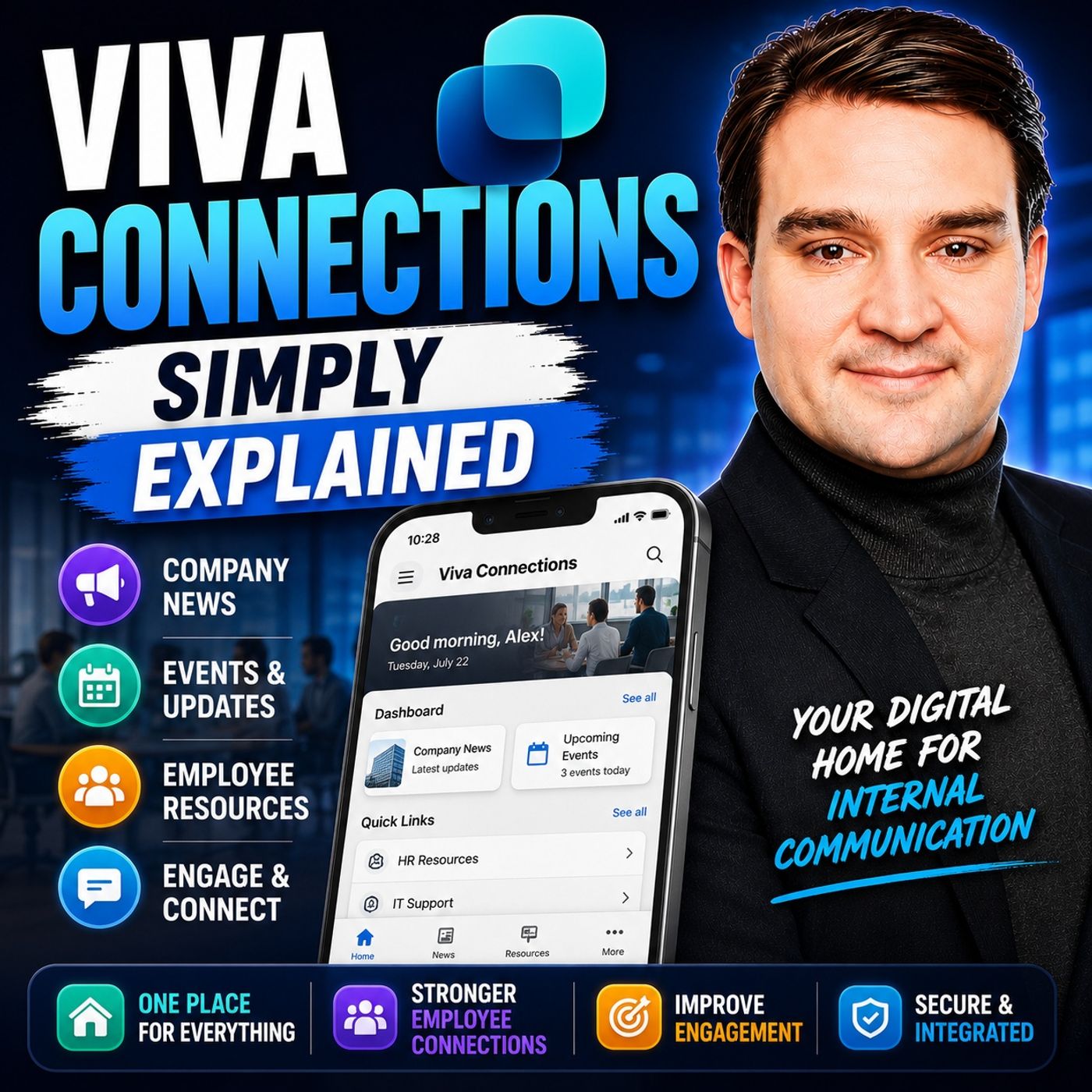
Viva Connections - Simply Explained
Season 3
Published 2 weeks, 4 days ago
Description
Welcome to another episode of Knowledge Nuggets with Mirko Peters. Today we're exploring Viva Connections, Microsoft's employee experience platform that brings your company intranet directly into Microsoft Teams. For years, organizations relied on traditional intranets to share company news, HR information, policies, and internal resources. Unfortunately, many of those intranets became digital filing cabinets that employees rarely visited. Information was scattered across multiple portals, important announcements were easily missed, and finding something as simple as an expense form or IT support link often became a frustrating search. Microsoft Viva Connections was designed to modernize that experience. Instead of asking employees to visit another website, Viva Connections delivers personalized news, company resources, business applications, and workplace information directly inside Microsoft Teams. Even more importantly, Microsoft recently rebranded the experience, making it even more closely aligned with SharePoint and the broader Microsoft 365 ecosystem. In this episode, we'll explore what Viva Connections is, how it works, why the recent changes matter, and how organizations can use it to create a more engaging digital workplace.
THE PROBLEM WITH TRADITIONAL INTRANETS
Traditional company intranets served an important purpose, but they often struggled to keep employees engaged. Many organizations built large SharePoint portals that contained HR documents, company policies, IT support information, executive announcements, and department news. While these portals held valuable information, they were usually static websites that employees only visited when absolutely necessary. Over time, content became outdated, navigation became increasingly complicated, and employees stopped relying on the intranet as part of their daily work. Mobile access was often poor, personalization was limited, and finding relevant information usually required navigating through multiple pages or remembering URLs that few people actually knew. As remote and hybrid work became the norm, these limitations became even more obvious. Employees no longer spent every day inside corporate offices, making the traditional intranet experience increasingly disconnected from how people actually worked. Microsoft recognized that employees already spent much of their day inside Microsoft Teams. Rather than asking them to visit another portal, the company decided to bring the intranet directly into the collaboration platform they were already using.
WHAT IS VIVA CONNECTIONS?
Viva Connections is Microsoft's employee experience application that provides a personalized digital workplace inside Microsoft Teams. Rather than existing as a separate product, Viva Connections is built on top of a SharePoint Home Site, which supplies the content, branding, navigation, and organizational information displayed throughout the experience. The easiest way to understand Viva Connections is to think of it as the digital front door to your organization. Employees open Microsoft Teams and immediately gain access to company news, internal applications, HR resources, business tools, announcements, and important organizational information without needing to switch between multiple systems. Because the experience is integrated into Teams, employees can stay informed while remaining inside the collaboration platform they already use for meetings, chat, and teamwork. The result is significantly higher visibility for internal communication and much easier access to the resources employees need throughout the day.
THE 2026 REBRAND
One of the biggest recent changes is that Microsoft has rebranded Viva Connections inside Microsoft Teams. During 2026, Microsoft gradually renamed the Viva Connections application to simply SharePoint. While this initially surprised many organizations, the reasoning behind the change is actu
THE PROBLEM WITH TRADITIONAL INTRANETS
Traditional company intranets served an important purpose, but they often struggled to keep employees engaged. Many organizations built large SharePoint portals that contained HR documents, company policies, IT support information, executive announcements, and department news. While these portals held valuable information, they were usually static websites that employees only visited when absolutely necessary. Over time, content became outdated, navigation became increasingly complicated, and employees stopped relying on the intranet as part of their daily work. Mobile access was often poor, personalization was limited, and finding relevant information usually required navigating through multiple pages or remembering URLs that few people actually knew. As remote and hybrid work became the norm, these limitations became even more obvious. Employees no longer spent every day inside corporate offices, making the traditional intranet experience increasingly disconnected from how people actually worked. Microsoft recognized that employees already spent much of their day inside Microsoft Teams. Rather than asking them to visit another portal, the company decided to bring the intranet directly into the collaboration platform they were already using.
WHAT IS VIVA CONNECTIONS?
Viva Connections is Microsoft's employee experience application that provides a personalized digital workplace inside Microsoft Teams. Rather than existing as a separate product, Viva Connections is built on top of a SharePoint Home Site, which supplies the content, branding, navigation, and organizational information displayed throughout the experience. The easiest way to understand Viva Connections is to think of it as the digital front door to your organization. Employees open Microsoft Teams and immediately gain access to company news, internal applications, HR resources, business tools, announcements, and important organizational information without needing to switch between multiple systems. Because the experience is integrated into Teams, employees can stay informed while remaining inside the collaboration platform they already use for meetings, chat, and teamwork. The result is significantly higher visibility for internal communication and much easier access to the resources employees need throughout the day.
THE 2026 REBRAND
One of the biggest recent changes is that Microsoft has rebranded Viva Connections inside Microsoft Teams. During 2026, Microsoft gradually renamed the Viva Connections application to simply SharePoint. While this initially surprised many organizations, the reasoning behind the change is actu