Episode Details
Back to Episodes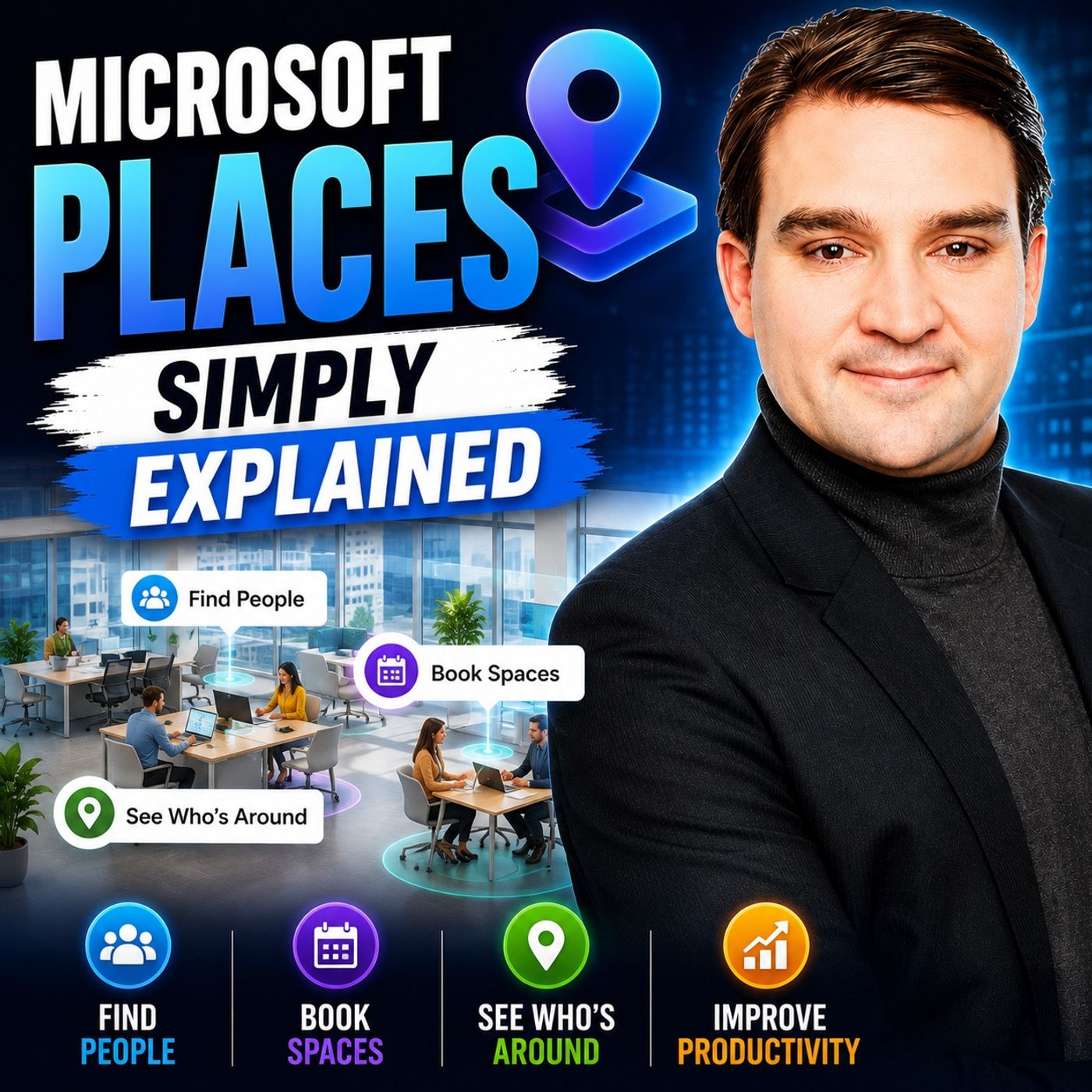
Microsoft Places - Simply Explained
Season 3
Published 2 weeks, 3 days ago
Description
Welcome to another episode of Knowledge Nuggets with Mirko Peters. Today we're exploring Microsoft Places, Microsoft's intelligent workplace solution designed to make hybrid work more productive, coordinated, and enjoyable. Hybrid work has given employees unprecedented flexibility, but it has also introduced a new challenge. Many people drive into the office only to discover that their teammates decided to work remotely that day. Others spend valuable time searching for available desks, suitable meeting rooms, or simply trying to figure out who is actually in the building. Instead of helping collaboration, hybrid work can sometimes create uncertainty and frustration. Microsoft Places was created to solve this exact problem. Rather than introducing another standalone application, Microsoft built Places directly into Microsoft Teams and Outlook, connecting your calendar, office spaces, desks, meeting rooms, and colleagues into one intelligent workplace experience. In this episode we'll explore how Microsoft Places works, its key features, and why it could become one of the most valuable additions to Microsoft 365 for organizations embracing hybrid work.
WHAT IS MICROSOFT PLACES?
Microsoft Places is an intelligent workplace platform that connects digital collaboration with physical office spaces. Instead of treating calendars and office buildings as separate systems, Places combines both worlds to help employees coordinate where and when they work together. Unlike many workplace management solutions, Places isn't a separate application that employees need to install or learn. It is integrated directly into Outlook and Microsoft Teams, appearing naturally inside the tools employees already use every day. A helpful way to think about Microsoft Places is as a digital receptionist for your office. Just as a receptionist knows which meeting rooms are available, where people are sitting, and who's currently in the building, Microsoft Places brings all of that information together automatically and makes it available to employees whenever they need it. Behind the scenes, Places maintains information about office buildings, floors, desks, meeting rooms, work schedules, bookings, and occupancy, allowing organizations to coordinate hybrid work far more effectively than traditional calendar systems alone.
SOLVING THE HYBRID WORK CHALLENGE
Hybrid work offers flexibility, but it also creates uncertainty. Employees often don't know when colleagues will be in the office, which desks are available, or whether it's even worth making the commute. Teams frequently rely on email chains, chat messages, or informal agreements just to coordinate office days. Microsoft designed Places to remove what it describes as the "coordination tax"—the time employees spend simply figuring out where people will be working. Instead of guessing, employees can immediately see planned office attendance, available workspaces, and meeting locations directly inside the Microsoft 365 applications they already use. By improving visibility across the organization, Places helps employees choose office days that maximize collaboration while reducing unnecessary commuting and wasted office visits. Rather than forcing people into the office more often, the goal is to make the days they do come in significantly more valuable.
PLANNING YOUR OFFICE DAYS
One of the first features most employees encounter is the Work Plan. A Work Plan allows employees to define recurring office schedules such as working from the office every Tuesday and Thursday or visiting a specific building on certain days of the week. Once configured, this information becomes visible to colleagues, making it much easier to coordinate in-person collaboration without endless messages asking, "Are you coming into the office tomorrow?" Importantly, Microsoft Places is designed with employee choice in mind. Sharing work plans and office presence
WHAT IS MICROSOFT PLACES?
Microsoft Places is an intelligent workplace platform that connects digital collaboration with physical office spaces. Instead of treating calendars and office buildings as separate systems, Places combines both worlds to help employees coordinate where and when they work together. Unlike many workplace management solutions, Places isn't a separate application that employees need to install or learn. It is integrated directly into Outlook and Microsoft Teams, appearing naturally inside the tools employees already use every day. A helpful way to think about Microsoft Places is as a digital receptionist for your office. Just as a receptionist knows which meeting rooms are available, where people are sitting, and who's currently in the building, Microsoft Places brings all of that information together automatically and makes it available to employees whenever they need it. Behind the scenes, Places maintains information about office buildings, floors, desks, meeting rooms, work schedules, bookings, and occupancy, allowing organizations to coordinate hybrid work far more effectively than traditional calendar systems alone.
SOLVING THE HYBRID WORK CHALLENGE
Hybrid work offers flexibility, but it also creates uncertainty. Employees often don't know when colleagues will be in the office, which desks are available, or whether it's even worth making the commute. Teams frequently rely on email chains, chat messages, or informal agreements just to coordinate office days. Microsoft designed Places to remove what it describes as the "coordination tax"—the time employees spend simply figuring out where people will be working. Instead of guessing, employees can immediately see planned office attendance, available workspaces, and meeting locations directly inside the Microsoft 365 applications they already use. By improving visibility across the organization, Places helps employees choose office days that maximize collaboration while reducing unnecessary commuting and wasted office visits. Rather than forcing people into the office more often, the goal is to make the days they do come in significantly more valuable.
PLANNING YOUR OFFICE DAYS
One of the first features most employees encounter is the Work Plan. A Work Plan allows employees to define recurring office schedules such as working from the office every Tuesday and Thursday or visiting a specific building on certain days of the week. Once configured, this information becomes visible to colleagues, making it much easier to coordinate in-person collaboration without endless messages asking, "Are you coming into the office tomorrow?" Importantly, Microsoft Places is designed with employee choice in mind. Sharing work plans and office presence