Episode Details
Back to Episodes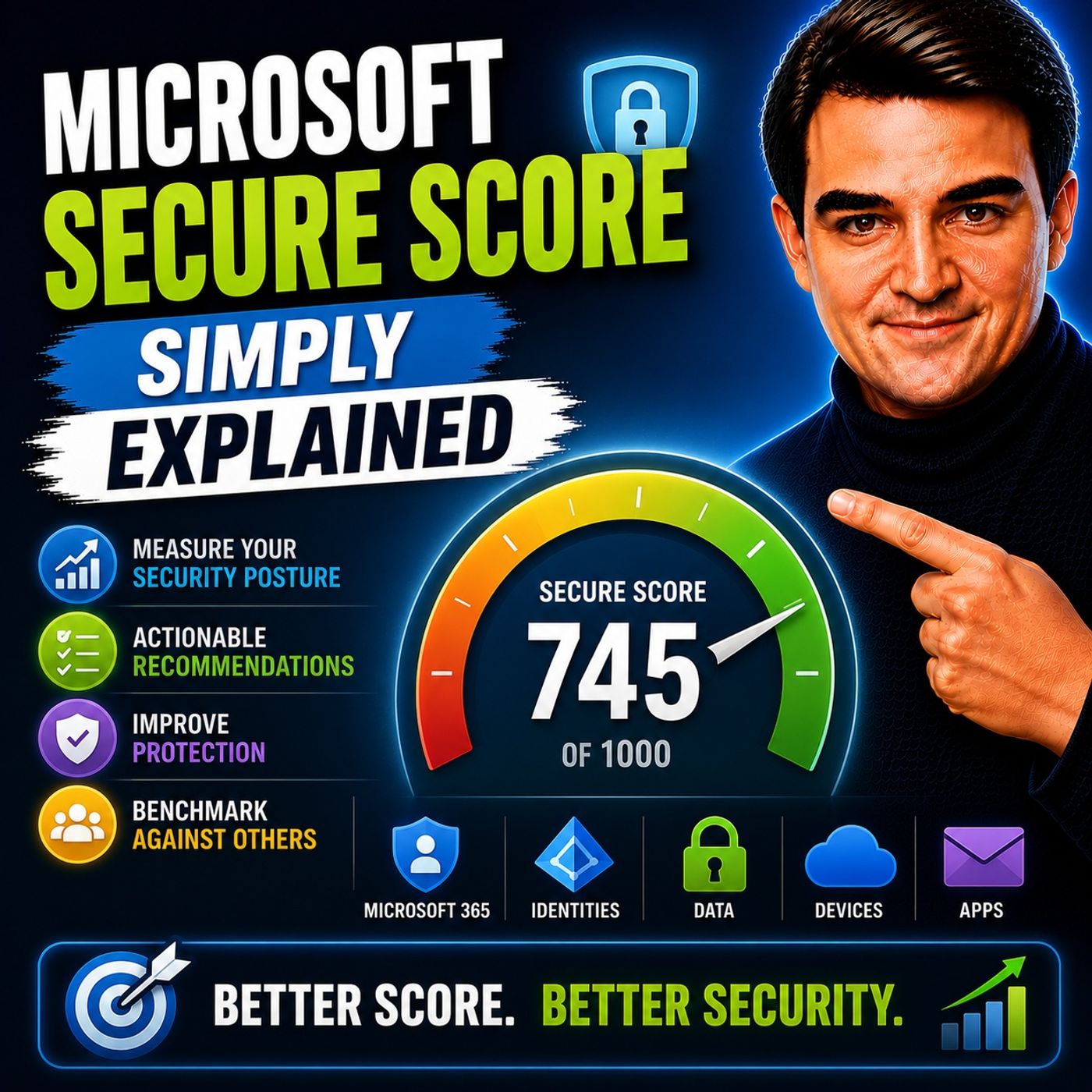
Microsoft Secure Score - Simply Explained
Published 2 weeks, 4 days ago
Description
Welcome to another episode of Knowledge Nuggets with Mirko Peters. In this episode, we're exploring Microsoft Secure Score—one of the simplest yet most misunderstood security features in Microsoft 365. Many administrators log into the Microsoft Defender portal, see a percentage like 35% or 50%, and immediately wonder whether their organization is at risk. Others spend months trying to reach a perfect score of 100%, believing that's the ultimate goal. The reality is very different. Secure Score isn't a cybersecurity grade or a guarantee against attacks. Instead, it's a practical roadmap that helps organizations understand how many of Microsoft's recommended security controls have been implemented and where improvements can have the biggest impact.
WHAT IS MICROSOFT SECURE SCORE?
Microsoft Secure Score measures how many recommended security controls are enabled within your Microsoft 365 tenant. It evaluates configuration rather than real-world security effectiveness. Think of it as a checklist rather than a vulnerability scanner. The score answers questions such as:
HOW SECURE SCORE IS CALCULATED
Secure Score follows a simple formula: Points Earned ÷ Total Available Points = Secure Score Organizations earn points in two ways. Binary Controls Some recommendations are either enabled or disabled. For example:
WHAT IS A GOOD SECURE SCORE?
One of the biggest misconceptions is that every organization should achieve 100%. In reality, Microsoft itself recognizes that this isn't always practical. Reasons include:
THE FOUR PILLARS OF SECURE SCORE
Secure Score organizes recommendations into four primary categories. Identity Identity focuses on:
WHAT IS MICROSOFT SECURE SCORE?
Microsoft Secure Score measures how many recommended security controls are enabled within your Microsoft 365 tenant. It evaluates configuration rather than real-world security effectiveness. Think of it as a checklist rather than a vulnerability scanner. The score answers questions such as:
- Is Multi-Factor Authentication enabled?
- Are security policies configured?
- Are recommended protections implemented?
- Have important security settings been activated?
HOW SECURE SCORE IS CALCULATED
Secure Score follows a simple formula: Points Earned ÷ Total Available Points = Secure Score Organizations earn points in two ways. Binary Controls Some recommendations are either enabled or disabled. For example:
- Multi-Factor Authentication
- Legacy Authentication blocking
- Security Defaults
WHAT IS A GOOD SECURE SCORE?
One of the biggest misconceptions is that every organization should achieve 100%. In reality, Microsoft itself recognizes that this isn't always practical. Reasons include:
- Different licensing levels
- Features not relevant to every organization
- Business requirements
- Legacy systems
- Accepted business risks
THE FOUR PILLARS OF SECURE SCORE
Secure Score organizes recommendations into four primary categories. Identity Identity focuses on:
- Multi-Factor Authentication
- Conditional Access
- Password protection
- Blocking legacy authentication
- BitLocker
- Microsoft Defender Antivirus
- Attack Surface Reduction
- Tamper Protection
- Sensitivity Labels
- Data Loss Prevention
- Encryption
- Microsoft Purview
- App governance
- Third-party application permissions
- Cloud appli