Episode Details
Back to Episodes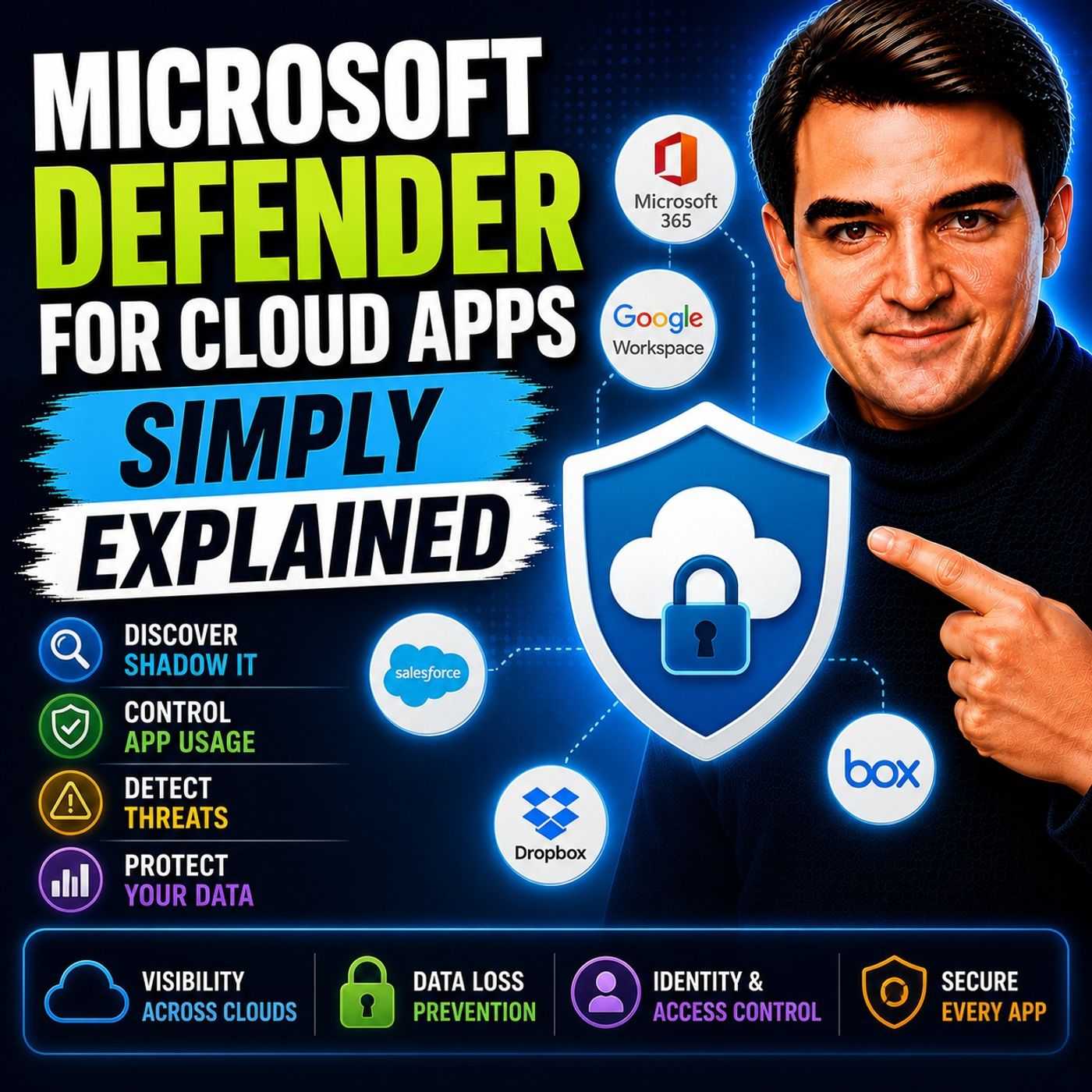
Microsoft Defender for Cloud Apps - Simply Explained
Season 3
Published 2 weeks, 4 days ago
Description
Welcome to another episode of Knowledge Nuggets with Mirko Peters. In this episode, we're exploring Microsoft Defender for Cloud Apps—Microsoft's Cloud Access Security Broker (CASB) that helps organizations discover, monitor, and protect the cloud applications employees use every day. Modern organizations rely on hundreds of cloud services, but many of them are never approved by IT. Employees sign up for AI tools, file-sharing platforms, collaboration services, and productivity apps to solve business problems quickly. While these services improve productivity, they can also introduce significant security, compliance, and data protection risks. Microsoft Defender for Cloud Apps helps organizations regain visibility, understand risk, and protect business data without preventing innovation.
THE PROBLEM: SHADOW IT
One of the biggest challenges facing modern IT departments is Shadow IT. Shadow IT refers to cloud applications employees use without official approval from the IT department. Examples include:
WHAT IS MICROSOFT DEFENDER FOR CLOUD APPS?
Microsoft Defender for Cloud Apps acts as a security layer between users and cloud services. Rather than replacing cloud applications, it continuously monitors how they're being used. Its primary responsibilities include:
CLOUD DISCOVERY
The platform's first major capability is Cloud Discovery. Cloud Discovery identifies every cloud application employees access across the organization, including services that IT never approved. Organizations using Microsoft Defender for Endpoint receive continuous automated monitoring, while Microsoft 365 Business Premium customers can upload firewall or proxy logs for periodic analysis. The Cloud Discovery dashboard provides insights into:
THE APP CATALOG
Finding cloud applications is only the beginning. Microsoft maintains an App Catalog containing more than 31,000 cloud applications, each evaluated against over 90 security and compliance factors. Applications receive risk scores based on criteria including:
THREAT DETECTION
Microsoft Defender for Cloud Apps continuously monitors user be
THE PROBLEM: SHADOW IT
One of the biggest challenges facing modern IT departments is Shadow IT. Shadow IT refers to cloud applications employees use without official approval from the IT department. Examples include:
- File-sharing websites
- AI writing assistants
- Project management tools
- Online collaboration platforms
- Personal cloud storage
- Data leakage
- Compliance requirements
- Insider threats
- Third-party security risks
WHAT IS MICROSOFT DEFENDER FOR CLOUD APPS?
Microsoft Defender for Cloud Apps acts as a security layer between users and cloud services. Rather than replacing cloud applications, it continuously monitors how they're being used. Its primary responsibilities include:
- Discovering cloud applications
- Assessing application risk
- Detecting suspicious behavior
- Protecting sensitive information
- Enforcing security policies
CLOUD DISCOVERY
The platform's first major capability is Cloud Discovery. Cloud Discovery identifies every cloud application employees access across the organization, including services that IT never approved. Organizations using Microsoft Defender for Endpoint receive continuous automated monitoring, while Microsoft 365 Business Premium customers can upload firewall or proxy logs for periodic analysis. The Cloud Discovery dashboard provides insights into:
- Applications in use
- Number of users
- Network traffic
- Data uploads
- Geographic locations
- Risk ratings
THE APP CATALOG
Finding cloud applications is only the beginning. Microsoft maintains an App Catalog containing more than 31,000 cloud applications, each evaluated against over 90 security and compliance factors. Applications receive risk scores based on criteria including:
- Encryption
- Multi-Factor Authentication
- Compliance certifications
- Privacy policies
- Data ownership
- Audit capabilities
- Sanctioned
- Unsanctioned
- Monitored
THREAT DETECTION
Microsoft Defender for Cloud Apps continuously monitors user be