Episode Details
Back to Episodes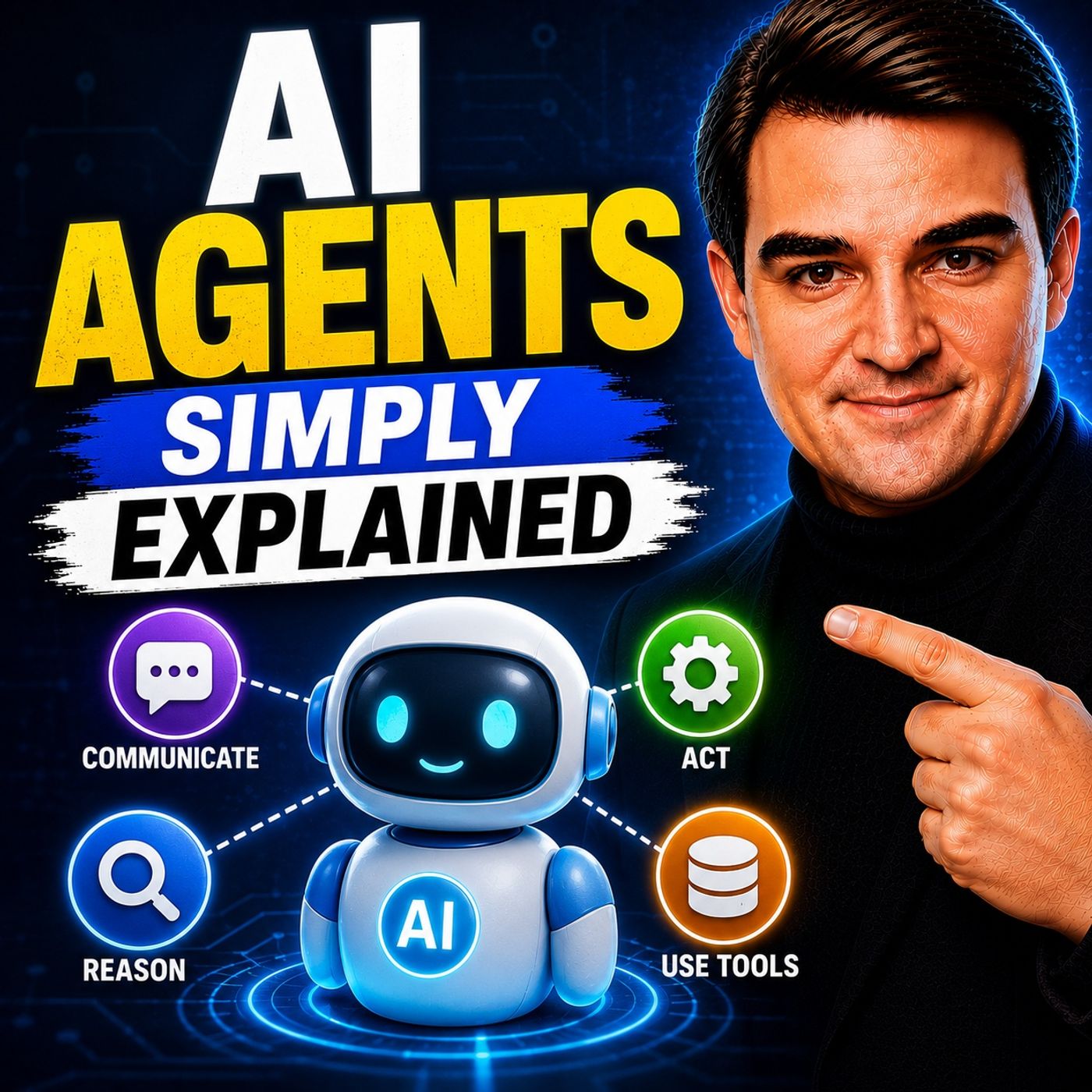
AI Agents - Simply Explained
Season 3
Published 2 weeks, 4 days ago
Description
Welcome to another episode of Knowledge Nuggets with Mirko Peters. In this episode, we're exploring AI Agents—one of the fastest-growing concepts in artificial intelligence and the foundation of Microsoft's vision for the future of work. The term "AI agent" is often used interchangeably with chatbot, but they're fundamentally different. A chatbot answers questions. An AI agent pursues goals. It can reason, make decisions, interact with business systems, perform tasks autonomously, and report back when the work is complete. Throughout this episode, you'll learn what makes AI agents unique, how Microsoft enables them across Microsoft 365 and Azure, and which platform you should choose depending on your requirements.
CHATBOTS VS. AI AGENTS
The easiest way to understand AI agents is by comparing them with traditional chatbots. A chatbot is reactive. It waits for a user to ask a question, generates an answer, and the interaction ends. Its memory is usually limited to the current conversation, and it cannot perform work outside the chat interface. An AI agent works very differently. Instead of simply answering questions, an agent receives an objective and determines the necessary steps to accomplish it. It can access calendars, send emails, update SharePoint lists, create documents, interact with business systems, and complete workflows without continuous user supervision. Think of a chatbot as a receptionist answering questions at the front desk. An AI agent is more like a project manager who coordinates multiple tasks, communicates with different systems, and returns once the objective has been completed.
WHAT MAKES AN AI AGENT?
An AI agent combines several capabilities that extend far beyond language generation. Modern agents can:
MICROSOFT'S THREE AGENT BUILDING OPTIONS
Microsoft provides three different approaches for building AI agents. Agent Builder Agent Builder is the simplest option. Included with Microsoft 365 Copilot, it enables users to create no-code agents simply by describing what they want in natural language. Knowledge can be sourced from:
KNOWLEDGE, MEMORY, AND TOOLS
An AI agent becomes valuable because it combines reasoning with enterprise knowledge. Depending on the platform, agents can retrieve information from:
<
CHATBOTS VS. AI AGENTS
The easiest way to understand AI agents is by comparing them with traditional chatbots. A chatbot is reactive. It waits for a user to ask a question, generates an answer, and the interaction ends. Its memory is usually limited to the current conversation, and it cannot perform work outside the chat interface. An AI agent works very differently. Instead of simply answering questions, an agent receives an objective and determines the necessary steps to accomplish it. It can access calendars, send emails, update SharePoint lists, create documents, interact with business systems, and complete workflows without continuous user supervision. Think of a chatbot as a receptionist answering questions at the front desk. An AI agent is more like a project manager who coordinates multiple tasks, communicates with different systems, and returns once the objective has been completed.
WHAT MAKES AN AI AGENT?
An AI agent combines several capabilities that extend far beyond language generation. Modern agents can:
- Reason through complex problems
- Plan multiple steps
- Use external tools
- Access enterprise knowledge
- Make decisions
- Execute actions
- Learn from context
- Work autonomously toward a goal
MICROSOFT'S THREE AGENT BUILDING OPTIONS
Microsoft provides three different approaches for building AI agents. Agent Builder Agent Builder is the simplest option. Included with Microsoft 365 Copilot, it enables users to create no-code agents simply by describing what they want in natural language. Knowledge can be sourced from:
- SharePoint
- OneDrive
- Teams
- Websites
- Uploaded files
- Organizational data
KNOWLEDGE, MEMORY, AND TOOLS
An AI agent becomes valuable because it combines reasoning with enterprise knowledge. Depending on the platform, agents can retrieve information from:
<