Episode Details
Back to Episodes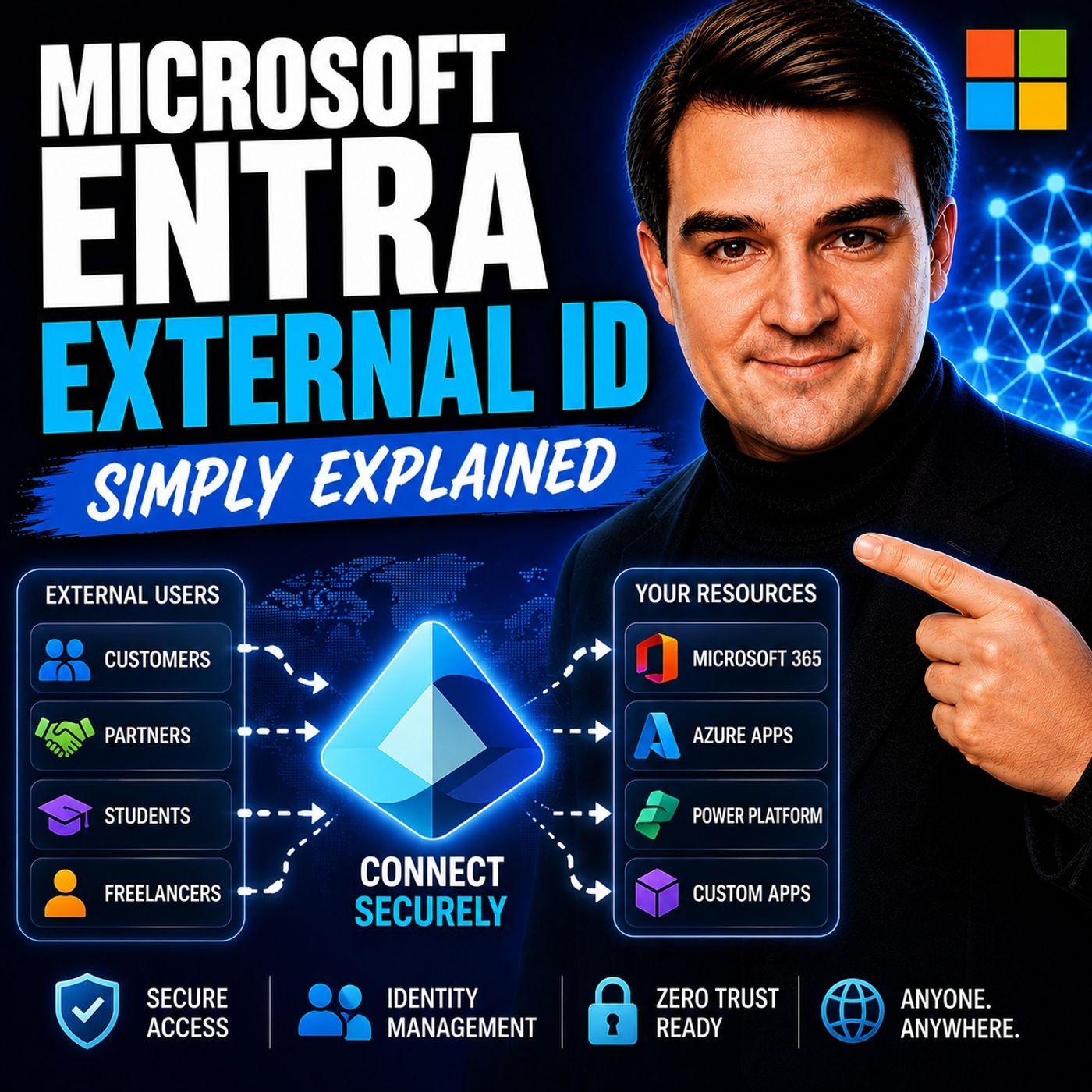
Microsoft Entra External ID - Simply Explained
Season 3
Published 2 weeks, 6 days ago
Description
Welcome to another episode of Knowledge Nuggets with Mirko Peters. In this episode, we're exploring Microsoft Entra External ID, Microsoft's modern Customer Identity and Access Management (CIAM) platform and the successor to Azure AD B2C. Whether you're building a customer portal, partner application, SaaS platform, or mobile app, every external user needs a secure and seamless way to sign up, sign in, and access your services. Microsoft Entra External ID provides exactly that while keeping customer identities separate from employee accounts and supporting modern authentication standards, social logins, and enterprise-grade security.
WHY EXTERNAL ID EXISTS
Managing customer identities has always been challenging. Organizations once built their own authentication systems, storing usernames and passwords, implementing password reset functionality, multi-factor authentication, and account management themselves. As applications grew, maintaining these systems became increasingly complex. Azure AD B2C helped solve many of these problems but introduced new challenges of its own. Administrators often struggled with complex XML-based custom policies, difficult troubleshooting, and a separate management experience from Microsoft Entra ID. Microsoft Entra External ID replaces Azure AD B2C with a more unified and simplified platform that removes much of this complexity while introducing a modern developer experience and improved administration.
WHAT IS MICROSOFT ENTRA EXTERNAL ID?
Microsoft Entra External ID is Microsoft's cloud identity platform for external users. Unlike Microsoft Entra ID, which manages employee identities inside an organization, External ID is designed specifically for customers, partners, guests, suppliers, contractors, and external applications. It provides the complete identity lifecycle, including:
THE THREE PRIMARY USE CASES
Microsoft Entra External ID supports three major identity scenarios. Customer Identity (CIAM) The most common scenario is customer authentication for public-facing applications. Organizations can build branded sign-up and sign-in experiences while allowing customers to authenticate using providers such as Google, Facebook, or Apple. External ID issues secure tokens that applications use to identify authenticated users. This is the direct replacement for Azure AD B2C. Business-to-Business Collaboration (B2B) Organizations frequently need to give partners, suppliers, consultants, or vendors access to internal applications. External ID manages guest invitations, onboarding, account redemption, and access policies while keeping external collaboration under centralized identity management. Machine-to-Machine Authentication Applications often need to communicate securely without human interaction. External ID supports OAuth 2.0 client credentials, enabling APIs and backend services to authenticate securely when communicating with payment systems, microservices, analytics platforms, or other enterprise APIs. This scenario requires the Machine-to-Machine Premium capability.
WORKFORCE TENANT VS EXTERNAL TENANT
One of the most important architectural decisions is determining where external identities should be stored. A Workforce Tenant stores guest users alongside employee identities. This works well for B2B collaboration where only a limited number of external users require access to internal resources such as SharePoint, Teams, or Microsoft 365 applications. An External Tenant creates a completely separate identi
WHY EXTERNAL ID EXISTS
Managing customer identities has always been challenging. Organizations once built their own authentication systems, storing usernames and passwords, implementing password reset functionality, multi-factor authentication, and account management themselves. As applications grew, maintaining these systems became increasingly complex. Azure AD B2C helped solve many of these problems but introduced new challenges of its own. Administrators often struggled with complex XML-based custom policies, difficult troubleshooting, and a separate management experience from Microsoft Entra ID. Microsoft Entra External ID replaces Azure AD B2C with a more unified and simplified platform that removes much of this complexity while introducing a modern developer experience and improved administration.
WHAT IS MICROSOFT ENTRA EXTERNAL ID?
Microsoft Entra External ID is Microsoft's cloud identity platform for external users. Unlike Microsoft Entra ID, which manages employee identities inside an organization, External ID is designed specifically for customers, partners, guests, suppliers, contractors, and external applications. It provides the complete identity lifecycle, including:
- User registration
- Secure sign-in
- Password reset
- Profile management
- Multi-factor authentication
- Token issuance
- Social identity providers
THE THREE PRIMARY USE CASES
Microsoft Entra External ID supports three major identity scenarios. Customer Identity (CIAM) The most common scenario is customer authentication for public-facing applications. Organizations can build branded sign-up and sign-in experiences while allowing customers to authenticate using providers such as Google, Facebook, or Apple. External ID issues secure tokens that applications use to identify authenticated users. This is the direct replacement for Azure AD B2C. Business-to-Business Collaboration (B2B) Organizations frequently need to give partners, suppliers, consultants, or vendors access to internal applications. External ID manages guest invitations, onboarding, account redemption, and access policies while keeping external collaboration under centralized identity management. Machine-to-Machine Authentication Applications often need to communicate securely without human interaction. External ID supports OAuth 2.0 client credentials, enabling APIs and backend services to authenticate securely when communicating with payment systems, microservices, analytics platforms, or other enterprise APIs. This scenario requires the Machine-to-Machine Premium capability.
WORKFORCE TENANT VS EXTERNAL TENANT
One of the most important architectural decisions is determining where external identities should be stored. A Workforce Tenant stores guest users alongside employee identities. This works well for B2B collaboration where only a limited number of external users require access to internal resources such as SharePoint, Teams, or Microsoft 365 applications. An External Tenant creates a completely separate identi