Episode Details
Back to Episodes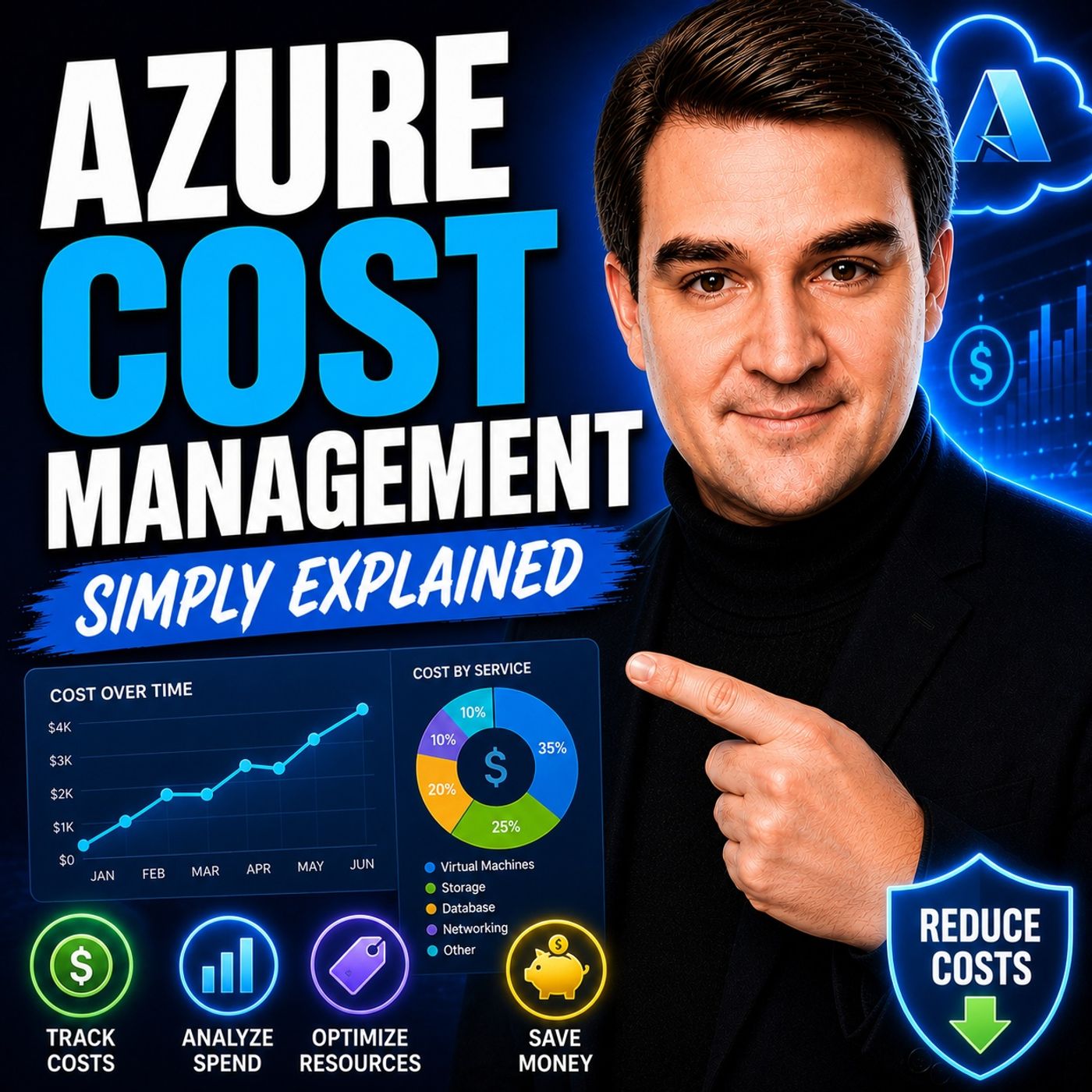
Azure Cost Management - Simply Explained
Season 3
Published 2 weeks, 6 days ago
Description
Welcome to another episode of Knowledge Nuggets with Mirko Peters. In this episode, we're exploring Azure Cost Management, Microsoft's built-in solution for monitoring, analyzing, controlling, and optimizing your Azure spending. Cloud computing promises flexibility and pay-as-you-go pricing, but without proper visibility, it's surprisingly easy to waste money on idle virtual machines, oversized databases, forgotten storage, and unused resources. You'll learn how Azure Cost Management helps you track spending, understand billing, create budgets, configure alerts, analyze resource costs, and apply proven optimization strategies that can significantly reduce your monthly Azure bill without sacrificing performance.
WHY COST MANAGEMENT MATTERS
One of the biggest misconceptions about cloud computing is that it's automatically inexpensive. While Azure allows you to pay only for the resources you consume, organizations often continue paying for resources they no longer need. Idle virtual machines, oversized compute instances, unattached managed disks, unused public IP addresses, forgotten snapshots, and development environments running overnight can quietly generate unnecessary costs month after month. Industry research consistently shows that a significant percentage of cloud spending is wasted due to poor visibility and lack of governance. Azure Cost Management helps eliminate this waste by providing clear insight into where money is being spent before unexpected bills arrive. Instead of reacting after receiving an invoice, organizations can proactively monitor costs and optimize cloud usage every day.
UNDERSTANDING AZURE COST MANAGEMENT
Azure Cost Management is included with every Azure subscription and provides four core capabilities:
BILLING HIERARCHY AND RESOURCE ORGANIZATION
Understanding Azure's billing structure is essential for accurate cost reporting. Azure separates the Billing Hierarchy from the Resource Hierarchy. The billing hierarchy consists of Billing Accounts, Billing Profiles, Invoice Sections, and Subscriptions, determining how Microsoft invoices your organization. The resource hierarchy consists of Management Groups, Subscriptions, Resource Groups, and individual Azure Resources, representing where workloads actually run. Because financial reporting and technical organization don't always align naturally, Azure supports Tags that connect resources to departments, environments, projects, applications, or cost centers. Proper tagging allows organizations to answer important business questions such as:
COST ANALYSIS, BUDGETS, AND ALERTS
The Cost Analysis dashboard is the heart of Azure Cost Management. It allows administrators to visualize spending over time, compare historical trends, forecast future costs, and drill down from subscriptions to individual Azure resources.
WHY COST MANAGEMENT MATTERS
One of the biggest misconceptions about cloud computing is that it's automatically inexpensive. While Azure allows you to pay only for the resources you consume, organizations often continue paying for resources they no longer need. Idle virtual machines, oversized compute instances, unattached managed disks, unused public IP addresses, forgotten snapshots, and development environments running overnight can quietly generate unnecessary costs month after month. Industry research consistently shows that a significant percentage of cloud spending is wasted due to poor visibility and lack of governance. Azure Cost Management helps eliminate this waste by providing clear insight into where money is being spent before unexpected bills arrive. Instead of reacting after receiving an invoice, organizations can proactively monitor costs and optimize cloud usage every day.
UNDERSTANDING AZURE COST MANAGEMENT
Azure Cost Management is included with every Azure subscription and provides four core capabilities:
- Monitor cloud spending
- Analyze resource costs
- Control budgets and alerts
- Optimize Azure resources
BILLING HIERARCHY AND RESOURCE ORGANIZATION
Understanding Azure's billing structure is essential for accurate cost reporting. Azure separates the Billing Hierarchy from the Resource Hierarchy. The billing hierarchy consists of Billing Accounts, Billing Profiles, Invoice Sections, and Subscriptions, determining how Microsoft invoices your organization. The resource hierarchy consists of Management Groups, Subscriptions, Resource Groups, and individual Azure Resources, representing where workloads actually run. Because financial reporting and technical organization don't always align naturally, Azure supports Tags that connect resources to departments, environments, projects, applications, or cost centers. Proper tagging allows organizations to answer important business questions such as:
- Which department generated these costs?
- Which project is consuming the largest budget?
- How much does production cost compared to development?
- Which application is driving Azure spending?
COST ANALYSIS, BUDGETS, AND ALERTS
The Cost Analysis dashboard is the heart of Azure Cost Management. It allows administrators to visualize spending over time, compare historical trends, forecast future costs, and drill down from subscriptions to individual Azure resources.