Episode Details
Back to Episodes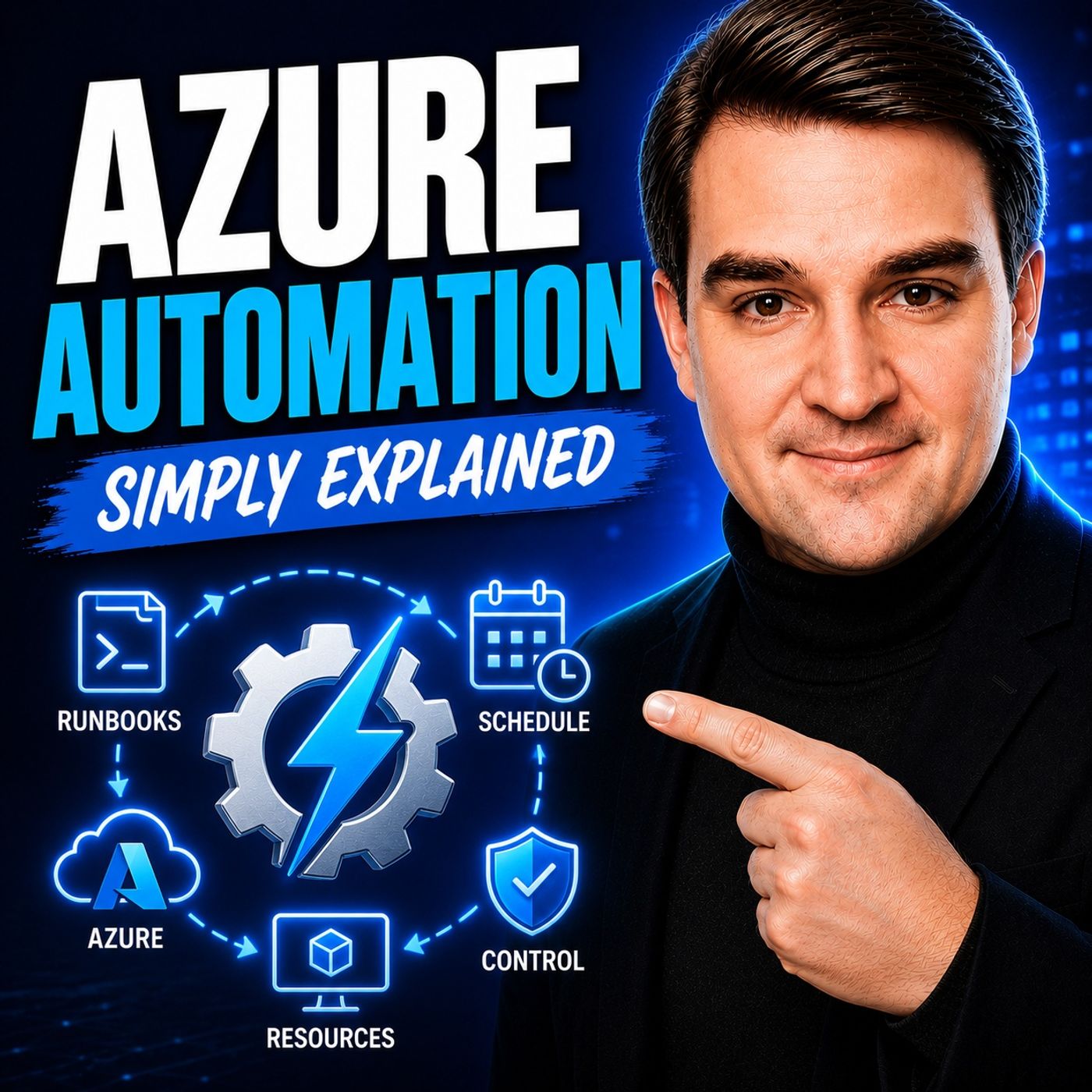
Azure Automation - Simply Explained
Season 3
Published 2 weeks, 6 days ago
Description
Welcome to another episode of Knowledge Nuggets with Mirko Peters. In this episode, we're exploring Azure Automation, Microsoft's cloud service for automating repetitive IT tasks across Azure and hybrid environments. Whether you're starting and stopping virtual machines, running maintenance scripts, applying configurations, or responding automatically to alerts, Azure Automation helps eliminate manual work while improving consistency and reducing operational costs. You'll learn how Automation Accounts, Runbooks, Schedules, Hybrid Runbook Workers, Desired State Configuration, Managed Identities, and shared resources all work together to build reliable cloud automation that runs 24/7 without human intervention.
WHY AZURE AUTOMATION MATTERS
Every IT administrator performs repetitive tasks that consume valuable time. Starting and stopping virtual machines, patching servers, cleaning up resources, rotating logs, or running maintenance scripts may seem simple individually, but become overwhelming as environments grow. Manual administration also introduces inconsistency and human error. One forgotten patch, one incorrectly configured server, or one missed maintenance task can quickly lead to operational issues. Azure Automation centralizes these recurring activities inside an Automation Account, allowing organizations to automate repetitive operational tasks, schedule maintenance windows, react to monitoring alerts, and execute scripts consistently across hundreds or even thousands of systems without manual intervention.
RUNBOOKS AND AUTOMATION ACCOUNTS
The heart of Azure Automation is the Runbook. A Runbook is simply a PowerShell or Python script stored inside an Automation Account. Once written and tested, Azure executes the same sequence of actions repeatedly without requiring user interaction. Runbooks can perform almost any administrative task, including:
SCHEDULES, TRIGGERS, AND WEBHOOKS
Automation becomes valuable when runbooks execute without manual intervention. Azure Automation supports several trigger mechanisms. Schedules allow runbooks to execute once, daily, weekly, monthly, or according to custom recurrence patterns. Azure Monitor Alerts can trigger runbooks automatically whenever monitoring detects issues such as high CPU utilization, low disk space, or service failures. Webhooks expose secure URLs that external applications, Logic Apps, DevOps pipelines, or third-party systems can call to launch automation workflows instantly. Because schedules are reusable, a single schedule can trigger multiple runbooks simultaneously, making it easy to automate recurring operational tasks across multiple Azure resources.
HYBRID RUNBOOK WORKERS AND STATE CONFIGURATION
Azure Automation isn't limited to Azure resources. Hybrid Runbook Workers extend automation to on-premises servers, private datacenters, and other non-Azure environments. Instead of executing inside Azure's managed sandbox, runbooks execute locally on Hybrid Workers, providing direct access to internal networks, Active Directory, local databases, file shares, and legacy applications. For configuration management, Azure Automation includes Desired State Configuration (DSC), allowing administrators to define the desired configuration for servers and automatically detect or remediate configuration drift. As Microsoft evolves this capability, Azure Machine Configuration continues expanding these complia
WHY AZURE AUTOMATION MATTERS
Every IT administrator performs repetitive tasks that consume valuable time. Starting and stopping virtual machines, patching servers, cleaning up resources, rotating logs, or running maintenance scripts may seem simple individually, but become overwhelming as environments grow. Manual administration also introduces inconsistency and human error. One forgotten patch, one incorrectly configured server, or one missed maintenance task can quickly lead to operational issues. Azure Automation centralizes these recurring activities inside an Automation Account, allowing organizations to automate repetitive operational tasks, schedule maintenance windows, react to monitoring alerts, and execute scripts consistently across hundreds or even thousands of systems without manual intervention.
RUNBOOKS AND AUTOMATION ACCOUNTS
The heart of Azure Automation is the Runbook. A Runbook is simply a PowerShell or Python script stored inside an Automation Account. Once written and tested, Azure executes the same sequence of actions repeatedly without requiring user interaction. Runbooks can perform almost any administrative task, including:
- Starting and stopping Azure Virtual Machines
- Managing storage accounts
- Executing database maintenance
- Sending notifications
- Calling REST APIs
- Managing Azure resources
- Automating cloud governance
SCHEDULES, TRIGGERS, AND WEBHOOKS
Automation becomes valuable when runbooks execute without manual intervention. Azure Automation supports several trigger mechanisms. Schedules allow runbooks to execute once, daily, weekly, monthly, or according to custom recurrence patterns. Azure Monitor Alerts can trigger runbooks automatically whenever monitoring detects issues such as high CPU utilization, low disk space, or service failures. Webhooks expose secure URLs that external applications, Logic Apps, DevOps pipelines, or third-party systems can call to launch automation workflows instantly. Because schedules are reusable, a single schedule can trigger multiple runbooks simultaneously, making it easy to automate recurring operational tasks across multiple Azure resources.
HYBRID RUNBOOK WORKERS AND STATE CONFIGURATION
Azure Automation isn't limited to Azure resources. Hybrid Runbook Workers extend automation to on-premises servers, private datacenters, and other non-Azure environments. Instead of executing inside Azure's managed sandbox, runbooks execute locally on Hybrid Workers, providing direct access to internal networks, Active Directory, local databases, file shares, and legacy applications. For configuration management, Azure Automation includes Desired State Configuration (DSC), allowing administrators to define the desired configuration for servers and automatically detect or remediate configuration drift. As Microsoft evolves this capability, Azure Machine Configuration continues expanding these complia