Episode Details
Back to Episodes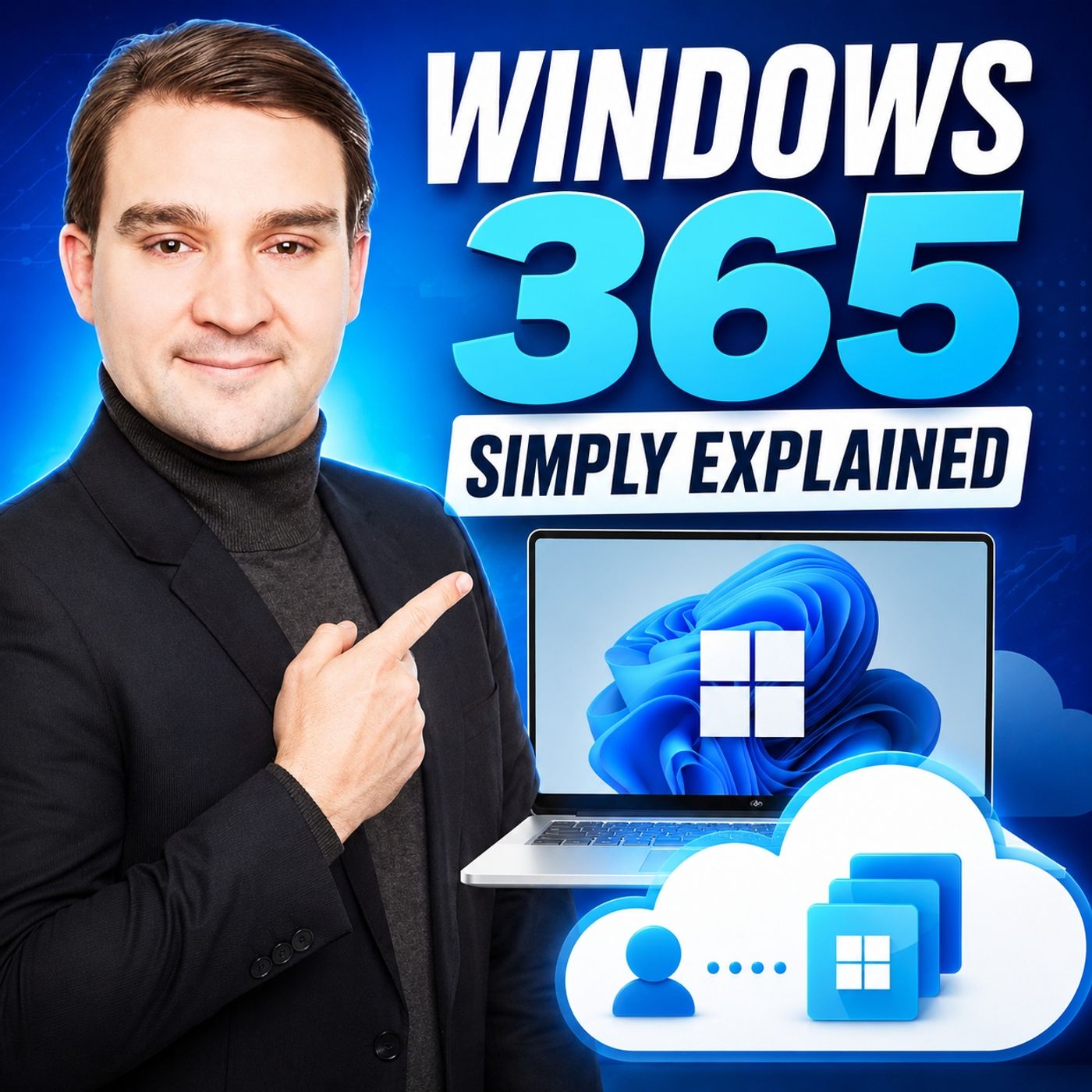
Windows 365 – Simply Explained
Season 3
Published 3 weeks, 4 days ago
Description
What if your Windows PC wasn't tied to a physical device? What if you could access the exact same desktop, applications, and files from your laptop, tablet, Mac, smartphone, or even a web browser? That's exactly what Windows 365 delivers. In this episode, we break down Microsoft's Cloud PC platform in plain English, exploring how it works, why organizations are adopting it, and where it fits into today's hybrid work environment. Whether you're an IT professional, business owner, or simply curious about Microsoft's cloud strategy, this episode gives you a practical introduction without unnecessary technical jargon.
WHY WINDOWS 365 EXISTS
Traditional device management is expensive, time-consuming, and inflexible. Every new employee or contractor typically requires purchasing, configuring, shipping, maintaining, and eventually replacing a physical laptop. As remote work, hybrid work, and BYOD (Bring Your Own Device) become increasingly common, businesses need a better solution that provides flexibility without sacrificing security. Windows 365 was designed to solve exactly this challenge by separating the Windows experience from the physical hardware.
WHAT IS A CLOUD PC?
Windows 365 provides a complete Windows desktop running entirely inside Microsoft's cloud. Instead of storing your operating system, applications, and files on your local device, everything lives securely inside Microsoft's datacenters. Users simply stream their personal Windows desktop to virtually any supported device while enjoying the same familiar Windows experience they already know. The result is a fully personalized PC that's available wherever there's an internet connection.
HOW WINDOWS 365 WORKS
Every user receives their own dedicated Cloud PC with allocated CPU, memory, storage, applications, and settings. Keyboard and mouse input are transmitted securely to Microsoft's cloud while the display is streamed back in real time. Because the actual computing happens remotely, users can switch devices without losing their session. Microsoft also manages infrastructure, operating system updates, patching, and platform availability, reducing the operational burden on IT departments.
BUSINESS, ENTERPRISE, FRONTLINE AND FLEX
Windows 365 is available in multiple editions designed for different organizational needs. Windows 365 Business targets smaller organizations with simplified deployment, while Windows 365 Enterprise integrates deeply with Microsoft Intune, Microsoft Entra ID, and enterprise security policies. Additional offerings such as Windows 365 Frontline and Windows 365 Flex introduce cost-effective options for shift workers, temporary staff, and shared usage scenarios, making Cloud PCs accessible across a wide range of business models.
REAL-WORLD USE CASES
Windows 365 shines in scenarios involving contractors, seasonal workers, remote employees, mergers and acquisitions, business continuity, and BYOD environments. Organizations can provision secure corporate desktops within minutes without shipping hardware, allowing employees to remain productive from virtually anywhere. If a device is lost or damaged, users simply sign in from another device and continue working exactly where they left off.
BUILT-IN SECURITY ADVANTAGES
One of Windows 365's greatest strengths is security. Corporate data remains inside Microsoft's cloud instead of being stored on personal devices. Organizations can enforce Conditional Access policies, disable local device redirection, integrate Microsoft Defender, and leverage enterprise-grade identity protection through Microsoft Entra. This dramatically reduces the risks associated with remote work while simplifying compliance requirements across regulated industries.
COSTS AND BUSINESS VALUE
Rather than purchasing laptops every few years, organizations pay a predi
WHY WINDOWS 365 EXISTS
Traditional device management is expensive, time-consuming, and inflexible. Every new employee or contractor typically requires purchasing, configuring, shipping, maintaining, and eventually replacing a physical laptop. As remote work, hybrid work, and BYOD (Bring Your Own Device) become increasingly common, businesses need a better solution that provides flexibility without sacrificing security. Windows 365 was designed to solve exactly this challenge by separating the Windows experience from the physical hardware.
WHAT IS A CLOUD PC?
Windows 365 provides a complete Windows desktop running entirely inside Microsoft's cloud. Instead of storing your operating system, applications, and files on your local device, everything lives securely inside Microsoft's datacenters. Users simply stream their personal Windows desktop to virtually any supported device while enjoying the same familiar Windows experience they already know. The result is a fully personalized PC that's available wherever there's an internet connection.
HOW WINDOWS 365 WORKS
Every user receives their own dedicated Cloud PC with allocated CPU, memory, storage, applications, and settings. Keyboard and mouse input are transmitted securely to Microsoft's cloud while the display is streamed back in real time. Because the actual computing happens remotely, users can switch devices without losing their session. Microsoft also manages infrastructure, operating system updates, patching, and platform availability, reducing the operational burden on IT departments.
BUSINESS, ENTERPRISE, FRONTLINE AND FLEX
Windows 365 is available in multiple editions designed for different organizational needs. Windows 365 Business targets smaller organizations with simplified deployment, while Windows 365 Enterprise integrates deeply with Microsoft Intune, Microsoft Entra ID, and enterprise security policies. Additional offerings such as Windows 365 Frontline and Windows 365 Flex introduce cost-effective options for shift workers, temporary staff, and shared usage scenarios, making Cloud PCs accessible across a wide range of business models.
REAL-WORLD USE CASES
Windows 365 shines in scenarios involving contractors, seasonal workers, remote employees, mergers and acquisitions, business continuity, and BYOD environments. Organizations can provision secure corporate desktops within minutes without shipping hardware, allowing employees to remain productive from virtually anywhere. If a device is lost or damaged, users simply sign in from another device and continue working exactly where they left off.
BUILT-IN SECURITY ADVANTAGES
One of Windows 365's greatest strengths is security. Corporate data remains inside Microsoft's cloud instead of being stored on personal devices. Organizations can enforce Conditional Access policies, disable local device redirection, integrate Microsoft Defender, and leverage enterprise-grade identity protection through Microsoft Entra. This dramatically reduces the risks associated with remote work while simplifying compliance requirements across regulated industries.
COSTS AND BUSINESS VALUE
Rather than purchasing laptops every few years, organizations pay a predi