Episode Details
Back to Episodes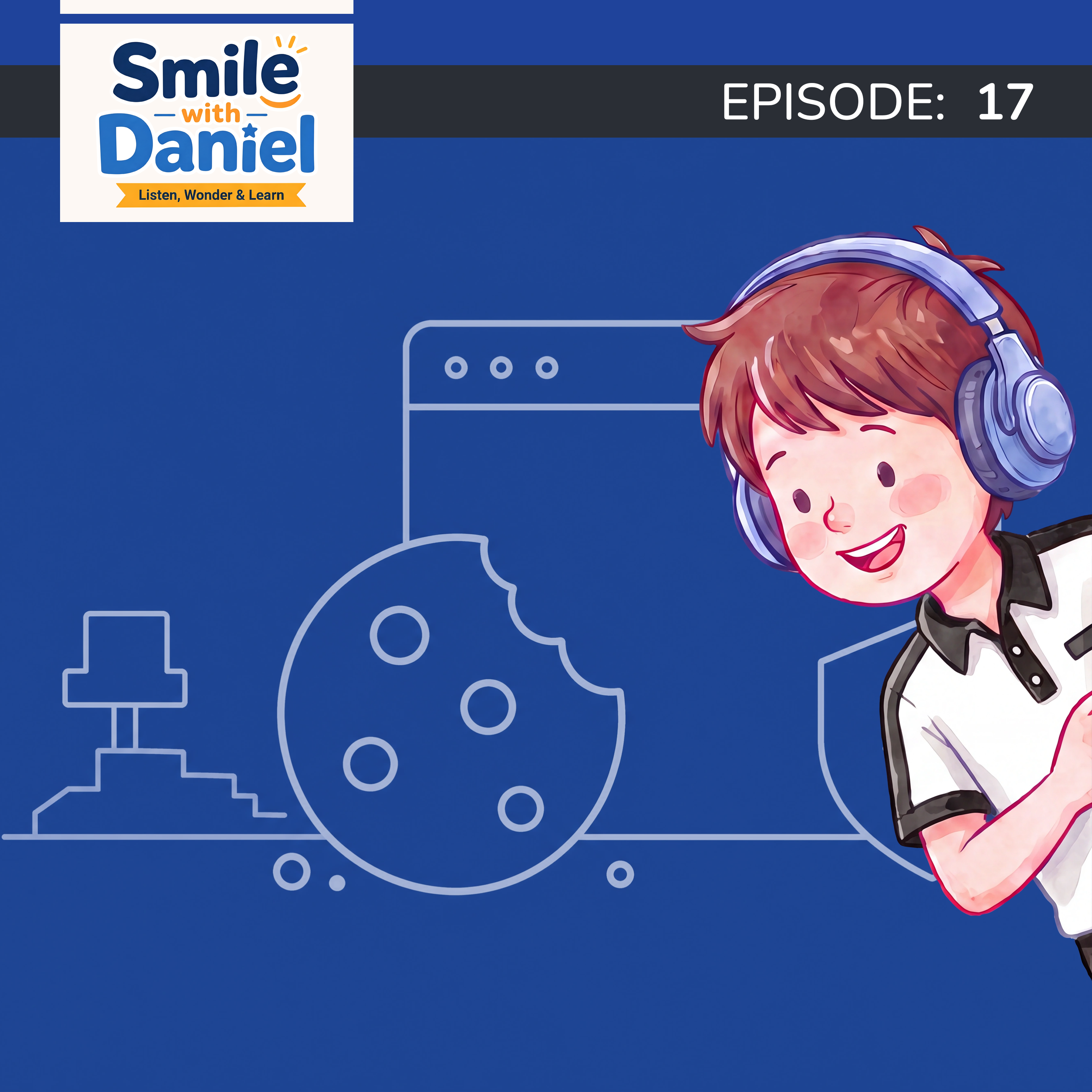
What Are Browser Cookies? Every Website Asks About Them
Description
Every website Daniel visits has the same popup. "This website uses cookies." Accept. Decline. Manage settings.
He's been clicking through it his whole life without knowing what it means.
So he asked his mom.
A browser cookie isn't food. It's a tiny text file that a website saves on your device when you visit. Its original job was simple and useful — to give a website a way to recognize that the same browser has come back. Without cookies, every time you clicked to a new page on a website your shopping cart would empty. You'd be logged out every time you moved. The website would have no memory of you at all.
The name comes from a programmer named Lou Montulli, who in 1994 borrowed a concept from computer programming called a magic cookie — a small packet of data passed between programs to help them recognize each other. He used it for web browsers. The name got shortened. And now every website in the world is asking you about them.
But here's where it gets more interesting. Not all cookies work the same way.
The ones placed by the website you're actually visiting — called first-party cookies — are mostly helpful. They keep your cart, remember your login, save your preferences. Generally not a problem.
The other kind are called third-party cookies. These are placed not by the website you're on, but by other companies whose code runs quietly in the background of that site. An advertising company might have code on a news website, a sports website, a shopping website, and a gaming website — all at once. Which means they can see that the same browser visited all of those places. Over time they build a picture of your browsing habits to figure out what ads you're most likely to respond to. That's why you search for something and then see it advertised everywhere you go.
As for why every website has that popup — a set of rules called the GDPR came into effect in Europe in 2018, requiring websites to get permission before using non-essential cookies. Many websites decided it was simpler to use the same notice for everyone, everywhere.
The law was meant to give people more control. In practice, most people just click "accept all" without reading it. Mom has thoughts about that.
And Daniel's practical question at the end — what should I actually do when I see one? — gets a genuinely useful answer.
What you'll find in this episode:
- — What browser cookies actually are and why they exist
- Why your shopping cart stays full and you stay logged in
- The origin of the name — including the "magic cookie" part Daniel cannot get over
- The difference between first-party and third-party cookies
- Why third-party cookies are behind the ads that seem to follow you around
- Why those popups exist — and what to actually do when you see one
Short, practical, and the kind of episode that makes that cookie popup feel a lot less annoying and a lot more interesting.
Listen, wonder, and learn.
Find us @smilewithDaniel everywhere.