Episode Details
Back to Episodes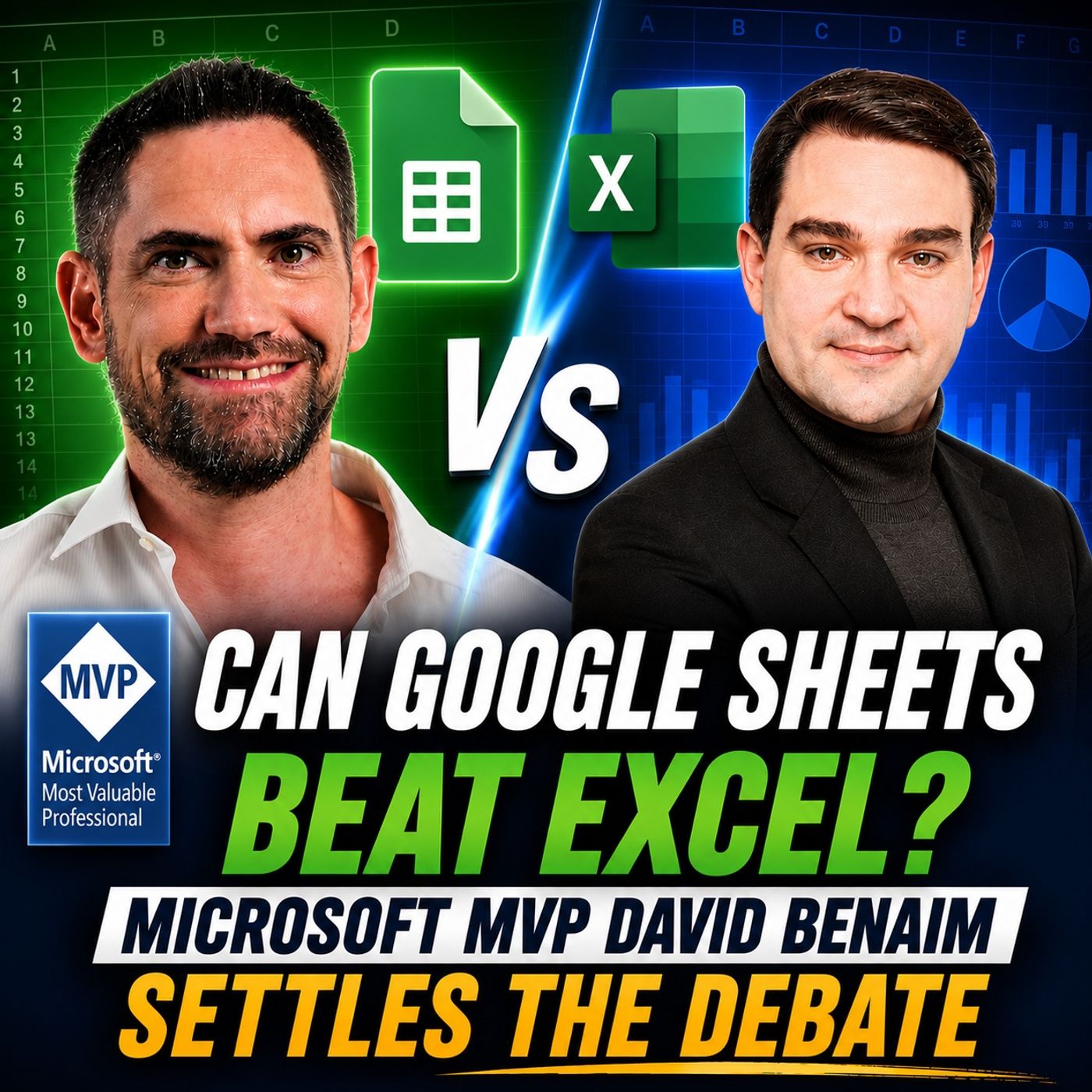
Can Google Sheets Beat Excel: Microsoft MVP David Benaim Settles the Debate
Season 2
Published 1 month ago
Description
For decades, Microsoft Excel has been the undisputed king of spreadsheets. It powers everything from personal budgets to enterprise reporting, financial modeling, and business intelligence. But Google Sheets has steadily evolved into a powerful cloud-first alternative that challenges many long-held assumptions about spreadsheet software. In this episode of the M365 Show, Microsoft MVP David Benaim joins host Mirko Peters for an in-depth discussion about the strengths, weaknesses, and future of both platforms. Rather than declaring a single winner, David explains why choosing the right spreadsheet depends on your workflow, collaboration needs, automation requirements, and business environment. Whether you're an Excel power user, a Google Workspace enthusiast, a data analyst, or simply curious about modern productivity tools, this episode delivers practical insights backed by years of real-world consulting, training, and Microsoft MVP experience.
EXCEL'S 40-YEAR LEGACY
David shares the fascinating history of Excel, from its early competition with Lotus 1-2-3 to becoming the world's most widely used spreadsheet application. Despite countless predictions that "Excel is dead," it continues to evolve with powerful new capabilities including Power Query, Power Pivot, Python integration, AI assistance, and seamless integration with the Microsoft ecosystem. The conversation explores why millions of businesses still rely on Excel every day and why spreadsheets continue to be one of the most flexible productivity tools ever created.
WHY GOOGLE SHEETS IS OFTEN UNDERESTIMATED
Many professionals still remember Google Sheets as a lightweight online spreadsheet with limited functionality. David explains why that perception is now outdated. Over the past decade, Google has introduced hundreds of improvements, transforming Google Sheets into a serious platform for modern collaboration. Features like cloud-native editing, powerful sharing capabilities, Smart Fill, AI-powered workflows, advanced formulas, and innovative table functionality make it an excellent solution for many organizations. The discussion highlights several areas where Google Sheets actually outperforms Excel, particularly when teams collaborate across organizations or work entirely in the cloud.
GOOGLE SHEETS VS. EXCEL: FEATURE-BY-FEATURE COMPARISON
Instead of relying on marketing claims, David compares both platforms across the features professionals actually use every day. Topics include:
REAL-TIME COLLABORATION
One area where Google Sheets continues to impress is real-time collaboration. David explains why Google's cloud-first approach often provides a smoother experience when multiple people edit the same spreadsheet simultaneously, especially when working with external partners, consultants, and customers. The conversation also compares Microsoft's co-authoring capabilities in Excel, SharePoint, and OneDrive, discussing where Microsoft has improved significantly and where Google still maintains an advantage.
AI IS TRANSFORMING SPREADSHEETS
Artificial Intelligence is changing how professionals build reports, analyze data, clean spreadsheets, and automate repetitive work. David compares Microsoft's Copilot with Google's Gemini while also discussing Claude and ChatGP
EXCEL'S 40-YEAR LEGACY
David shares the fascinating history of Excel, from its early competition with Lotus 1-2-3 to becoming the world's most widely used spreadsheet application. Despite countless predictions that "Excel is dead," it continues to evolve with powerful new capabilities including Power Query, Power Pivot, Python integration, AI assistance, and seamless integration with the Microsoft ecosystem. The conversation explores why millions of businesses still rely on Excel every day and why spreadsheets continue to be one of the most flexible productivity tools ever created.
WHY GOOGLE SHEETS IS OFTEN UNDERESTIMATED
Many professionals still remember Google Sheets as a lightweight online spreadsheet with limited functionality. David explains why that perception is now outdated. Over the past decade, Google has introduced hundreds of improvements, transforming Google Sheets into a serious platform for modern collaboration. Features like cloud-native editing, powerful sharing capabilities, Smart Fill, AI-powered workflows, advanced formulas, and innovative table functionality make it an excellent solution for many organizations. The discussion highlights several areas where Google Sheets actually outperforms Excel, particularly when teams collaborate across organizations or work entirely in the cloud.
GOOGLE SHEETS VS. EXCEL: FEATURE-BY-FEATURE COMPARISON
Instead of relying on marketing claims, David compares both platforms across the features professionals actually use every day. Topics include:
- Spreadsheet tables and structured data
- Formula capabilities
- Advanced lookup functions
- Pivot Tables
- Power Query
- Python integration
- Google Query functions
- VBA vs Google Apps Script
- Office Scripts
- Performance
- Scalability
- Business reporting
- Automation
- Enterprise workflows
REAL-TIME COLLABORATION
One area where Google Sheets continues to impress is real-time collaboration. David explains why Google's cloud-first approach often provides a smoother experience when multiple people edit the same spreadsheet simultaneously, especially when working with external partners, consultants, and customers. The conversation also compares Microsoft's co-authoring capabilities in Excel, SharePoint, and OneDrive, discussing where Microsoft has improved significantly and where Google still maintains an advantage.
AI IS TRANSFORMING SPREADSHEETS
Artificial Intelligence is changing how professionals build reports, analyze data, clean spreadsheets, and automate repetitive work. David compares Microsoft's Copilot with Google's Gemini while also discussing Claude and ChatGP