Episode Details
Back to Episodes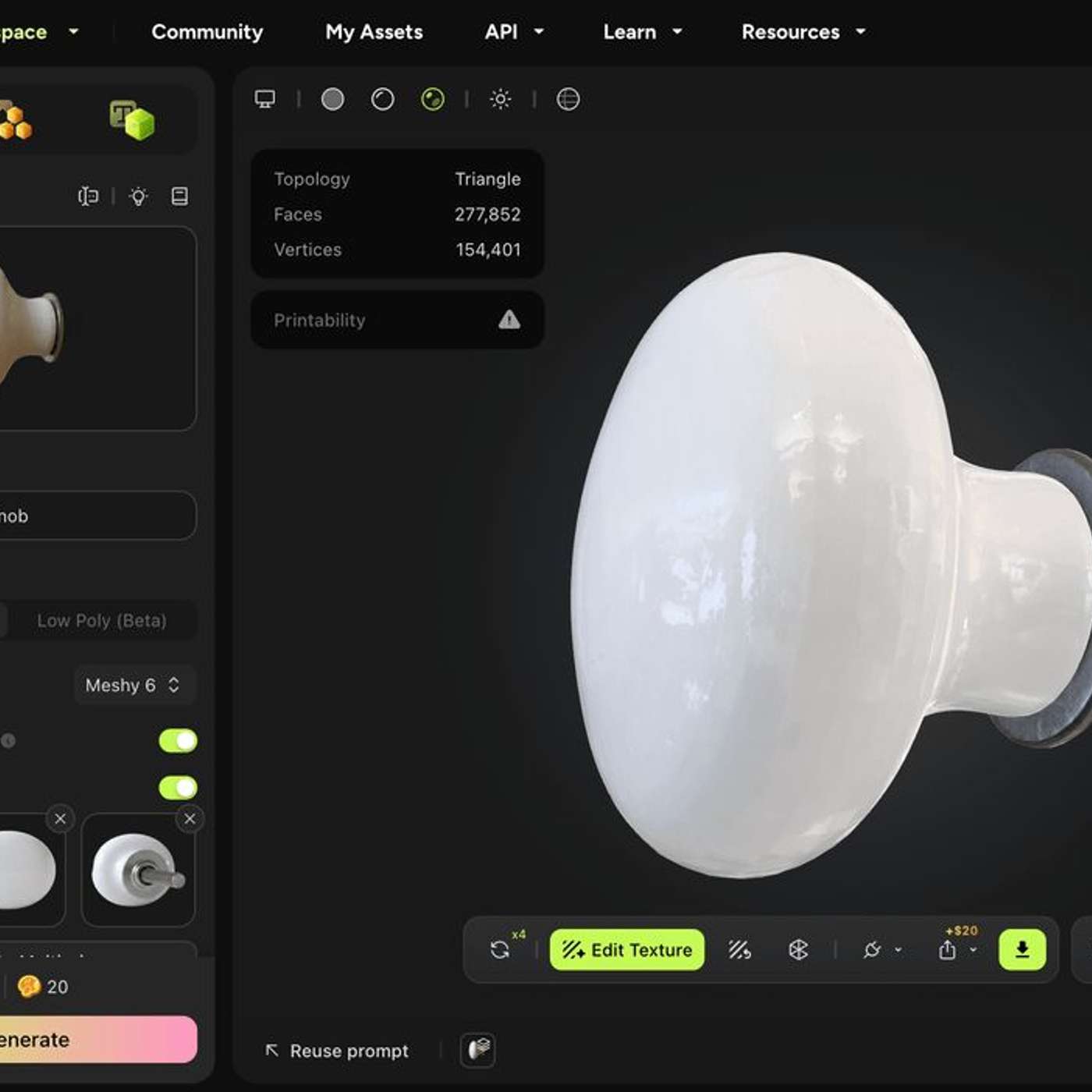
A Practical Workflow for Turning Photos Into Printable STL Files With Meshy
Description
This story was originally published on HackerNoon at: https://hackernoon.com/a-practical-workflow-for-turning-photos-into-printable-stl-files-with-meshy.
This guide shows how to turn a photo into a printable 3D model using image-to-3D generation, mesh cleanup, and standard slicing workflows.
Check more stories related to tech-stories at: https://hackernoon.com/c/tech-stories.
You can also check exclusive content about #ai-3d-printing, #3d-printing, #ai-3d-model-generator, #ai-converting-2d-images-to-3d, #3d-printed-molds, #3d-modelling, #3d-design, #good-company, and more.
This story was written by: @meshyai. Learn more about this writer by checking @meshyai's about page,
and for more stories, please visit hackernoon.com.
Photograph an object, generate a 3D model with Meshy's image-to-3D, clean the mesh for printing (remesh → watertight check → re-orient → scale), export STL, and slice. On a small part the whole loop runs under an hour, most of it unattended print time. Works for replacement hardware, props, and figurines where ±1 mm tolerance is fine — not for precision parts under 0.5 mm, multi-part assemblies, or anything you'll need to re-edit in CAD later.