Episode Details
Back to Episodes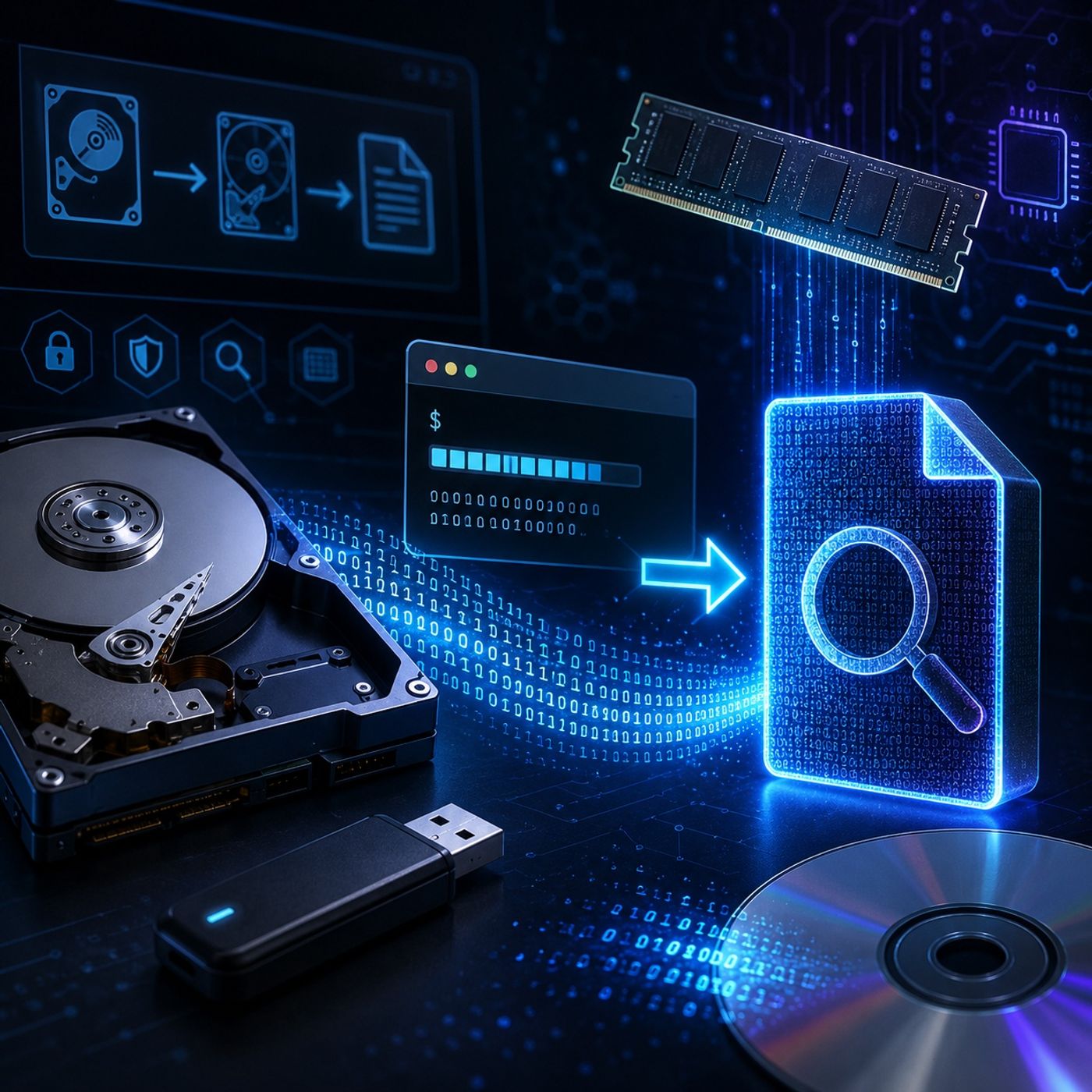
Course 36 - Windows Forensics and Tools | Episode 3: Mastering dd.exe for Drives and Memory
Published 5 months ago
Description
In this lesson, you’ll learn about: forensic imaging using the DD utility1. What is DD (Data Dumper)?
You can listen and download our episodes for free on more than 10 different platforms:
https://linktr.ee/cybercode_academy
- A low-level command-line tool used for bit-by-bit copying
- Commonly used in digital forensics imaging
- Copies data from:
- Input → Output
- Without interpreting or modifying it
- It creates an exact raw duplicate of data
- if= → input source
- of= → output destination
- bs= → block size
- count= → number of blocks
- Input disk → output image file
- DD does not “understand” files
- It works at raw byte level
- Controls how much data is copied per operation
- Larger block size:
- Faster imaging
- Too large:
- Can exhaust system memory
- Balance speed vs system stability
- Identify storage device
- Find volume/drive identifier
- Run DD imaging command
- Save output as forensic image
- USB drives
- Hard disks
- Optical media (CD/DVD ISO extraction)
- Use size limits to avoid reading past device boundaries
- Capturing live system memory (volatile data)
- Contains:
- Running processes
- Active network connections
- Encryption keys
- No kernel driver required in some cases
- Direct raw memory capture
- Data may be inconsistent ("blurred")
- Because system is actively changing
- Blocks direct access to physical memory
- Windows XP 64-bit
- Windows Server 2003+
- Administrator privileges required
- Often requires alternative forensic tools
- Bit-for-bit accuracy
- No modification of original evidence
- Ensures raw acquisition of evidence
- Preserves original disk structure
- DD is a powerful low-level forensic imaging tool
- It works by copying raw bytes from source to destination
- Block size directly affects performance and stability
- It can be used for disks, USBs, CDs, and even RAM
- Modern Windows systems restrict physical memory access
- Select device → set parameters → raw copy → verify integrity
You can listen and download our episodes for free on more than 10 different platforms:
https://linktr.ee/cybercode_academy