Episode Details
Back to Episodes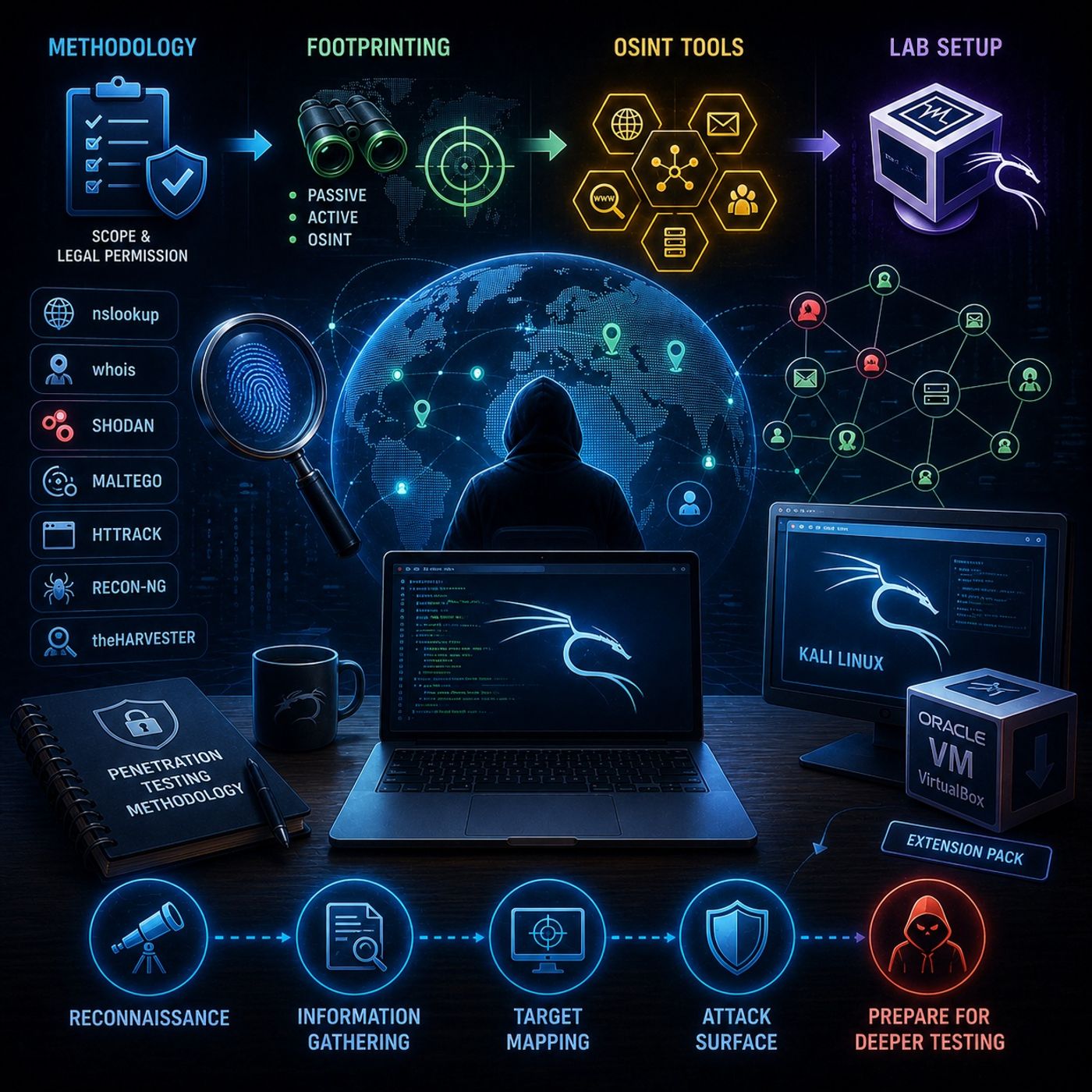
Course 35 - Footprinting and Reconnaissance | Episode 1: Methodology, OSINT Tools, and Lab Setup
Published 3 months ago
Description
In this lesson, you’ll learn about: footprinting, OSINT, and setting up a penetration testing lab1. Penetration Testing Methodology🔹 The First Rule: Legal Scope
You can listen and download our episodes for free on more than 10 different platforms:
https://linktr.ee/cybercode_academy
- Before any testing:
- Define scope clearly
- Get explicit permission
- Protects you legally
- Defines what systems you can test
- Prevents unauthorized access issues
- The process of gathering information about a target before attacking
- No direct interaction with the target
- Uses publicly available data
- Direct engagement with the target
- Higher risk of detection
- Collecting intelligence from:
- Public databases
- Websites
- Social platforms
- nslookup
- DNS records and IP resolution
- whois
- Domain registration and ownership details
- Shodan
- Discover exposed devices and services
- Maltego
- Maps relationships between:
- Domains
- Emails
- Infrastructure
- Maps relationships between:
- HTTrack
- Clone websites for offline analysis
- Recon-ng
- theHarvester
- Automated data collection
- Email harvesting
- Domain intelligence
- Avoid testing on real systems
- Practice safely and legally
- Simulate real-world attacks
- Oracle VM VirtualBox
- Install:
- Base platform
- Extension Pack
- Kali Linux
- Pre-installed security tools
- Ready-to-use environment
- Always:
- Follow guides specific to your OS (Windows / Linux / Mac)
- Check virtualization support (VT-x / AMD-V)
- Always start with scope and permission
- Footprinting is the foundation of pentesting
- OSINT provides powerful public intelligence
- Tools automate and enhance data gathering
- A lab environment is essential for safe practice
- Understand the target
- Map the attack surface
- Prepare for deeper testing
- Methodology → “What am I allowed to do?”
- Footprinting → “What can I learn?”
- Lab → “Where can I practice safely?”
You can listen and download our episodes for free on more than 10 different platforms:
https://linktr.ee/cybercode_academy