Episode Details
Back to Episodes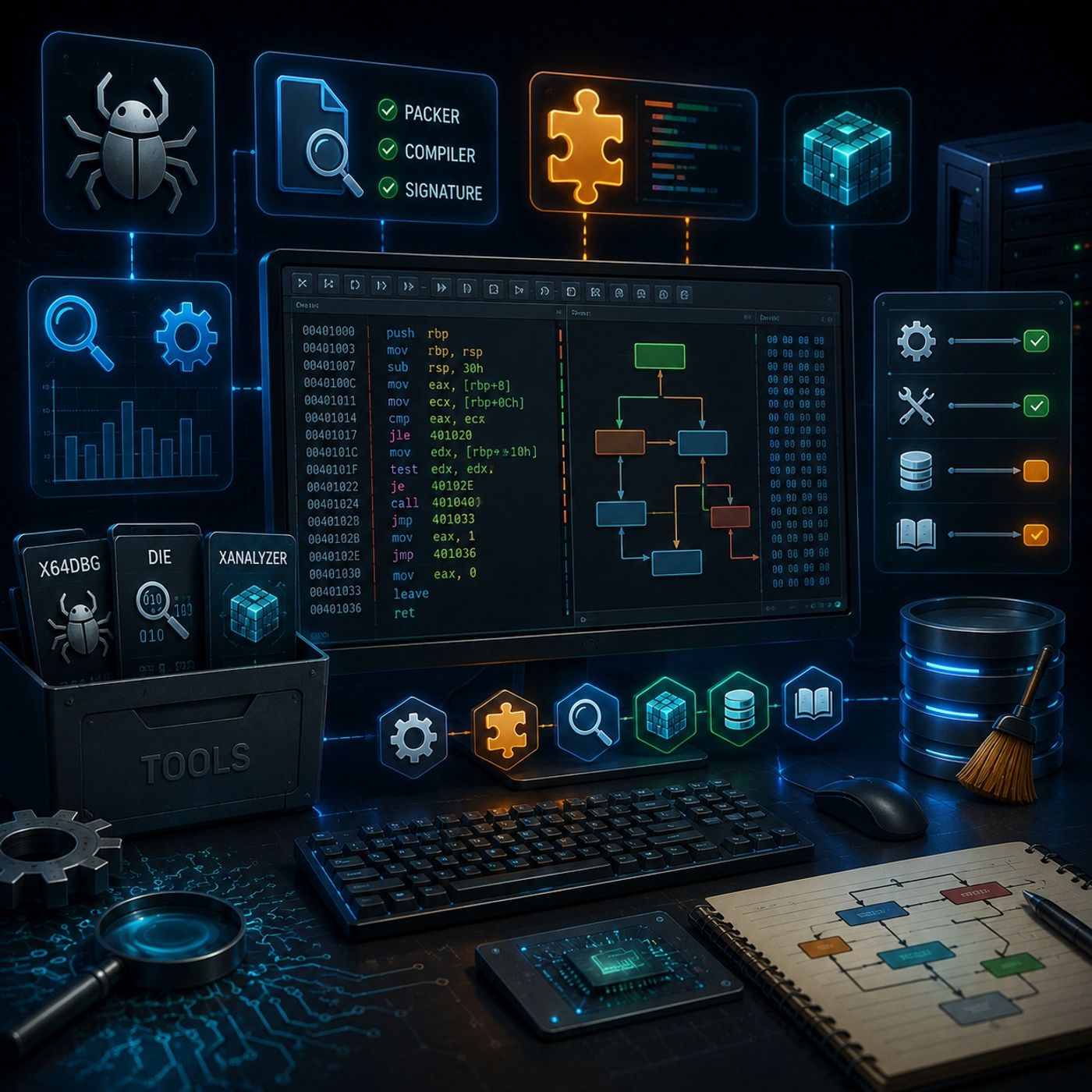
Course 33 - Static Analysis for Reverse Engineering | Episode 2: Tool Setup, xAnalyzer Integration, and Database Maintenance
Published 5 months, 3 weeks ago
Description
In this lesson, you’ll learn about: setting up a reverse engineering lab and enhancing x64dbg with plugins1. Essential Tools for Your LabTo build a solid analysis environment, you need:🔹 Core Tools
You can listen and download our episodes for free on more than 10 different platforms:
https://linktr.ee/cybercode_academy
- x64dbg
- Main debugger for static & dynamic analysis
- Detect It Easy (DIE)
- Identifies:
- Packers
- Compilers
- File signatures
- Identifies:
- Organize tools in:
- Dedicated folders (e.g., C:\RE_Lab\Tools)
- Plugin:
- xAnalyzer
- Converts raw assembly into:
- Readable function calls
- Identified parameters
- Clear subroutine structures
- Transforms:
- Complex mnemonics → understandable logic
- Place plugin in:
- x32 plugins folder
- x64 plugins folder
- Large binaries may cause:
- Crashes
- Slow analysis
- Enable only:
- Necessary analysis features
- Disable:
- Heavy/unused options
- Large or complex programs
- Analyze:
- Specific functions
- Targeted code blocks
- Breakpoints
- Bookmarks
- Comments/annotations
- Prevent:
- Conflicts
- Clutter from old projects
- Clear DB folder for:
- Fresh analysis sessions
- Use:
- xAnalyzer annotations
- MSDN
- Function: MessageBox
- Understand:
- Parameters
- Return values
- Assembly → real-world function behavior
- Build a clean lab with x64dbg + DIE
- xAnalyzer makes assembly readable and structured
- Optimize settings to avoid crashes
- Use manual analysis for large binaries
- Clean DB folder for fresh workflows
- Combine debugger insights with official documentation
- Efficient toolchain
- Enhanced readability of assembly
- Stable environment for large binaries
- Ability to interpret real program logic
You can listen and download our episodes for free on more than 10 different platforms:
https://linktr.ee/cybercode_academy