Episode Details
Back to Episodes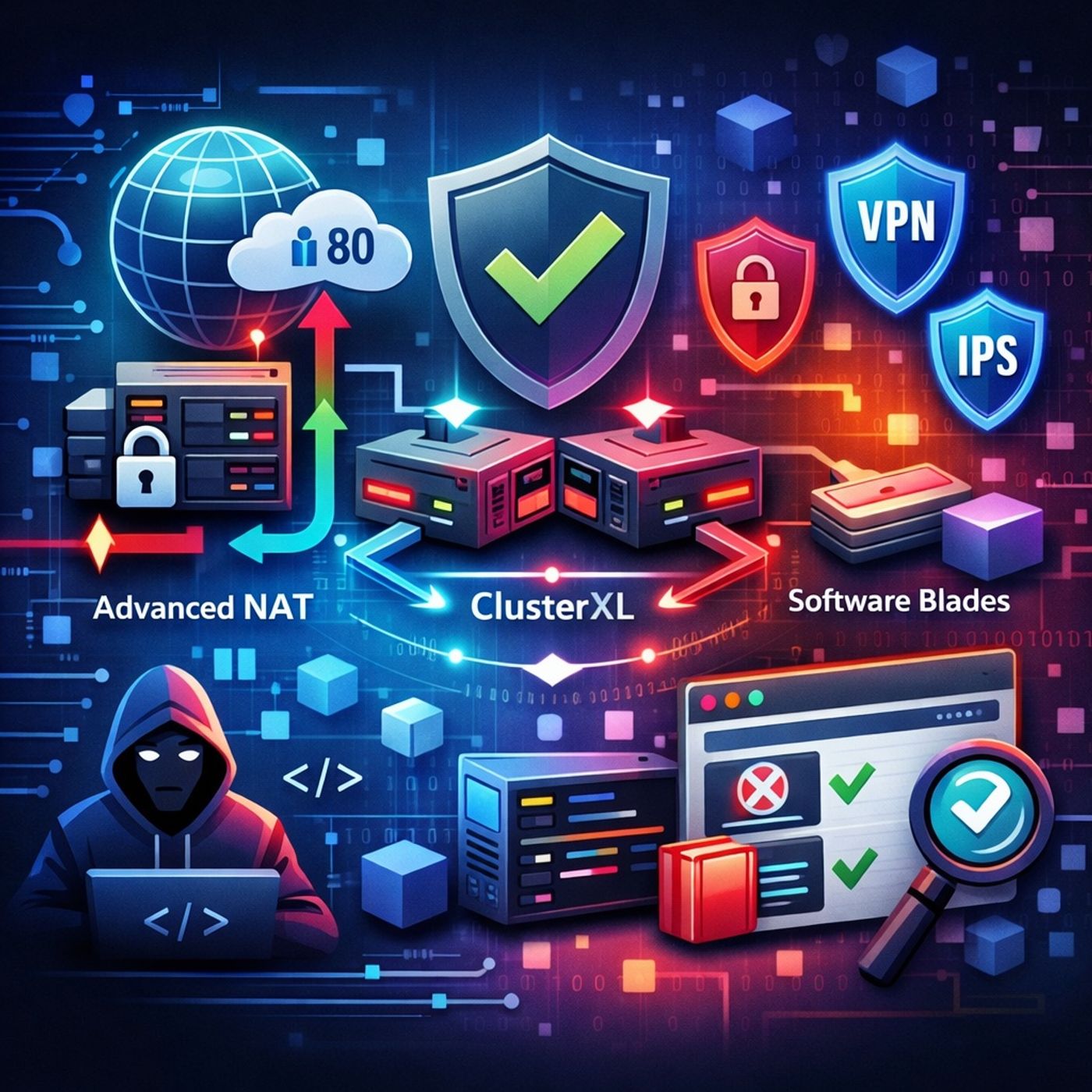
Course 32 - Checkpoint CCSA R80 | Episode 7: NAT, Gateway Redundancy, and Software Blades
Published 6 months ago
Description
In this lesson, you’ll learn about: advanced NAT, redundancy (ClusterXL), and Software Blades in Check Point R801. Advanced NAT Implementation
You can listen and download our episodes for free on more than 10 different platforms:
- In Check Point R80, you can combine manual + automatic NAT
- Manual Destination NAT
- Public IP → Internal web server (port 80)
- Automatic Hide NAT
- Internal server → Internet (outbound traffic)
- Same server can use:
- Static NAT (incoming)
- Hide NAT (outgoing)
- Ensure NAT rules are applied to:
- Correct policy targets (gateways)
- High availability is achieved using:
- ClusterXL
- Active / Standby
- One gateway is active
- Backup takes over if failure occurs
- When failed gateway returns:
- System keeps current active node
- Active / Active
- Multiple gateways handle traffic simultaneously
- Multicast
- Unicast
- Check Point uses:
- Check Point Software Blades
- VPN
- Identity Awareness
- Intrusion Prevention (IPS)
- Enable only what you need
- Reduce overhead
- Customize security stack
- Block harmful or unwanted websites
- Use:
- Categories (e.g., gambling, malware)
- Inline layers for detailed control
- Block gambling
- Allow educational sites
- Control sub-applications, not just websites
- Allow:
- Block:
- Facebook games
- Accept → Allow traffic
- Drop → Silently block
- Reject → Block + notify sender
- Ask → Prompt user
- Inform → Allow + log/notify
- Control:
- Notification frequency
- User experience
- Combine manual + auto NAT for flexible traffic control
- ClusterXL ensures high availability and scalability
- Software Blades provide modular security features
- URL Filtering blocks categories of harmful content
- Application Control enables deep traffic inspection
- Policy actions define how traffic is handled
- Advanced NAT for real-world scenarios
- Redundant gateways for zero downtime
- Modular security features (Blades)
- Deep inspection of web and app traffic
- Flexible enforcement policies
You can listen and download our episodes for free on more than 10 different platforms:
Listen Now
Love PodBriefly?
If you like Podbriefly.com, please consider donating to support the ongoing development.
Support Us