Episode Details
Back to Episodes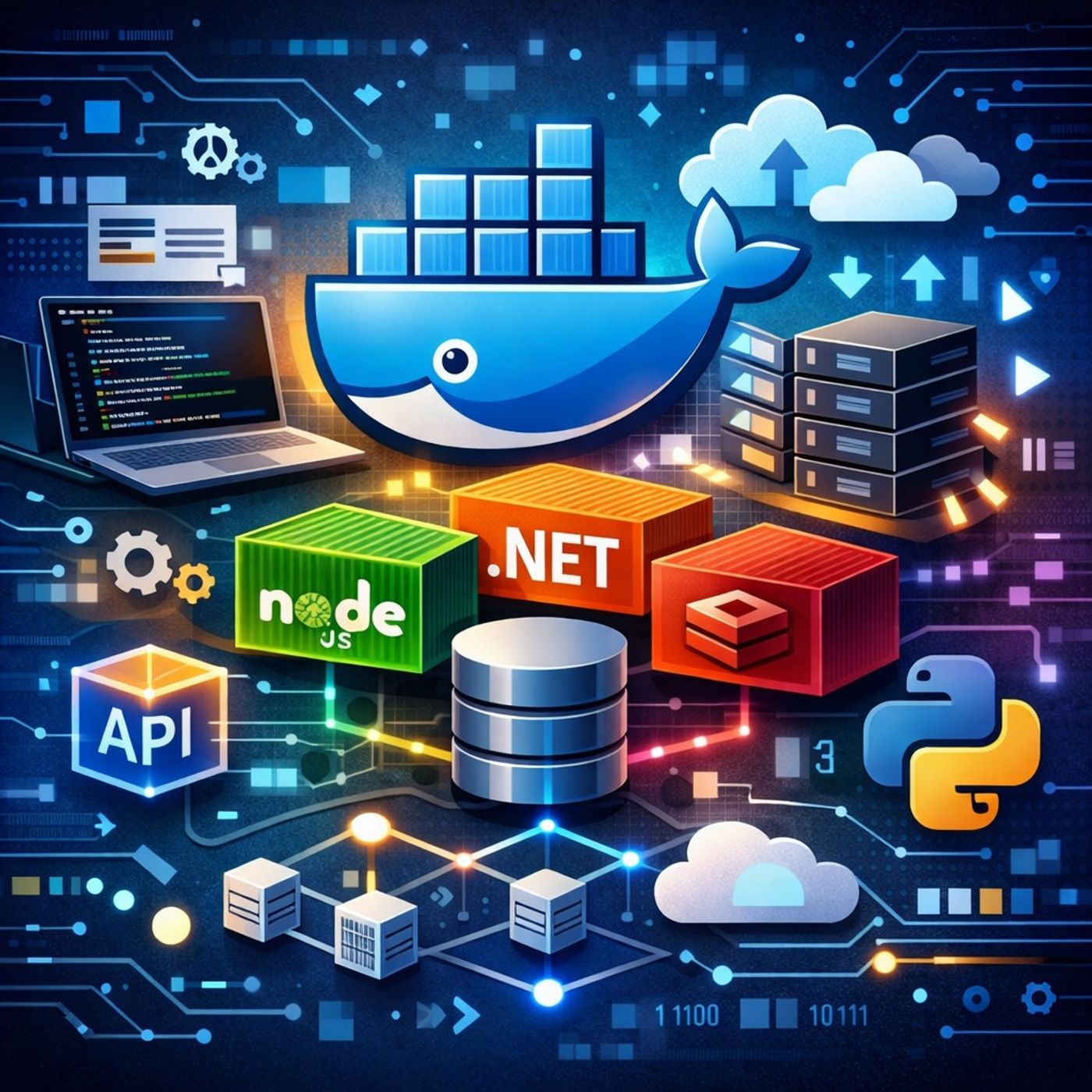
Course 31 - Dive Into Docker | Episode 10: Management, Versions, and Complex Microservices
Published 6 months, 1 week ago
Description
In this lesson, you’ll learn about: Docker Compose workflows, API versions, and real-world microservices orchestration1. Essential Docker Compose Commands & WorkflowUsing Docker Compose, you can manage your entire application lifecycle with a few commands:🔹 Core Commands
You can listen and download our episodes for free on more than 10 different platforms:
http
- docker-compose up → Start services
- docker-compose build → Build images
- docker-compose stop → Stop containers
- docker-compose ps → List running containers
- docker-compose logs → View logs
- Builds images
- Pulls dependencies
- Starts everything in detached mode
- Runs multiple instances of a service
- Useful for:
- Load balancing
- Testing distributed systems
- Overrides CMD from Dockerfile
- Lets you reuse the same image for:
- Web server
- Background worker
- Scheduler
- Docker Compose started as:
- Fig (community project)
- Compatible with modern Docker
- Required for newer features
- Flask → frontend
- Node.js → API layer
- .NET → worker service
- Redis → queue/cache
- PostgreSQL → database
- Services are split into:
- Front-tier → user-facing
- Back-tier → internal services
- Security
- Isolation
- Traffic control
- Use host-mounted volumes
- Enables:
- Live code updates
- No rebuild needed
- Requires:
- Rebuilding the image after changes
- You’d manually configure:
- 5+ containers
- Networks
- Dependencies
- Prevents naming conflicts
- Keeps projects isolated
- Docker Compose simplifies multi-container orchestration
- up --build -d = real-world workflow shortcut
- Version 3 is the modern standard
- Supports:
- Scaling
- Networking
- Volume management
- Essential for microservices architectures
- Build images
- Run multi-service apps
- Manage dependencies
- Scale and debug systems
You can listen and download our episodes for free on more than 10 different platforms:
http