Episode Details
Back to Episodes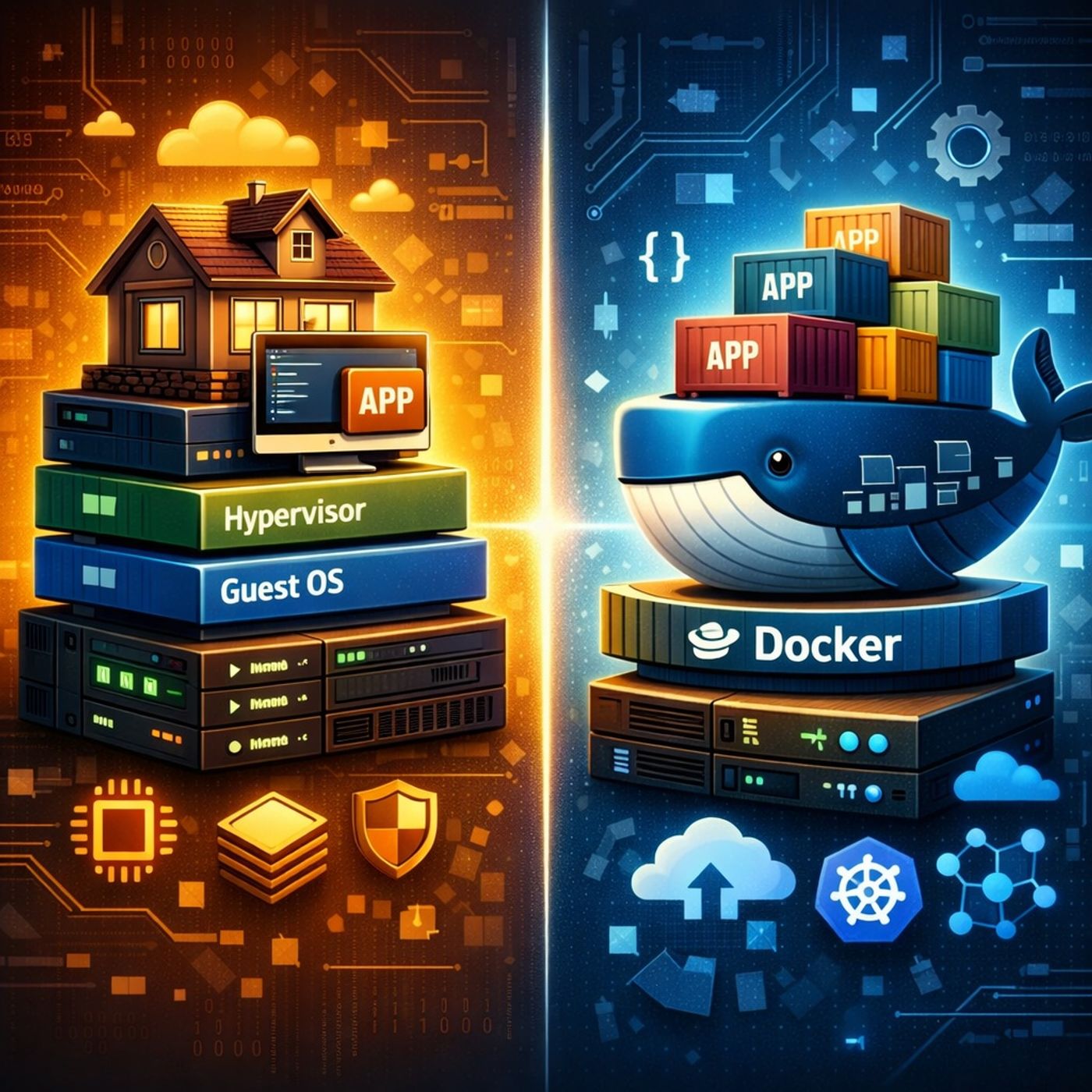
Course 31 - Dive Into Docker | Episode 3: From Virtual Machines to Core Architecture
Published 6 months, 2 weeks ago
Description
In this lesson, you’ll learn about: Virtual Machines vs Docker containers and how Docker works internally1. Traditional Virtualization (How VMs Work)
You can listen and download our episodes for free on more than 10 different platforms:
https://linktr.ee/c
- A Virtual Machine (VM) stack includes:
- Infrastructure (hardware)
- Host Operating System
- Hypervisor (like VMware or Hyper-V)
- Guest Operating System (inside each VM)
- Applications
- Key characteristics:
- Each VM runs a full OS
- Strong isolation
- Higher resource usage (CPU, RAM, disk)
- Slower startup times
- Docker simplifies this model:
- Infrastructure
- Host OS
- Docker Daemon (core engine)
- Containers (apps + dependencies only)
- Key difference:
- Containers share the host OS kernel
- No need for separate guest OS per app
- VM = House 🏠
- Fully independent
- Own OS, resources, and configuration
- More expensive and heavier
- Container = Apartment 🏢
- Shares building infrastructure (OS kernel)
- Lightweight and efficient
- Still isolated from others
- You need full OS isolation
- Testing:
- Different operating systems
- Kernel-level features
- Firewall or system configurations
- You want to:
- Package and deploy applications
- Build microservices
- Ensure consistency across environments
- Ideal for:
- Development
- CI/CD pipelines
- Cloud-native apps
- The “brain” of Docker
- Responsible for:
- Building images
- Running containers
- Managing resources
- Command-line interface used by developers
- Example:
- docker run, docker build
- CLI communicates with the daemon via a REST API
- This allows:
- Remote control of Docker environments
- You can:
- Run Docker CLI on:
- Windows
- macOS
- Run Docker CLI on:
- While the Docker Daemon runs on:
- Linux (locally or remotely)
- Remote container management
- Cloud-based deployments
- Flexible dev environments
- Faster development cycles
- Better resource efficiency
- Easier scaling and deployment
- Foundation for:
- Kubernetes
- Cloud-native systems
- VMs provide full isolation but are heavy
- Docker containers are lightweight and fast
- The Docker Daemon + CLI + REST API form the core system
- Choosing between VMs and Docker depends on:
- Level of isolation needed
- Performance and scalability requirement
You can listen and download our episodes for free on more than 10 different platforms:
https://linktr.ee/c