Episode Details
Back to Episodes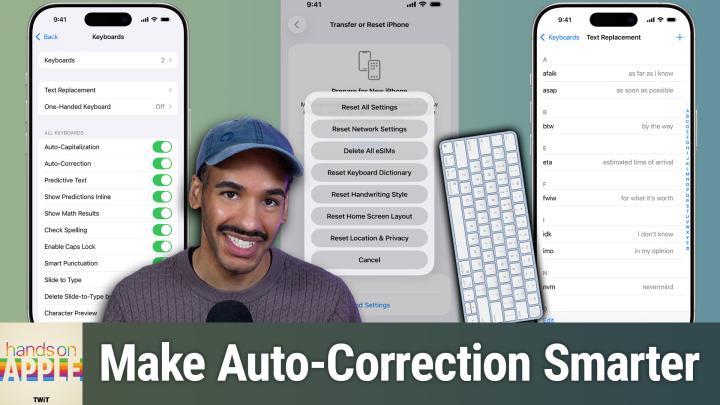
Wrangling Auto-Correct
Season 2
Episode 225
Published 6 hours ago
Description
Tired of autocorrect sabotaging your texts? This episode shows how small changes like persistent rejection and custom text replacements can actually make Apple's keyboard work for you.
- Why auto-correct fails and how Apple devices handle corrections
- Auto-correct's evolution with iOS 17 and transformer language models
- How auto-correct learns and why personalized dictionaries matter
- Key steps to retrain auto-correct for smarter suggestions
- Resetting your keyboard dictionary: the nuclear option explained
- iOS and macOS keyboard settings: making auto-correct work for you
- Auto-correct's pain points: bilingual typing, jargon, and missing features
- Text replacement: the ultimate hack for tricky words and shortcuts
- Top text replacement use cases for emails, addresses, and custom phrases
- Practical tips to tame auto-correct and improve your typing flow
- Missing features Apple still hasn't addressed in auto-correct
Host: Mikah Sargent
Download or subscribe to Hands-On Apple at https://twit.tv/shows/hands-on-apple
Want access to the ad-free audio and video and exclusive features? Become a member of Club TWiT today! https://twit.tv/clubtwit
Club TWiT members can discuss this episode and leave feedback in the Club TWiT Discord.