Episode Details
Back to Episodes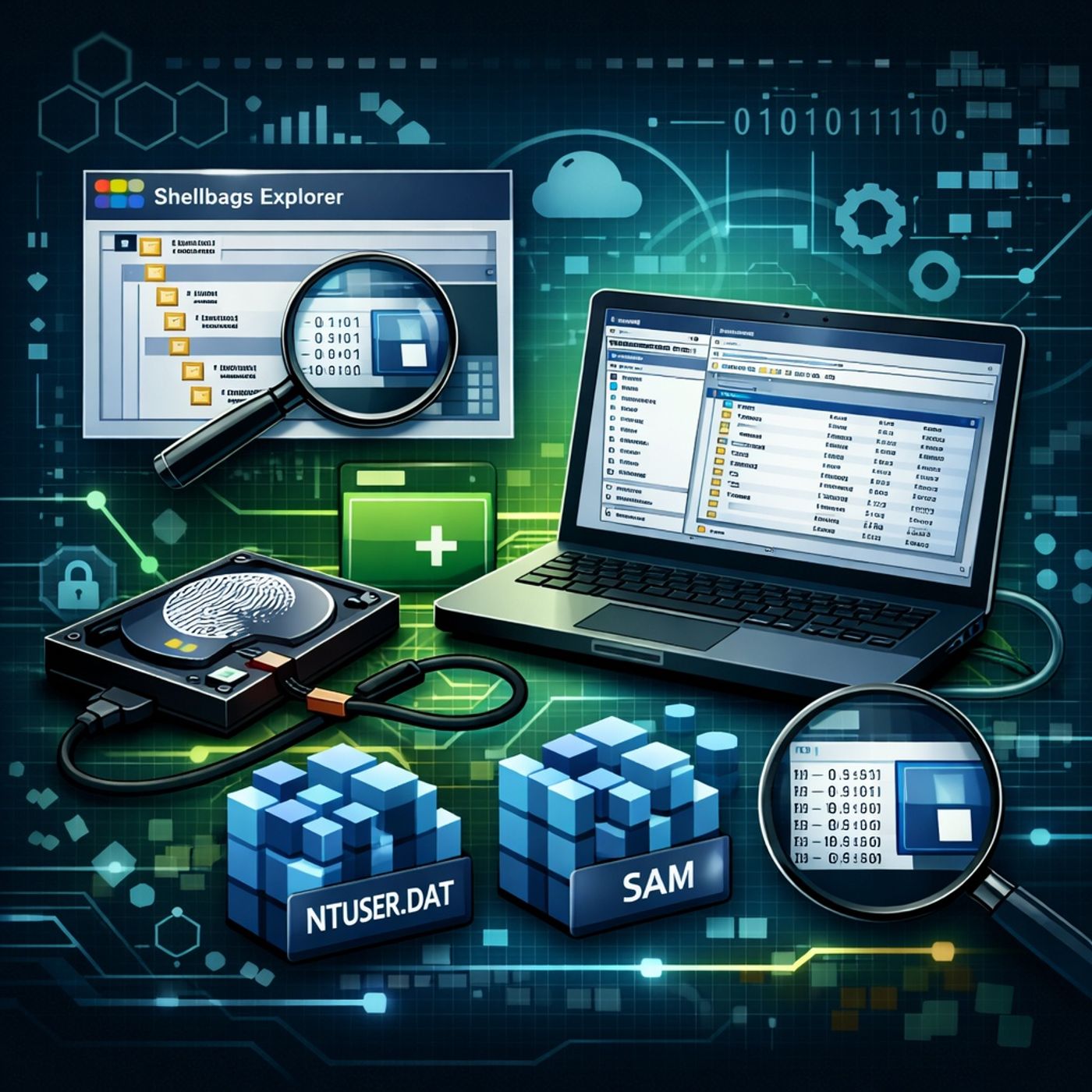
Course 21 - Digital Forensics: Windows Shellbags | Episode 2: Forensic System Setup and Local Drive Integration
Published 9 months ago
Description
In this lesson, you’ll learn about:
You can listen and download our episodes for free on more than 10 different platforms:
https://linktr.ee/cybercode_academy
- Preparing a Forensic Workstation
- The purpose of using a controlled forensic setup to safely extract and analyze system artifacts.
- Why working from an acquired drive or image is critical for maintaining evidentiary integrity.
- Essential Tools for Shellbag and Registry Analysis
- Shellbags Explorer: Used to parse and analyze shellbag artifacts associated with user folder navigation.
- FTK Imager (Lite): A portable, self-contained tool for accessing drives and exporting forensic artifacts without installing software on the target system.
- Loading a System Drive as Evidence
- How to use “Add Evidence Item” in FTK Imager to load a local physical drive (e.g., the C: drive).
- Understanding the evidence tree and how FTK represents the file system for forensic browsing.
- Navigating the File System for Forensic Artifacts
- Traversing the directory structure within FTK Imager to locate user-specific data.
- Focusing on the Users directory and individual user home folders, which contain critical registry files.
- Target Registry Files for Analysis
- Identifying user-specific registry hives stored within the home directory.
- Understanding why these files are essential inputs for tools like Shellbags Explorer when reconstructing user activity.
You can listen and download our episodes for free on more than 10 different platforms:
https://linktr.ee/cybercode_academy