Episode Details
Back to Episodes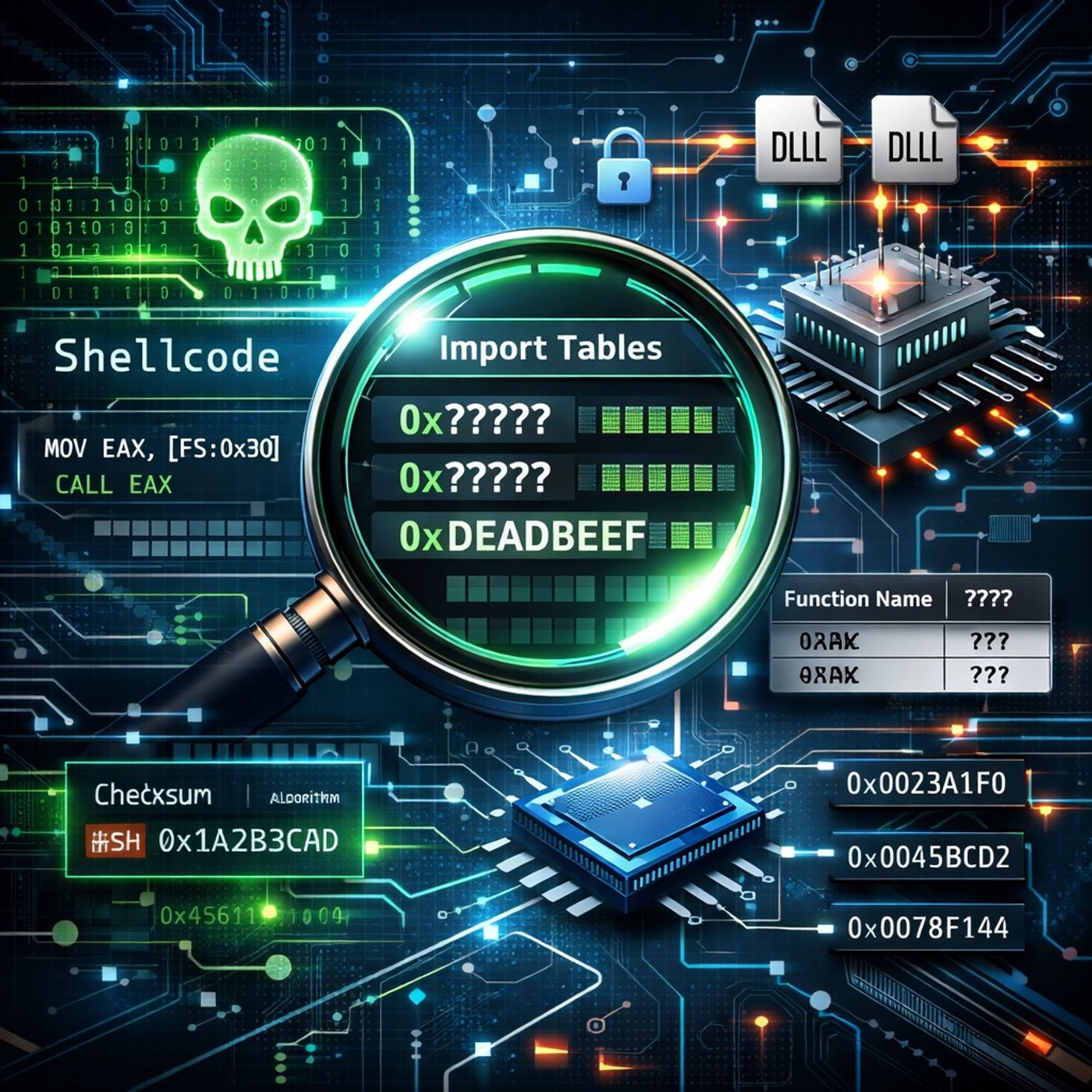
Course 20 - Malware Analysis: Identifying and Defeating Code Obfuscation | Episode 4: Dynamic API Resolution: Walking the PEB and Parsing
Published 9 months, 1 week ago
Description
In this lesson, you’ll learn about:
You can listen and download our episodes for free on more than 10 different platforms:
https://linktr.ee/cybercode_academy
- Why Malware Builds Its Own Import Tables
- How bypassing static, dynamic, and runtime linking hides API usage from analysis tools.
- Why this technique is especially valuable for shellcode, which executes without a normal Windows loader.
- How custom API resolution breaks automated inspection and signature-based detection.
- Locating System Libraries via the PEB
- Accessing the Process Environment Block (PEB) through the FS register (offset 0x30).
- Navigating PEB_LDR_DATA to enumerate loaded modules.
- Walking linked lists such as InMemoryOrderModuleList to locate key DLLs.
- Extracting the image base (DLL base address) from LDR_DATA_TABLE_ENTRY.
- Manual Parsing of the PE Format
- Using the e_lfanew field (offset 0x3C) to locate the NT Headers.
- Navigating the PE Data Directory to find the Export Table.
- Understanding the role of:
- Address of Functions
- Address of Names
- Address of Name Ordinals
- Checksum-Based API Resolution
- Iterating through exported function names without storing them in cleartext.
- Computing a checksum for each name at runtime.
- Matching computed values against hard-coded checksums embedded in the malware.
- Resolving the correct function pointer using ordinals and function address tables.
- Indirect API Invocation
- Storing resolved function addresses in a custom array.
- Executing APIs via indirect calls (e.g., call eax) instead of named imports.
- Why this completely hides functionality from the binary’s static import table.
You can listen and download our episodes for free on more than 10 different platforms:
https://linktr.ee/cybercode_academy