Episode Details
Back to Episodes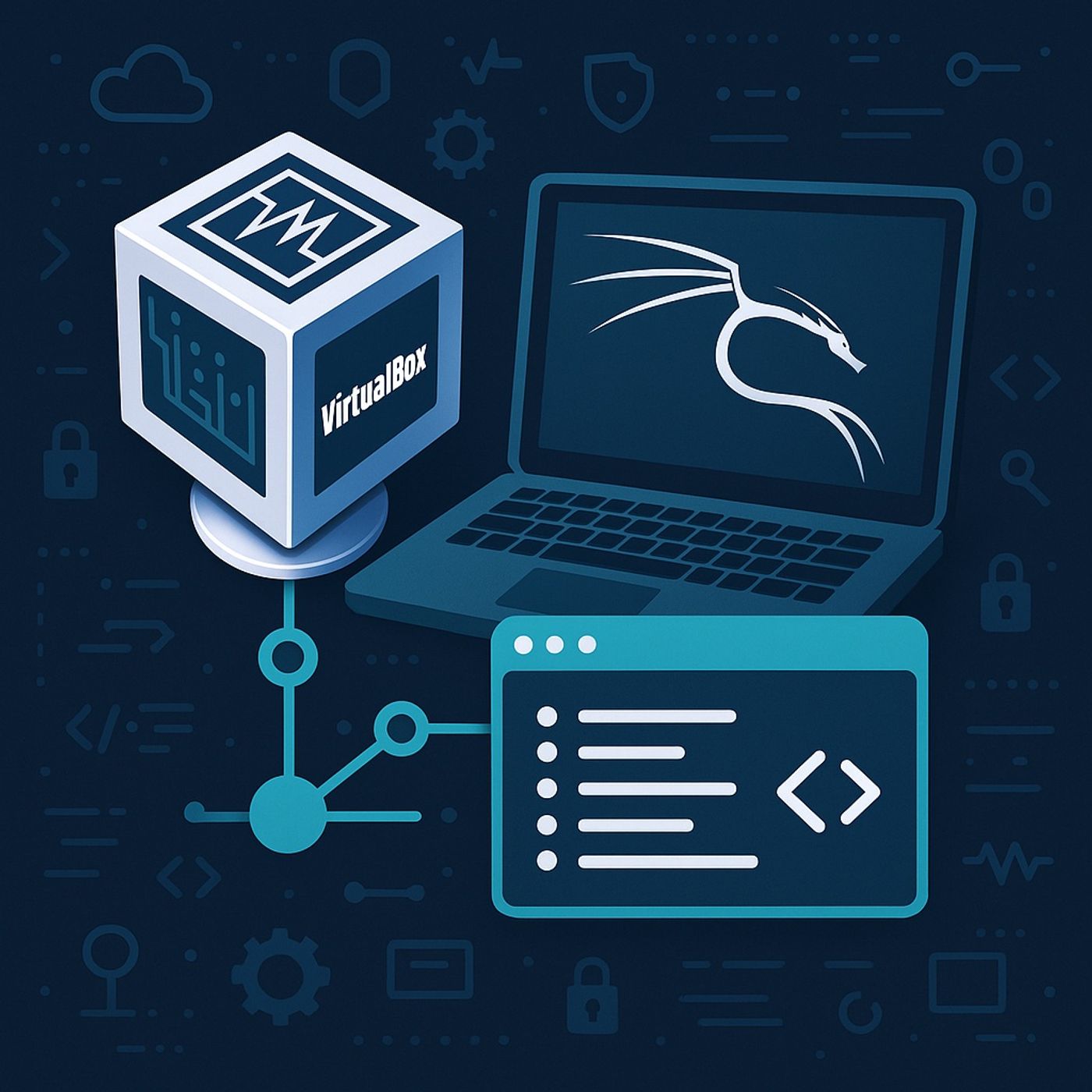
Course 14 - Wi-Fi Pentesting | Episode 1: Setting Up the Virtual Hacking Lab: VirtualBox and Kali Linux
Published 10 months, 2 weeks ago
Description
In this lesson, you’ll learn about:
You can listen and download our episodes for free on more than 10 different platforms:
https://linktr.ee/cybercode_academy
- How to set up a complete virtual hacking lab
- The role of VirtualBox in safe security testing
- Installing and configuring Kali Linux as a virtual machine
- Understanding NAT networking in virtual environments
- Navigating the Kali Linux desktop and workspace system
- Runs multiple virtual machines (VMs) inside your main system
- Provides complete isolation between the host and the lab
- Prevents damage to the real system if a VM is compromised
- Supports snapshots for quick restore after experiments
- The VirtualBox Extension Pack must be installed
- Enables:
- USB device support
- Wireless adapters
- Mouse and keyboard integration
- Penetration testing
- Digital forensics
- Security research
- Pre-installed with hacking tools
- Fully pre-configured for security testing
- Download the Kali Linux VirtualBox OVA image
- Import the OVA file directly into VirtualBox
- No manual OS installation is required
- RAM: 1 GB minimum
- CPU: 1 processor
- Network Mode: NAT
- NAT creates a virtual private network for all VMs
- The host system acts as the router
- All VMs can:
- Access the internet
- Communicate with each other
- No direct exposure to the real external network
- Username: root
- Password: toor
- Applications Menu
- Contains all hacking tools grouped by category
- Places Menu
- Quick access to important directories such as:
- /root home directory
- Quick access to important directories such as:
- System Tray
- Network control
- Audio
- Display settings
- Kali uses multiple virtual desktops by default
- Allows separation of:
- Scanning tasks
- Exploitation tasks
- Reporting tools
- Internet access works automatically via NAT
- Connecting directly to Wi-Fi from Kali:
- Requires an external USB wireless adapter
- Internal laptop Wi-Fi cannot be directly controlled by Kali inside a VM
- Users are encouraged to:
- Explore menus
- Practice navigation
- Get comfortable with terminal usage
- This environment will be used throughout the entire course
You can listen and download our episodes for free on more than 10 different platforms:
https://linktr.ee/cybercode_academy