Episode Details
Back to Episodes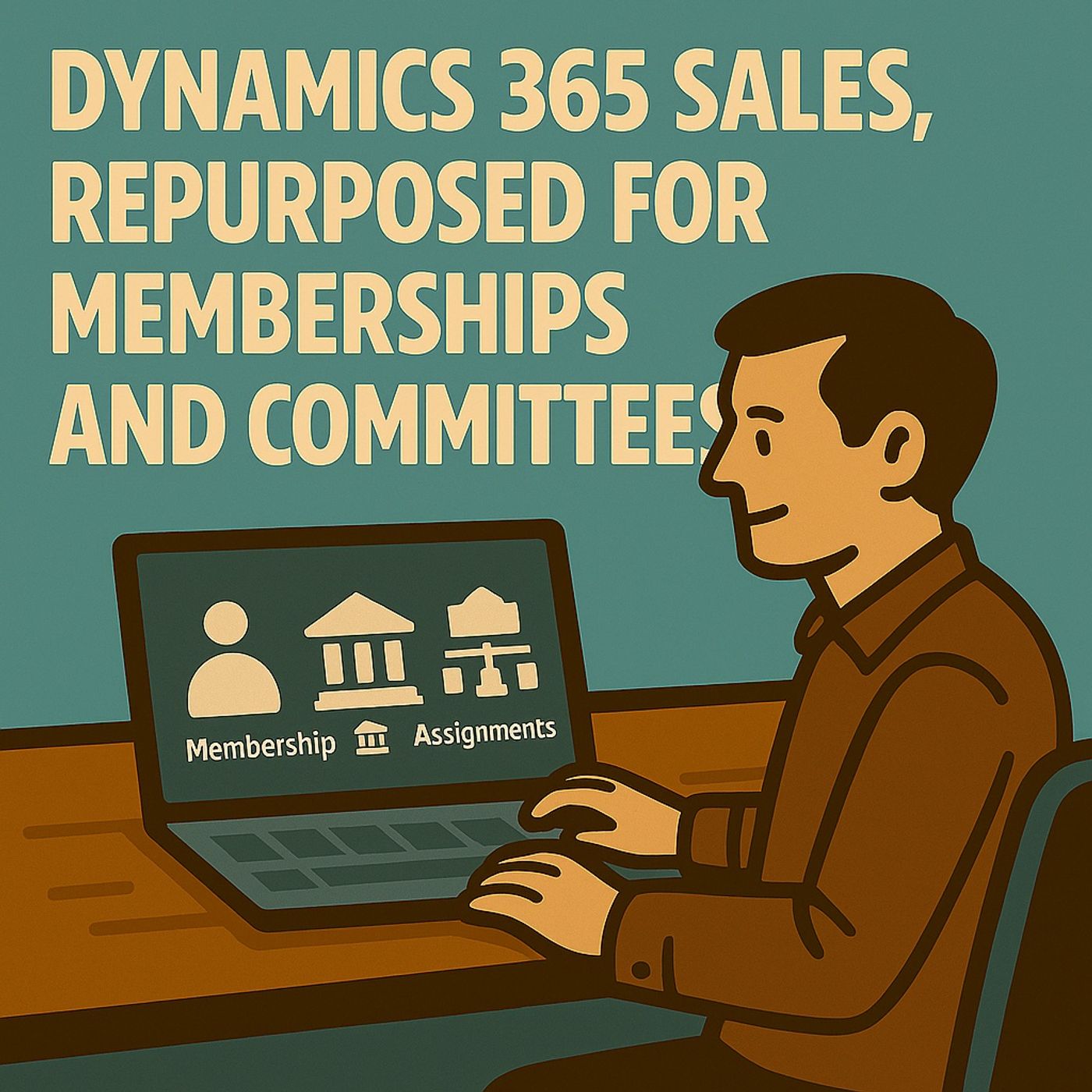
Dynamics 365 Sales Is Not CRM (It's Your Membership Hub)
Published 2 months, 3 weeks ago
Description
(00:00:00) Dynamics 365 Sales as a Membership Platform
(00:00:10) Repurposing Dynamics 365 Sales for Membership Management
(00:01:16) The Platform Advantage Over Custom Solutions
(00:04:12) Membership Management Scenarios Without Pipelines
(00:08:25) Data Modeling for Membership Management
(00:13:34) Process Redesign for Membership Life Cycle
(00:18:19) User Experience and Interface Customization
(00:26:54) Governance and Scalability Best Practices
(00:30:23) Common Pitfalls to Avoid in Membership Management
(00:32:22) The Real Value of Dynamics 365 Sales for Membership Management
🔥 What This Episode Is About Most people think Dynamics 365 Sales is only for leads, pipelines, and opportunities.
The truth? It’s a relationship engine wearing a sales costume. In this episode, we strip off that costume and repurpose the platform for:
Rename Accounts → Organizations, Contacts → Members, and create a Membership table with Term Start/End, Plan, Status, and Roles. Automate renewals with Power Automate and use timeline activities instead of email chaos. • Committees & Governance
Model Committees, Positions, and Assignments. Track terms, voting rights, conflicts, expirations, nominations, and approvals—no custom UI. • Partner & Association Networks
Use Programs + Participations to track tiers, benefits, SLAs, and onboarding sequences. Build a Partner Health dashboard powered by Dataverse + Power BI. Pattern: You're remapping nouns, not writing software. 🧱 Data Model Blueprint We reframe Sales as a membership graph, not a pipeline. Key Structures
(00:00:10) Repurposing Dynamics 365 Sales for Membership Management
(00:01:16) The Platform Advantage Over Custom Solutions
(00:04:12) Membership Management Scenarios Without Pipelines
(00:08:25) Data Modeling for Membership Management
(00:13:34) Process Redesign for Membership Life Cycle
(00:18:19) User Experience and Interface Customization
(00:26:54) Governance and Scalability Best Practices
(00:30:23) Common Pitfalls to Avoid in Membership Management
(00:32:22) The Real Value of Dynamics 365 Sales for Membership Management
🔥 What This Episode Is About Most people think Dynamics 365 Sales is only for leads, pipelines, and opportunities.
The truth? It’s a relationship engine wearing a sales costume. In this episode, we strip off that costume and repurpose the platform for:
- Membership management
- Committee & governance structures
- Partner & association networks
- Dataverse already gives you relationships, security, timelines, activities, and automation.
- Outlook, Teams, SharePoint, and Purview governance all work out of the box.
- Copilot can summarize threads and keep your users out of email archaeology.
- Microsoft updates won’t break your world when you stay inside the platform’s guardrails.
Rename Accounts → Organizations, Contacts → Members, and create a Membership table with Term Start/End, Plan, Status, and Roles. Automate renewals with Power Automate and use timeline activities instead of email chaos. • Committees & Governance
Model Committees, Positions, and Assignments. Track terms, voting rights, conflicts, expirations, nominations, and approvals—no custom UI. • Partner & Association Networks
Use Programs + Participations to track tiers, benefits, SLAs, and onboarding sequences. Build a Partner Health dashboard powered by Dataverse + Power BI. Pattern: You're remapping nouns, not writing software. 🧱 Data Model Blueprint We reframe Sales as a membership graph, not a pipeline. Key Structures
- Contact → Member
- Account → Organization
- Membership (bridge): Term Start/End, Status, Plan, Role associations
- Committee / Position / Assignment (governance)
- Partner Program / Participation (networks)
- Identity stays in Contact.
- Context lives in bridge tables.
- Roles are related entities, not picklists.
- Documents live in SharePoint, not scattered across file fields.
- Payment plans & schedules are modular tables, not custom engines.
- Security flows from ownership, not custom rules.
- Required steps for documents, payment, eligibility
- Automated renewal triggers (30/60/90)
- Clear entitlement creation during Active
- Grace/Lapsed handling
- Mandatory reason codes during Archive