Episode Details
Back to Episodes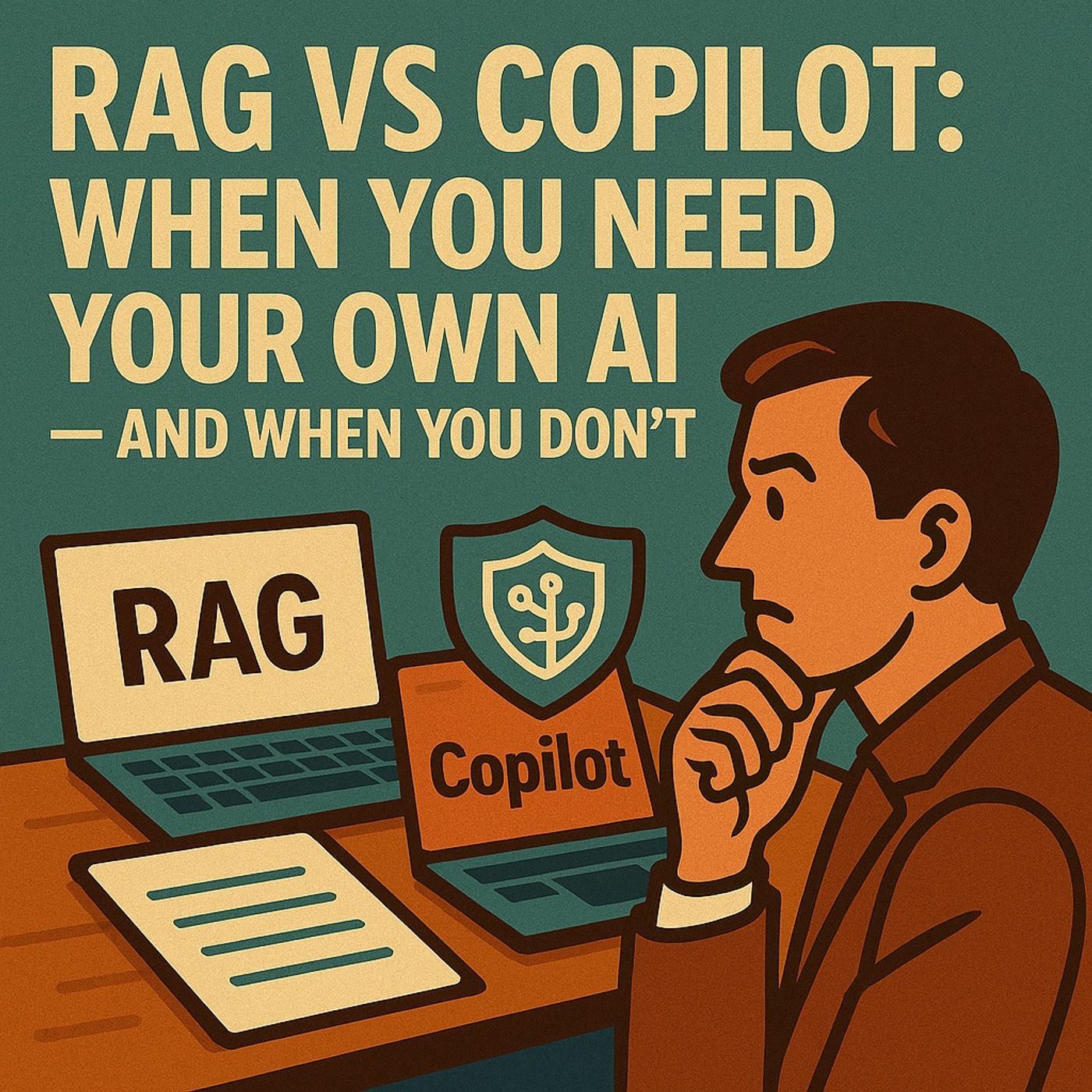
RAG vs Copilot: When You Need Your Own AI — and When You Don’t
Published 2 months, 3 weeks ago
Description
(00:00:00) The Power of Retrieval Augmented Generation (RAG)
(00:00:45) Copilot vs. Large Language Models
(00:02:07) Copilot's Strengths and Limitations
(00:02:58) The Secret to RAG: Retrieval Augmented Generation
(00:03:40) Copilot's Role in Microsoft 365
(00:13:22) The Importance of RAG in Policy and Compliance
(00:18:54) Case Study: Transforming a Manufacturing Company
(00:23:29) The Impact of RAG on Trust and Accuracy
(00:25:48) Choosing Your AI Strategy
Your tenant is humming. Your files are stacked like rusted steel. You need answers — fast. But not guesses.
This episode tears into one of the most misunderstood decisions in modern enterprise AI: Should you rely on Microsoft Copilot, or build a Retrieval-Augmented Generation (RAG) pipeline that cites from your own knowledge? Most teams get this wrong. They assume Copilot “knows everything.” They assume RAG is “too hard.” They assume accuracy magically appears on its own.
And then they pay for it — in rework, bad decisions, broken trust, and a service desk drowning under repeat questions. We’re here to stop that. What You’ll Learn in This Deep-Dive Episode 🚀 Copilot: Powerful, Fast… and Bounded We break down how Copilot actually works — an M365-native assistant that walks Outlook alleys, Teams threads, SharePoint sites, and OneDrive folders you already have rights to. Perfect for:
Good tone. Bad facts. Big risk. 📚 RAG: Your AI Librarian With Receipts The RAG Breakdown (No Hype, Just Reality):
(00:00:45) Copilot vs. Large Language Models
(00:02:07) Copilot's Strengths and Limitations
(00:02:58) The Secret to RAG: Retrieval Augmented Generation
(00:03:40) Copilot's Role in Microsoft 365
(00:13:22) The Importance of RAG in Policy and Compliance
(00:18:54) Case Study: Transforming a Manufacturing Company
(00:23:29) The Impact of RAG on Trust and Accuracy
(00:25:48) Choosing Your AI Strategy
Your tenant is humming. Your files are stacked like rusted steel. You need answers — fast. But not guesses.
This episode tears into one of the most misunderstood decisions in modern enterprise AI: Should you rely on Microsoft Copilot, or build a Retrieval-Augmented Generation (RAG) pipeline that cites from your own knowledge? Most teams get this wrong. They assume Copilot “knows everything.” They assume RAG is “too hard.” They assume accuracy magically appears on its own.
And then they pay for it — in rework, bad decisions, broken trust, and a service desk drowning under repeat questions. We’re here to stop that. What You’ll Learn in This Deep-Dive Episode 🚀 Copilot: Powerful, Fast… and Bounded We break down how Copilot actually works — an M365-native assistant that walks Outlook alleys, Teams threads, SharePoint sites, and OneDrive folders you already have rights to. Perfect for:
- Drafting emails, briefs, and meeting notes
- Summaries and rewrites in your voice
- Surfacing documents inside your permissions
- Fast context on work already in your lane
- Outdated PDFs on a file share
- Device baselines split across three contradictory versions
- SOPs buried across wikis, Word docs, and tribal knowledge
- ERP/CRM fields living in systems Copilot can’t see
Good tone. Bad facts. Big risk. 📚 RAG: Your AI Librarian With Receipts The RAG Breakdown (No Hype, Just Reality):
- Retrieval: Clean, chunk, tag, and index your docs with metadata and vector embeddings
- Augmentation: Find only the most relevant chunks at query time
- Generation: Have the model answer only from those cites, with “don’t know” when blind
- Every answer is grounded in your sources
- Citations are mandatory
- Contradictions surface instead of hiding
- Policies and SOPs are always up-to-date after reindexing
- Trust skyrockets because nothing is invented
- 4,800+ policy files scattered everywhere
- Conflicting versions, duplicated PDFs, outdated baselines
- 12–15 repeat questions hitting the service desk daily
- Copilot helping only on shallow tasks
- Employees guessing because finding the right doc was too slow
- Unified index across SharePoint + file servers
- Every clause chunked, dated, tagged, owned
- Hybrid semantic search for precision
- Teams agent returning answers with citations in seconds
- Service desk load dropped by a third
- Contradictions surfaced and fixed in days, not months
- Leadership finally trusted the documentation again