Episode Details
Back to Episodes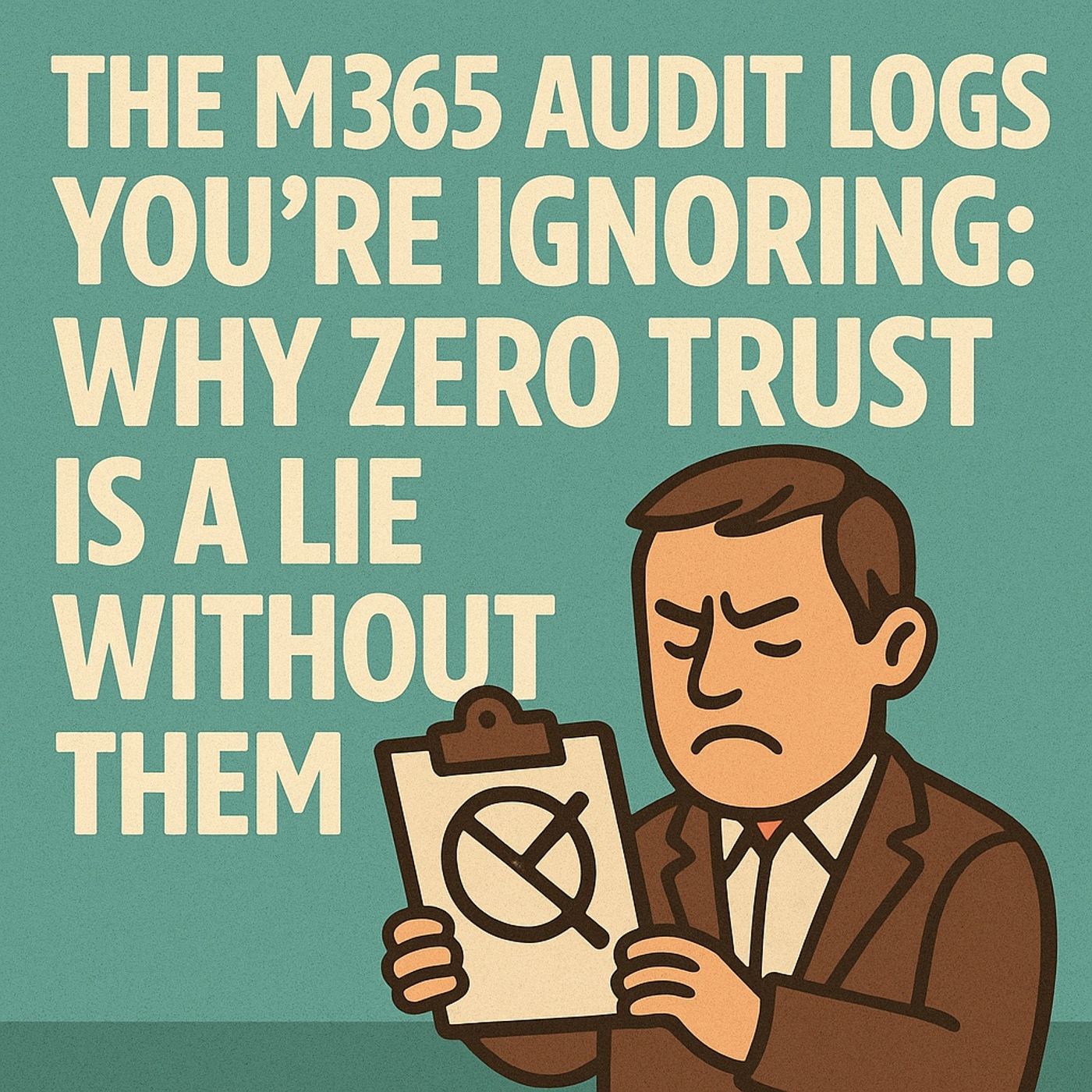
The M365 Audit Logs You're Ignoring: Why Zero Trust is a Lie Without Them
Published 3 months ago
Description
(00:00:00) Zero Trust and Log Analysis
(00:00:21) The Importance of Continuous Monitoring
(00:00:37) Identity Verification: The First Line of Defense
(00:01:26) Risky Sign-Ins: The Early Warning Sign
(00:02:42) Combining Logs for Comprehensive Visibility
(00:05:44) The Power of Lateral Movement Detection
(00:07:51) Data Staging: The Next Stage of Attack
(00:12:53) The Critical Role of Retention Policies
(00:17:44) Copilot Interactions: A New Frontier in Detection
(00:24:00) Case Study: A Quiet Data Exfiltration
An account pulled down 12,000 SharePoint files in 20 minutes. No malware, no DLP alert, no blocked session. Zero Trust said “allowed.” In this episode, we dissect why Zero Trust without audit evidence is policy theater—and how to fix it. You’ll learn how to fuse Entra sign-in risk, the Microsoft 365 Unified Audit Log, Purview policy edits, and Copilot interactions into one coherent timeline. We finish by reconstructing a quiet exfiltration case step by step and give you concrete detection recipes, KQL ideas, and automation patterns you can deploy in your own tenant.
Opening – The Anomaly Zero Trust Can’t Explain It starts with a warning and ends with silence:
One account downloads 12,000 SharePoint files in under 20 minutes.
No malware. No DLP alert. Conditional Access says “allowed.” The thesis: Zero Trust without audit evidence is policy theater.
Verification isn’t a checkbox; it’s a trail. In this episode, we:
(00:00:21) The Importance of Continuous Monitoring
(00:00:37) Identity Verification: The First Line of Defense
(00:01:26) Risky Sign-Ins: The Early Warning Sign
(00:02:42) Combining Logs for Comprehensive Visibility
(00:05:44) The Power of Lateral Movement Detection
(00:07:51) Data Staging: The Next Stage of Attack
(00:12:53) The Critical Role of Retention Policies
(00:17:44) Copilot Interactions: A New Frontier in Detection
(00:24:00) Case Study: A Quiet Data Exfiltration
An account pulled down 12,000 SharePoint files in 20 minutes. No malware, no DLP alert, no blocked session. Zero Trust said “allowed.” In this episode, we dissect why Zero Trust without audit evidence is policy theater—and how to fix it. You’ll learn how to fuse Entra sign-in risk, the Microsoft 365 Unified Audit Log, Purview policy edits, and Copilot interactions into one coherent timeline. We finish by reconstructing a quiet exfiltration case step by step and give you concrete detection recipes, KQL ideas, and automation patterns you can deploy in your own tenant.
Opening – The Anomaly Zero Trust Can’t Explain It starts with a warning and ends with silence:
One account downloads 12,000 SharePoint files in under 20 minutes.
No malware. No DLP alert. Conditional Access says “allowed.” The thesis: Zero Trust without audit evidence is policy theater.
Verification isn’t a checkbox; it’s a trail. In this episode, we:
- Pull from four log sources:
- Entra ID sign-in & risk
- Microsoft 365 Unified Audit Log (UAL)
- Purview retention & policy changes
- Copilot interaction logs
- Show the one log pivot that reliably exposes data staging
- Reconstruct a real-style exfiltration case, end to end
- Turn it into queries, alerts, dashboards, and automation
- Entra splits visibility:
- Risky sign-ins: ~30-day window
- Risk detections: often ~90 days
- If you only review risky sign-ins, you lose early signals and can’t reconstruct the path later.
- Risky sign-ins – the attempts and outcomes
- Risk detections – patterns like anomalous token or AiTM
- Workload identity anomalies – service principals behaving like users
- Anomalous token → session theft / replay
- Attacker-in-the-middle → sign-in through a malicious proxy
- Unfamiliar sign-in properties → new device / client / IP combos
- Conditional Access can “succeed” while the threat remains.
- Medium-risk sign-in → prompt for MFA → success → session allowed.
- Repeated medium risk over days correlates strongly with later data staging.
- Join sign-ins with Conditional Access evaluation so every successful auth carries:
- UserId, AppId, IP, DeviceId, derived SessionId
- RiskDetail, RiskLevel at event time
- Which CA policy allowed / challenged it
- Repeated medium-risk sign-ins:
- 3+ in 7 days from distinct ASNs / IP ranges → investigation, not “business as usual”
- Workload identities suddenly authenticating from public IPs or gaining new API permissions
- If risk >= high and token anomalies present → force sign-out and require password reset
- Export risky sign-ins weekly beyond the 30-day window.
- Keep risk detections in your SIEM for 180 days+ so you can replay the first 12 hours when it matters.
Listen Now
Love PodBriefly?
If you like Podbriefly.com, please consider donating to support the ongoing development.
Support Us