Episode Details
Back to Episodes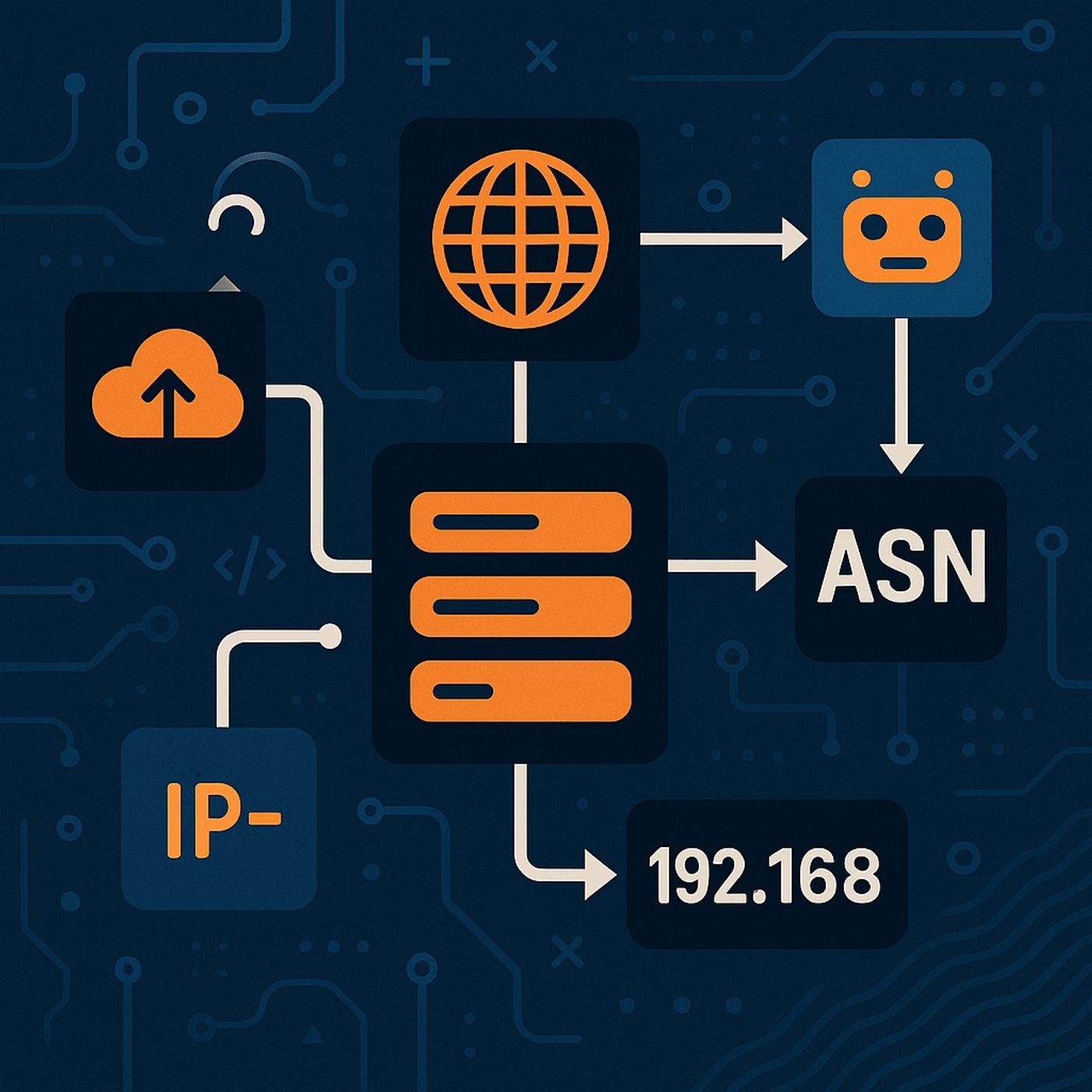
Course 12 - Maltego Advanced Course | Episode 2: Maltego Infrastructure Entities, Transforms, and Footprinting Techniques
Published 11 months ago
Description
In this lesson, you’ll learn about:
- The core entities used in Maltego infrastructure investigations
- How transforms connect Domains, DNS names, IPs, Netblocks, and ASNs
- The methodology of Level 1, L2, L3, and XL infrastructure footprinting
- Key transforms for pivoting forwards and backwards in infrastructure graphs
- The difference between live DNS, passive DNS, and specialized DNS transforms
- Domain
- Public-facing resource
- Common starting point for discovering related DNS names
- DNS Name (and variants like Website, NS, MX)
- Represents a system that can resolve to an IP address
- Often a gateway to other infrastructure
- IPv4 Address
- A central pivot point in investigations
- Even on shared hosting, IPs remain strong identifiers
- Netblock
- A range of IP addresses
- Useful for clustering infrastructure and linking disparate nodes
- Autonomous System (AS / ASN)
- Represents routing ownership over Netblocks
- Useful for identifying ISPs or large organizations
- Email Address — often the strongest pivot in broader investigations
- Port & Service — show server capabilities (SSH, RDP, HTTP, etc.)
- Tracking Code — connects different websites to the same operator
- To Website (Quick Lookup) — checks common “www” A/AAAA records
- To Website Using Domain (Bing) — broader search engine discovery
- Passive DNS (Robtex/Robex) — historic DNS relationships
- SPF Transform — extracts DNS names and IPs from email policies
- To IP Address
- Resolves any DNS name to its current IP
- Historic Passive DNS
- Global routing data
- WHOIS sources (ARIN, RIPE, APNIC, etc.)
- Using Natural Boundaries — creates typical /24 IP ranges
- To AS Number — gets ASN from the Robex database
- To Company Owner — retrieves organization ownership & location
- Find all DNS names / Websites for the domain
- Resolve all DNS names → IP addresses
- Cluster IPs → Netblocks (often with natural boundaries)
- Run To AS Number on the Netblocks
- Extract ownership using To Company Owner
- Add more depth
- Use Reverse DNS (PTR lookups)
- Provide prompts to filter MX/NS results
- Reveal additional inf