Episode Details
Back to Episodes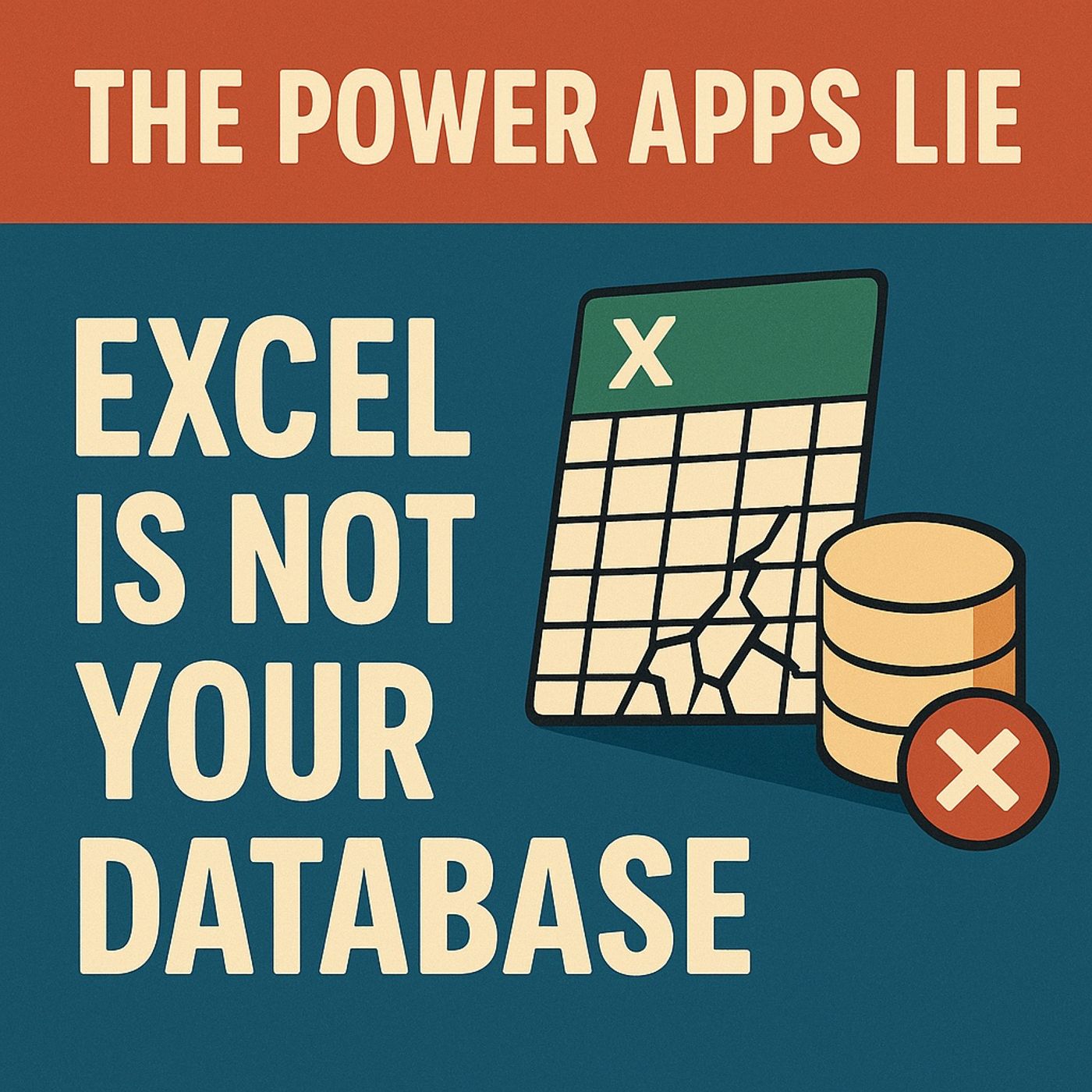
Excel Is NOT Your Database: Stop The Power Apps Lie
Published 3 months ago
Description
(00:00:00) The Excel Dilemma
(00:00:29) The Hidden Dangers of Spreadsheets
(00:02:58) Excel vs. Databases: A Fundamental Difference
(00:04:07) The Three Fatal Failures of Excel
(00:07:49) Introducing Data Verse: A New Paradigm
(00:09:24) Data Verse Features and Benefits
(00:12:30) The Correct Migration Strategy
(00:16:35) Data Landscape and Tool Selection
(00:20:10) The Ten-Step Migration Plan
(00:26:05) The Crucial Decision for Success
Excel is powerful—but it is NOT a database. And if your Power Apps still run on an Excel workbook, you are seconds away from data loss, concurrency collisions, governance gaps, and a credibility crisis you will not see until it’s too late. In this episode, we break down the biggest lie Power Apps makers tell themselves:
“Excel is fine for now.”
It isn’t. It was never meant to handle multi-user writes, relational integrity, or auditable governance. You’ll learn why your spreadsheet behaves like a trapdoor the moment your app goes into production—and how Dataverse fixes the root causes with structure, security, and transactional integrity. We also walk through the exact migration path from Excel to Dataverse—with the one decision that prevents 80% of all Power Apps failures. The Lie: Why Excel Feels Safe but Fails Under Pressure Excel feels easy because it’s forgiving. Anyone can edit anything, anywhere, without structure. That freedom works beautifully for analysis and prototyping… but collapses instantly when used as a shared operational data source. We uncover the hidden risks that make Excel the most expensive “free tool” in your stack:
Whoever clicked “Save” last. That single missing guardrail causes:
It assumes humans will behave. No required fields, no types, no controlled vocabularies, no audit log, no role-based security, no lineage—and no way to prove who changed what, when, or why. Auditors hate this.
Your future self hates this.
Your business eventually pays for this. The Three Failure Categories You Keep Stepping On This episode highlights the three fatal failure patterns that surface the moment Excel pretends t
(00:00:29) The Hidden Dangers of Spreadsheets
(00:02:58) Excel vs. Databases: A Fundamental Difference
(00:04:07) The Three Fatal Failures of Excel
(00:07:49) Introducing Data Verse: A New Paradigm
(00:09:24) Data Verse Features and Benefits
(00:12:30) The Correct Migration Strategy
(00:16:35) Data Landscape and Tool Selection
(00:20:10) The Ten-Step Migration Plan
(00:26:05) The Crucial Decision for Success
Excel is powerful—but it is NOT a database. And if your Power Apps still run on an Excel workbook, you are seconds away from data loss, concurrency collisions, governance gaps, and a credibility crisis you will not see until it’s too late. In this episode, we break down the biggest lie Power Apps makers tell themselves:
“Excel is fine for now.”
It isn’t. It was never meant to handle multi-user writes, relational integrity, or auditable governance. You’ll learn why your spreadsheet behaves like a trapdoor the moment your app goes into production—and how Dataverse fixes the root causes with structure, security, and transactional integrity. We also walk through the exact migration path from Excel to Dataverse—with the one decision that prevents 80% of all Power Apps failures. The Lie: Why Excel Feels Safe but Fails Under Pressure Excel feels easy because it’s forgiving. Anyone can edit anything, anywhere, without structure. That freedom works beautifully for analysis and prototyping… but collapses instantly when used as a shared operational data source. We uncover the hidden risks that make Excel the most expensive “free tool” in your stack:
- Silent data corruption that hides for months
- Last-save-wins concurrency that destroys valid updates
- No audit trail for compliance or accountability
- No referential integrity to keep relationships intact
- No schema enforcement—columns mutate as users improvise
- Drift between personal copies, SharePoint copies, emailed copies
- Impossible version control for multi-user changes
- Fragile formulas that break when tabs or column names shift
- Drops decimals
- Truncates strings
- Overwrites formulas
- Breaks references
- Misformats IDs
- Loses rows during filters
- Saves partial data during sync conflicts
Whoever clicked “Save” last. That single missing guardrail causes:
- Overwritten customer data
- Inconsistent credit limits
- Conflicting addresses
- Lost comments or notes
- Stale reads in Power Apps
- Duplicate or contradictory updates
It assumes humans will behave. No required fields, no types, no controlled vocabularies, no audit log, no role-based security, no lineage—and no way to prove who changed what, when, or why. Auditors hate this.
Your future self hates this.
Your business eventually pays for this. The Three Failure Categories You Keep Stepping On This episode highlights the three fatal failure patterns that surface the moment Excel pretends t