Episode Details
Back to Episodes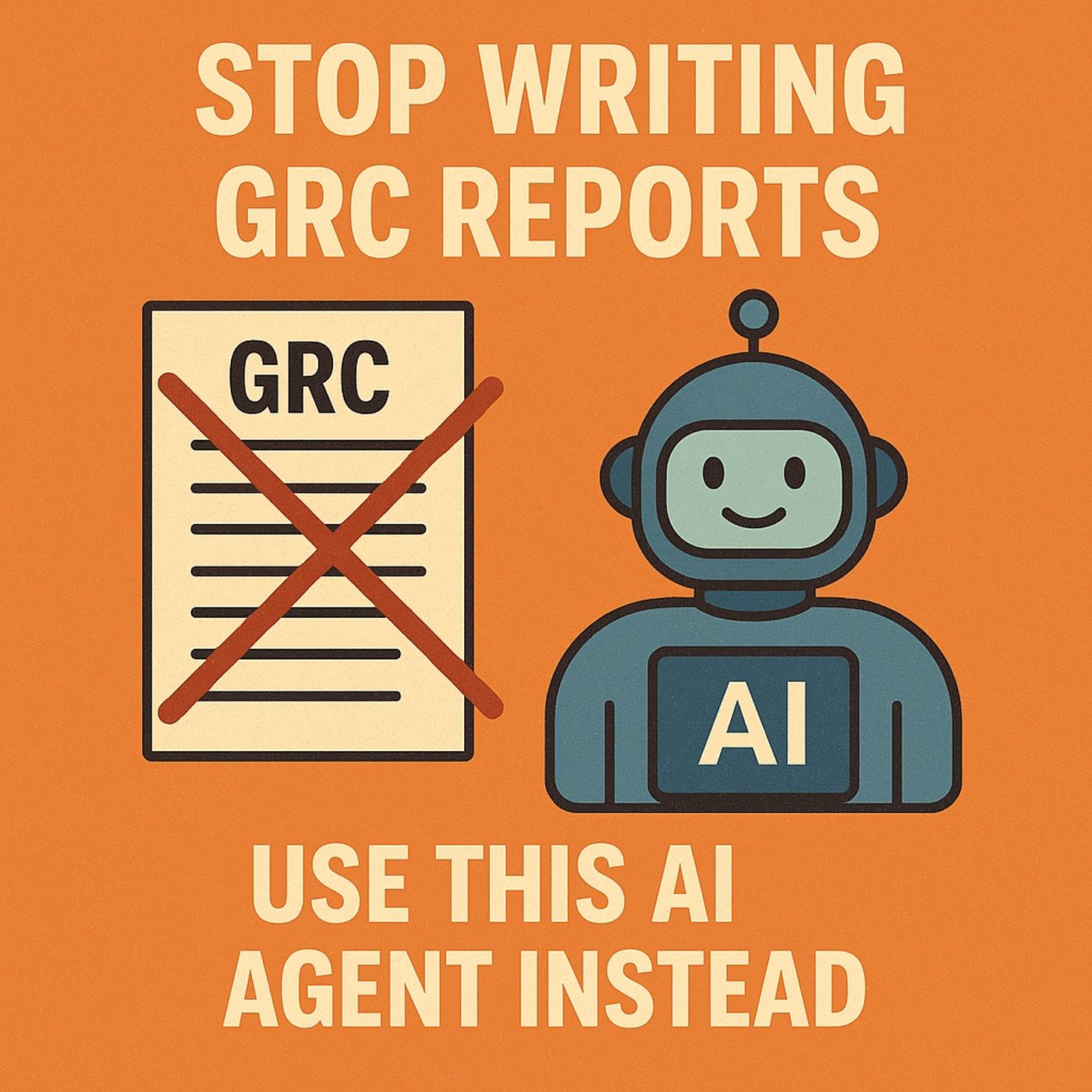
GRC reporting AI agent: use Purview, Power Automate, and Copilot Studio to automate audit logs into daily compliance reports
Season 1
Published 9 months, 3 weeks ago
Description
GRC reporting with AI agents: in this episode of M365.fm, Mirko Peters shows how to turn Microsoft Purview, Power Automate, and Copilot Studio into an autonomous GRC agent that writes your audit reports for you instead of trapping analysts in Excel hell. He opens with the familiar nightmare of manual compliance: exporting Purview logs to spreadsheets, building fragile pivot tables, and spending weeks maintaining “evidence” that is already outdated by the time auditors see it.
Mirko reframes most GRC work as pattern detection, not heroics. Activities like tracking risky logins, policy changes, and external sharing do not require human creativity; they require consistent ingestion, filtering, and summarization. That is exactly what his GRC agent does: Purview provides the raw audit memory, Power Automate orchestrates the pipeline on a schedule, and Copilot Studio converts JSON noise into human‑readable risk summaries and recommendations. Instead of dashboards that need interpretation, the agent sends finished narratives your executives and auditors can actually act on.
The episode then defines what this agent really is under the “AI” label. It is a structured, rules‑driven workflow that extracts Purview audit logs, filters for meaningful events (like RoleAssignmentChanged or ExternalSharingInvoked), normalizes them into a clean schema, and feeds them into Copilot Studio for explanation. Mirko emphasizes that the intelligence here is disciplined automation plus well‑designed prompts, not unpredictable black‑box guessing; you decide which events matter, how often reports run, and how findings are phrased.
He dives deep into the Purview data pipeline. Using either the Purview connector or direct API calls, Power Automate pulls audit events, enforces least‑privilege access via the Audit Logs Reader role, and then parses dense JSON structures into tidy fields like UserId, Operation, Workload, and ResultStatus. Along the way, he shows how to avoid flooding the system with low‑value events, how to handle nested arrays and odd data types, and how to test extraction logic with small sample runs before scaling to full tenant coverage.
Finally, Mirko explains the “one subtle design choice” that makes the agent safe to trust. Instead of letting Copilot improvise, you feed it structured counts, thresholds, and severity rules from Power Automate, then ask it only to explain and group, not to invent risk logic. The result is an autonomous auditor that runs every morning at 8:00, reads last day’s Purview data, applies your policy rules, and emails a clean GRC summary—freeing humans to investigate and decide instead of copy‑pasting logs all day.
WHAT YOU WILL LEARN
Mirko reframes most GRC work as pattern detection, not heroics. Activities like tracking risky logins, policy changes, and external sharing do not require human creativity; they require consistent ingestion, filtering, and summarization. That is exactly what his GRC agent does: Purview provides the raw audit memory, Power Automate orchestrates the pipeline on a schedule, and Copilot Studio converts JSON noise into human‑readable risk summaries and recommendations. Instead of dashboards that need interpretation, the agent sends finished narratives your executives and auditors can actually act on.
The episode then defines what this agent really is under the “AI” label. It is a structured, rules‑driven workflow that extracts Purview audit logs, filters for meaningful events (like RoleAssignmentChanged or ExternalSharingInvoked), normalizes them into a clean schema, and feeds them into Copilot Studio for explanation. Mirko emphasizes that the intelligence here is disciplined automation plus well‑designed prompts, not unpredictable black‑box guessing; you decide which events matter, how often reports run, and how findings are phrased.
He dives deep into the Purview data pipeline. Using either the Purview connector or direct API calls, Power Automate pulls audit events, enforces least‑privilege access via the Audit Logs Reader role, and then parses dense JSON structures into tidy fields like UserId, Operation, Workload, and ResultStatus. Along the way, he shows how to avoid flooding the system with low‑value events, how to handle nested arrays and odd data types, and how to test extraction logic with small sample runs before scaling to full tenant coverage.
Finally, Mirko explains the “one subtle design choice” that makes the agent safe to trust. Instead of letting Copilot improvise, you feed it structured counts, thresholds, and severity rules from Power Automate, then ask it only to explain and group, not to invent risk logic. The result is an autonomous auditor that runs every morning at 8:00, reads last day’s Purview data, applies your policy rules, and emails a clean GRC summary—freeing humans to investigate and decide instead of copy‑pasting logs all day.
WHAT YOU WILL LEARN
- Why manual GRC reporting on Purview logs is a time‑wasting illusion of control.
- What a GRC AI agent really is: Purview for data, Power Automate for orchestration, Copilot Studio for narrative.
- How to build the Purview data pipeline: connect, filter, parse JSON, and normalize events.
- How to design prompts so Copilot summarizes structured risk data instead of guessing.
- How to schedule, secure, and monitor the agent so it becomes a reliable autonomous auditor.
Listen Now
Love PodBriefly?
If you like Podbriefly.com, please consider donating to support the ongoing development.
Support Us