Episode Details
Back to Episodes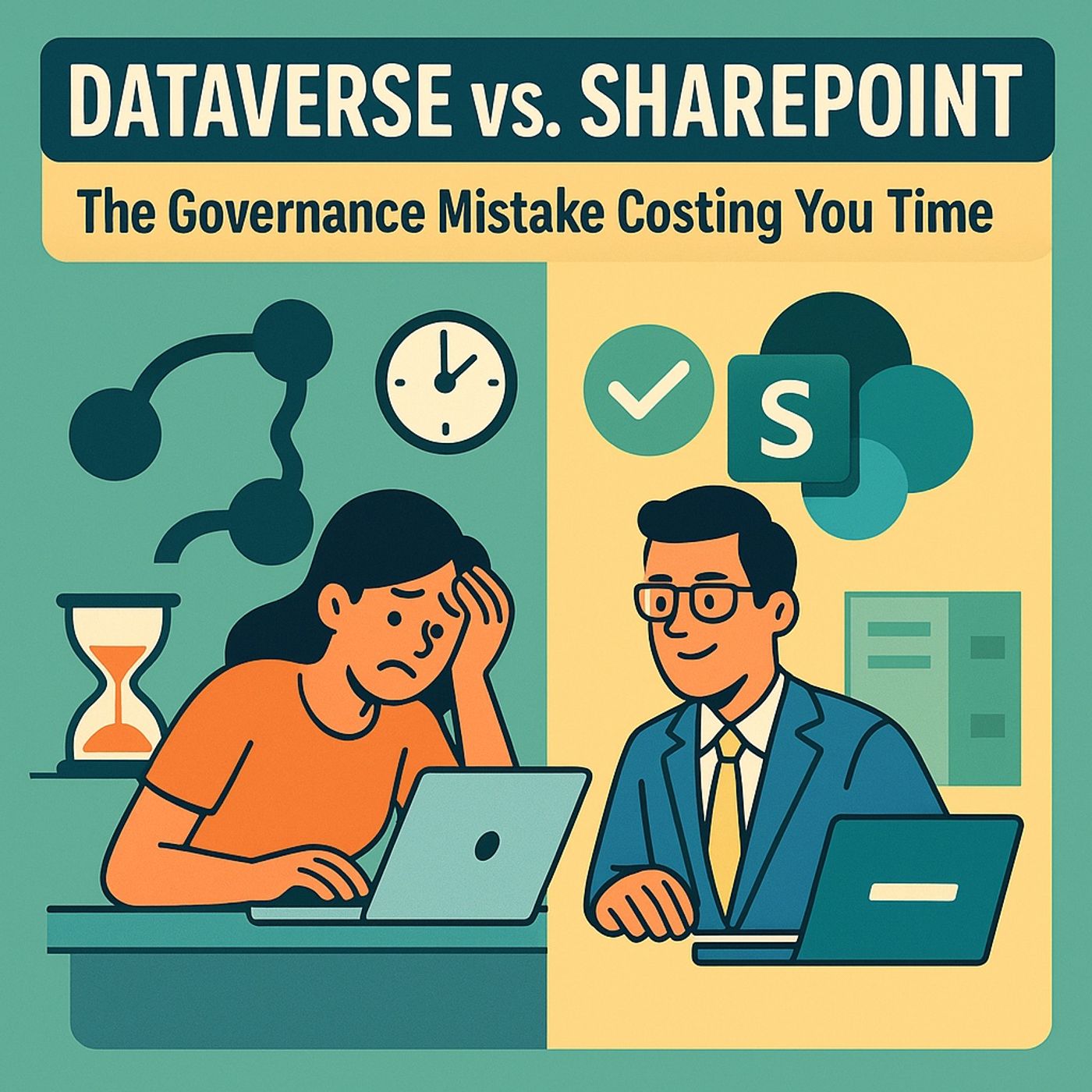
Dataverse vs SharePoint governance: when your Power Apps must move off lists to scale and stay compliant
Season 1
Published 9 months, 2 weeks ago
Description
Dataverse vs SharePoint governance: in this episode of M365.fm, Mirko Peters explains why starting every Power Apps project with SharePoint Lists feels “free” but quietly creates governance, data quality, and scaling problems that Dataverse was built to prevent. He starts with the convenience trap: clicking “Create List” looks like instant progress, but that Monday‑morning prototype becomes a Friday‑afternoon department system—and by quarter’s end, it has mutated into an ungovernable swamp of attachments, ad‑hoc permissions, and broken relationships.
Mirko unpacks how this sprawl begins. SharePoint Lists are treated like glorified spreadsheets with a nicer UI, so teams spin up request trackers, budget lists, onboarding logs, and maintenance registers in separate sites with no shared schema or ownership. Each list evolves independently, with inconsistent column names, data types, and lookup patterns, until reporting across them becomes an archaeological dig rather than analytics. What felt like agility turns into fragmentation, with multiple “sources of truth” and no easy way to enforce retention, data quality, or access rules.
He then dives into the hard limits you only hit once it is too late: delegation boundaries, 5,000‑item view thresholds, lookup ceilings, and throttling. Power Apps begins to drop records silently, galleries slow down, and automation fails intermittently as list size and complexity grow. Meanwhile, attachments bloat storage, version history obscures intent, and business‑critical data hides inside private Team sites no one documented—creating compliance risks and operational blind spots that no amount of manual cleanup can fully fix.
Against this backdrop, Mirko positions Dataverse not as a luxury, but as the governance engine you should have started with. Dataverse brings relational schema, referential integrity, field‑level security, environment isolation, audit logs, and managed ALM—everything SharePoint was never designed to provide. He explains how modeling projects, tasks, and related entities in Dataverse gives Power Apps, Power Automate, and Power BI a stable backbone to build on, instead of duct‑taping lists together and hoping delegation does not implode your logic.
Throughout the episode, you get a practical decision framework. SharePoint Lists remain valid for small, low‑risk, collaboration‑centric scenarios—prototypes, simple trackers, static reference data—while Dataverse should be the default for anything with multiple tables, growing record counts, cross‑team access, or reporting and compliance requirements. Mirko gives you language to explain to stakeholders that Dataverse is not “expensive storage,” but the cost of avoiding the much bigger bill of migration, audit findings, and re‑platforming once a “simple list” accidentally becomes a critical system.
WHAT YOU WILL LEARN
Mirko unpacks how this sprawl begins. SharePoint Lists are treated like glorified spreadsheets with a nicer UI, so teams spin up request trackers, budget lists, onboarding logs, and maintenance registers in separate sites with no shared schema or ownership. Each list evolves independently, with inconsistent column names, data types, and lookup patterns, until reporting across them becomes an archaeological dig rather than analytics. What felt like agility turns into fragmentation, with multiple “sources of truth” and no easy way to enforce retention, data quality, or access rules.
He then dives into the hard limits you only hit once it is too late: delegation boundaries, 5,000‑item view thresholds, lookup ceilings, and throttling. Power Apps begins to drop records silently, galleries slow down, and automation fails intermittently as list size and complexity grow. Meanwhile, attachments bloat storage, version history obscures intent, and business‑critical data hides inside private Team sites no one documented—creating compliance risks and operational blind spots that no amount of manual cleanup can fully fix.
Against this backdrop, Mirko positions Dataverse not as a luxury, but as the governance engine you should have started with. Dataverse brings relational schema, referential integrity, field‑level security, environment isolation, audit logs, and managed ALM—everything SharePoint was never designed to provide. He explains how modeling projects, tasks, and related entities in Dataverse gives Power Apps, Power Automate, and Power BI a stable backbone to build on, instead of duct‑taping lists together and hoping delegation does not implode your logic.
Throughout the episode, you get a practical decision framework. SharePoint Lists remain valid for small, low‑risk, collaboration‑centric scenarios—prototypes, simple trackers, static reference data—while Dataverse should be the default for anything with multiple tables, growing record counts, cross‑team access, or reporting and compliance requirements. Mirko gives you language to explain to stakeholders that Dataverse is not “expensive storage,” but the cost of avoiding the much bigger bill of migration, audit findings, and re‑platforming once a “simple list” accidentally becomes a critical system.
WHAT YOU WILL LEARN
- Why SharePoint Lists are great for quick collaboration but fragile as a long‑term datasource.
- How list sprawl, schema drift, and lookup hacks turn “citizen development” into data anarchy.
- Which technical limits (delegation, thresholds, lookups, throttling) break list‑backed Power Apps at scale.
- How Dataverse provides relational structure, security, and ALM that SharePoint Lists can’t match.
Listen Now
Love PodBriefly?
If you like Podbriefly.com, please consider donating to support the ongoing development.
Support Us