Episode Details
Back to Episodes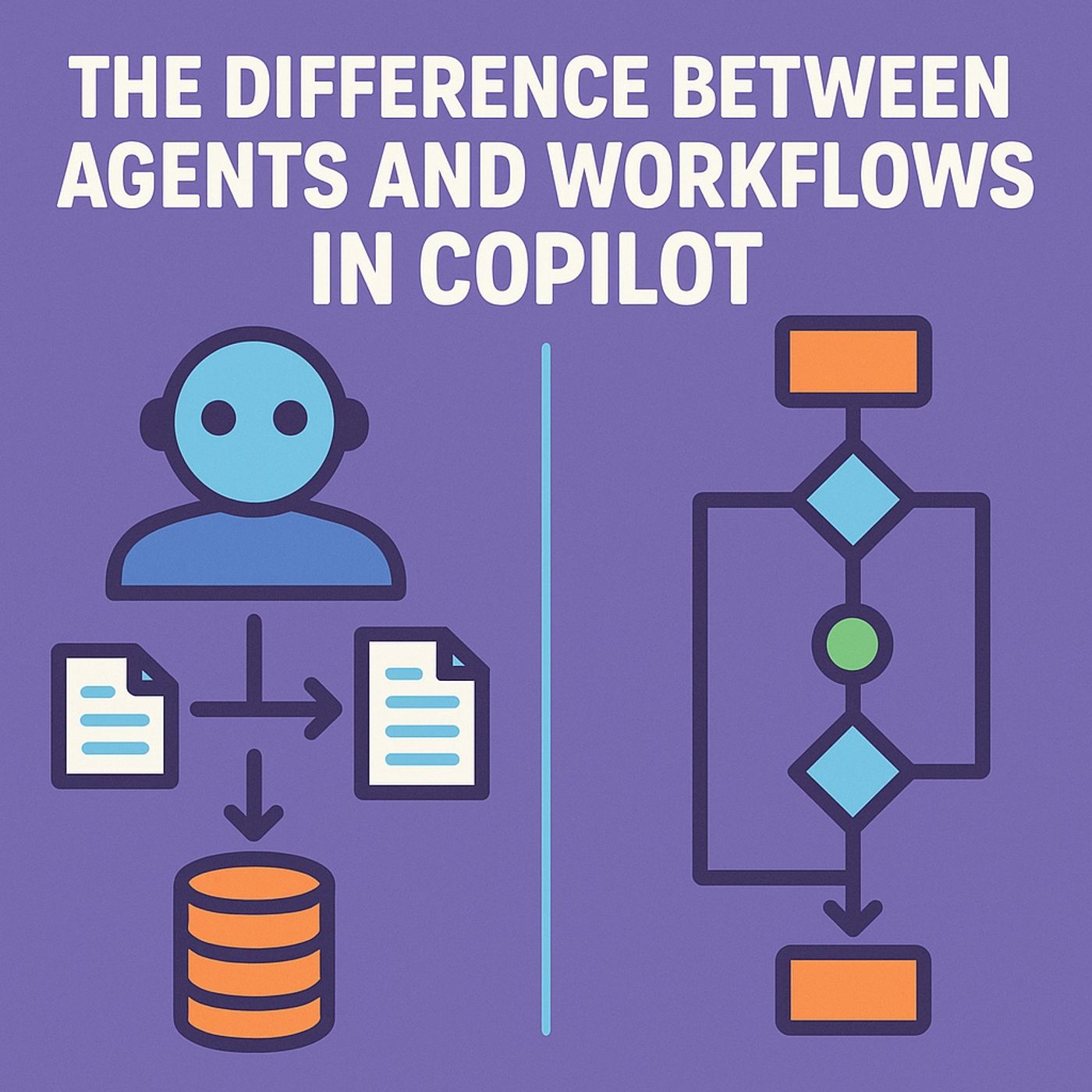
The Difference Between Agents and Workflows in Copilot
Published 4 months, 1 week ago
Description
People keep calling these “AI automations” like that phrase means anything. It doesn’t. You can’t lump a Copilot Studio agent and a Power Automate workflow into the same conceptual bucket any more than you can call a Roomba and a human housekeeper “similar cleaning devices.” One follows strict routines; the other interprets messy instructions and improvises when things get weird. Understanding that difference isn’t academic—it’s operational survival. Because as soon as you let an autonomous agent act on data tied to money, compliance, or customers, you’ve handed it real power. Power without supervision becomes chaos, and chaos in Power Platform means a thousand orphaned flows doing contradictory tasks. That’s why you need to get this right—the architecture decides whether you’re running automation or babysitting digital toddlers.Defining the Agent: Autonomy, Goals, and ToolsAn autonomous agent in Copilot Studio isn’t just a glorified flow with prettier prompts. It’s a composite system built around three principles: autonomy, goal-seeking, and tool use. Let’s start with autonomy, because that’s where everyone gets nervous. A workflow executes when you tell it to—when a trigger fires, a condition is met, a loop runs. It has no initiative, no memory, and no context beyond that instant. An agent, on the other hand, evaluates inputs continuously through a reasoning layer—what Copilot Studio calls generative orchestration. That means it constructs a plan dynamically, deciding which tool to use, what to request, and whether it even can complete the action based on its own understanding of the instructions. It’s like comparing a vending machine to a personal assistant: both respond to commands, but only one might say, “That’s not available—here’s an alternative.”Next: goals. Traditional automation has steps; agents have objectives. When you define an agent in Copilot Studio, you don’t script each minor behavior—you describe the business outcome. “Evaluate claims and set a status based on policy.” That single sentence becomes its charter. The internal orchestration model then breaks that into tasks and sub-decisions. It’s not blindly running a recipe; it’s reasoning through the policy like a junior analyst trained by the system. And yes, that implies it can misinterpret nuance, which is why governance features like Agent Feed exist—to observe, correct, retrain, and supervise. A workflow doesn’t require trust; an agent does, because it will continue to act without your explicit consent until a policy intervenes.Now the third pillar: tools. This is the part that breaks most people’s mental model. Agents don’t magically write data or send emails—they still require connectors, actions, Power Platform APIs, Dataverse tables, the same toy box used by Automate flows. The difference is who decides when to grab the toy. You hand an agent a toolbox; it decides which wrench to use. In Power Automate, you’re the craftsman and the wrench moves when you move. In a Copilot agent, the wrench picks itself up at 3 a.m. because a rule triggered its sense of duty. And if that metaphor unsettles you, good—it should. That’s autonomy, bounded by authorization and connection references you configure.So the simple version: workflows are deterministic; agents are probabilistic within boundaries you define. Workflows execute defined logic. Agents pursue defined intent. One requires instructions; the other requires supervision. Understanding those roles isn’t just semantics—it’s the architectural foundation of AI in the Power Platform.Defining the Workflow: Fixed Steps and OrchestrationAlright, now that we’ve dissected the autonomous agent, let’s look at its more obedient cousin: the traditional Power Automate workflow. A workflow is a sequence of conditional statements pretending to be intelligence. It doesn’t think; it just follows your flowchart with religious devotion. The moment its trigger conditions are satisfied—say, “when an email arrives” or “when a row