Episode Details
Back to Episodes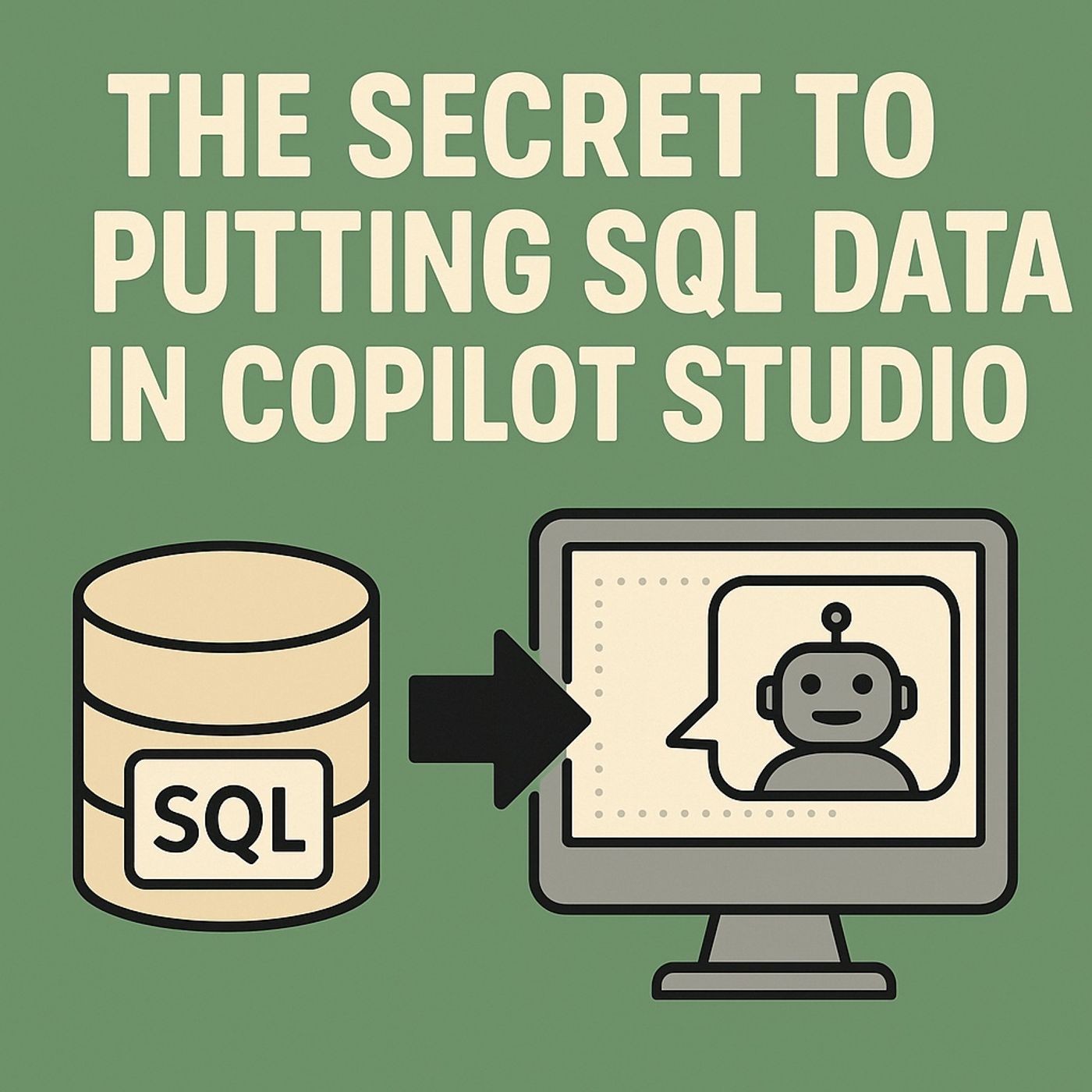
Power Platform SQL integration: how to put on‑prem data into Copilot Studio safely
Season 1
Published 8 months, 4 weeks ago
Description
(00:00:00) The Limitations of AI Without Data
(00:00:30) The Data Gateway: A Secure Bridge
(00:00:49) The Power of Structured Data
(00:03:14) The Data Gateway Explained
(00:04:12) Secure and Scalable Implementation
(00:07:16) Teaching Copilot to Read Your Data
(00:11:33) Giving Copilot Hands: Controlled Write Backs
(00:16:36) Designing the Hybrid Brain
(00:20:08) The Secret to Hybrid AI Success
In this episode of M365.fm, Mirko Peters explains how to connect your real SQL Server data to Microsoft Copilot Studio so copilots stop hallucinating and start answering from live, governed SQL tables. He shows why the Power Platform data gateway is the spine of hybrid AI—an outbound‑only, encrypted tunnel that lets Copilot read and write SQL data behind the firewall without opening inbound ports, replicating databases, or exporting CSVs to the cloud. You will learn how to reach hybrid parity: cloud intelligence on top of on‑premises memory, with zero raw data exposure and full control over where queries run and how they are audited.
Mirko walks through the full architecture: SQL Server as the memory, the data gateway as the encrypted spine, Copilot Studio and the Power Platform as the brain, and Teams or web chat as the face users interact with every day. He explains how one gateway cluster can serve Power BI, Power Apps, Power Automate, and Copilot Studio, and why high‑availability clusters plus outbound‑only rules give you both resilience and security. You’ll hear how to add Azure SQL via the gateway as a knowledge source in Copilot Studio, choose the right authentication model, and expose clean views (with friendly column names and read‑optimized joins) so prompts turn into efficient, predictable T‑SQL instead of random full‑table scans.
The episode then dives into giving Copilot hands with SQL Actions and safe write‑backs. Mirko shows how to define actions for inserts, updates, and stored procedure calls with strict parameter prompts, separate read and write connections for least privilege, and confirmation steps for critical operations like changing limits or approving orders. He covers how every write flows through encrypted channels, lands in transaction logs, and can be traced end‑to‑end—from the original chat intent to the committed row—with telemetry in Log Analytics or Sentinel. You also get a practical implementation checklist, from installing the gateway and creating clusters to indexing views, scheduling metadata refreshes, and wiring runbooks for day‑two operations.
By the end of the episode, you will see that Copilot without SQL context is just eloquent guesswork—but Copilot grounded via the data gateway becomes a real front end to your operational data. If you own hybrid AI, compliance, or Power Platform strategy and want a concrete, auditable way to bring SQL Server into Copilot Studio without breaking security rules, this conversation gives you the architecture, language, and controls you need.
WHAT YOU WILL LEARN
(00:00:30) The Data Gateway: A Secure Bridge
(00:00:49) The Power of Structured Data
(00:03:14) The Data Gateway Explained
(00:04:12) Secure and Scalable Implementation
(00:07:16) Teaching Copilot to Read Your Data
(00:11:33) Giving Copilot Hands: Controlled Write Backs
(00:16:36) Designing the Hybrid Brain
(00:20:08) The Secret to Hybrid AI Success
In this episode of M365.fm, Mirko Peters explains how to connect your real SQL Server data to Microsoft Copilot Studio so copilots stop hallucinating and start answering from live, governed SQL tables. He shows why the Power Platform data gateway is the spine of hybrid AI—an outbound‑only, encrypted tunnel that lets Copilot read and write SQL data behind the firewall without opening inbound ports, replicating databases, or exporting CSVs to the cloud. You will learn how to reach hybrid parity: cloud intelligence on top of on‑premises memory, with zero raw data exposure and full control over where queries run and how they are audited.
Mirko walks through the full architecture: SQL Server as the memory, the data gateway as the encrypted spine, Copilot Studio and the Power Platform as the brain, and Teams or web chat as the face users interact with every day. He explains how one gateway cluster can serve Power BI, Power Apps, Power Automate, and Copilot Studio, and why high‑availability clusters plus outbound‑only rules give you both resilience and security. You’ll hear how to add Azure SQL via the gateway as a knowledge source in Copilot Studio, choose the right authentication model, and expose clean views (with friendly column names and read‑optimized joins) so prompts turn into efficient, predictable T‑SQL instead of random full‑table scans.
The episode then dives into giving Copilot hands with SQL Actions and safe write‑backs. Mirko shows how to define actions for inserts, updates, and stored procedure calls with strict parameter prompts, separate read and write connections for least privilege, and confirmation steps for critical operations like changing limits or approving orders. He covers how every write flows through encrypted channels, lands in transaction logs, and can be traced end‑to‑end—from the original chat intent to the committed row—with telemetry in Log Analytics or Sentinel. You also get a practical implementation checklist, from installing the gateway and creating clusters to indexing views, scheduling metadata refreshes, and wiring runbooks for day‑two operations.
By the end of the episode, you will see that Copilot without SQL context is just eloquent guesswork—but Copilot grounded via the data gateway becomes a real front end to your operational data. If you own hybrid AI, compliance, or Power Platform strategy and want a concrete, auditable way to bring SQL Server into Copilot Studio without breaking security rules, this conversation gives you the architecture, language, and controls you need.
WHAT YOU WILL LEARN
- Why copilots without SQL grounding produce fluent hallucinations instead of reliable answers.
- How the Power Platform data gateway works as an encrypted, outbound‑only spine for hybrid AI.
- How to expose SQL views as Copilot Studio knowledge sources for live, read‑only queries.
- How to design SQL Actions for safe writeback