Episode Details
Back to Episodes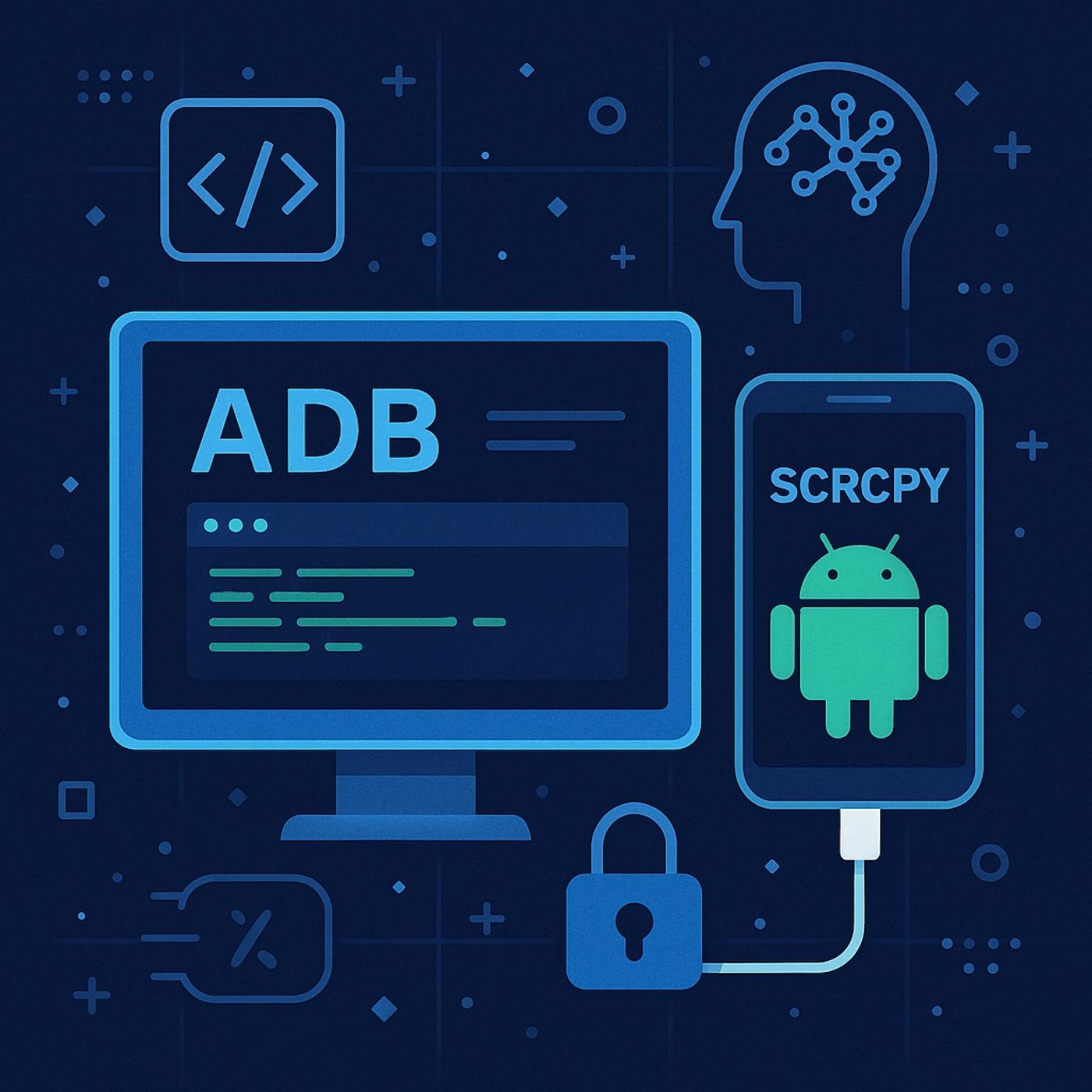
Course 5 - Full Mobile Hacking | Episode 4: Comprehensive Android Debugging and Control: ADB, SCRCPY, and Security Manipulation
Published 11 months, 2 weeks ago
Description
In this lesson, you’ll learn about:
- ADB & SCRCPY — purpose & components (conceptual):
- What the Android Debug Bridge (ADB) is (a client/daemon/server communication layer) and its role for device management, debugging, and automation in development and incident response.
- What SCRCPY (screen‑mirror tool) does: mirror and control an Android device screen from a desktop for testing and demonstrations.
- Common ADB capabilities (overview, non‑actionable):
- Device enumeration and an interactive device shell as a controlled interface for diagnostics.
- High‑level categories of system utilities accessible via the shell (activity management, package management, device policies, screen capture) and why they matter for dev, testing, and forensics.
- Wireless vs. wired connectivity tradeoffs (risk surface of enabling remote ADB/TCP) — conceptual only.
- System management utilities (what they are & why they’re useful):
- Activity Manager (am): monitoring app lifecycle and services (useful for debugging and detection).
- Package Manager (pm): inventorying installed apps, checking app metadata, and assessing potential risk from side‑loaded packages.
- Device Policy Manager (dpm): obtaining security posture indicators and enforcing enterprise policies.
- Screen capture utilities: capturing screenshots or video for debugging and evidence collection — emphasise consent and chain‑of‑custody when used for forensics.
- Screen mirroring & remote control (defensive uses):
- How mirroring aids usability testing, accessibility demos, and secure classroom demos — and the importance of using it only on devices you control.
- Security considerations: ensure mirroring is used on isolated networks and trusted hosts to avoid leaking sensitive data.
- Security risks & hardening recommendations (practical, non‑actionable):
- Disable USB debugging on production devices; enable only in controlled lab/dev environments.
- Avoid enabling ADB over TCP on public or untrusted networks; prefer wired/authorized sessions.
- Enforce ADB authorization (device ↔ host key confirmation) and rotate management keys in enterprise settings.
- Remove or restrict developer options and sideloading on production/managed devices via MDM.
- Use device encryption, strong lock screens, and biometrics as an additional layer of defense.
- Forensic & incident‑response perspective (safe practices):
- How ADB and related tools can be used legally and ethically for device triage in authorized investigations (collection of logs, capturing screenshots, listing installed packages) — emphasize documentation, consent, and evidentiary chain of custody.
- Prefer read‑only collection methods and snapshotting (VMs, emulator states) during lab analysis to avoid contaminating evidence.
- Use instrumented emulators or disposable test devices for any dynamic analysis.
- Ethics, legality & authorization:
- Clear rule: do not attempt privilege escalation, device unlocking, or bypassing authentication on devices without explicit, documented authorization from the device owner and appropriate legal clearance.
- University lab policy suggestions: require signed authorization, isolated networks, and instructor oversight for any hands‑on mobile analysis.
- Safe classroom exercises & demos:
- Manifest & package inventory lab: students inspect app manifests and package metadata (provided benign APKs) to spot excessive permissions.
- Mirroring demo: use SCRCPY to demonstrate UI workflows on an emulator or instructor‑controlled device (network is